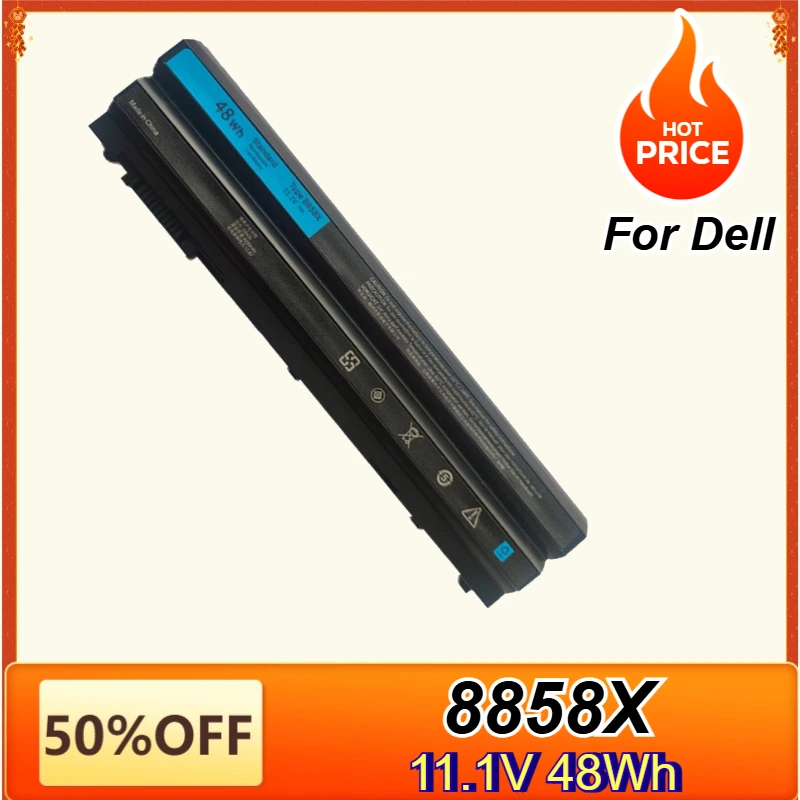
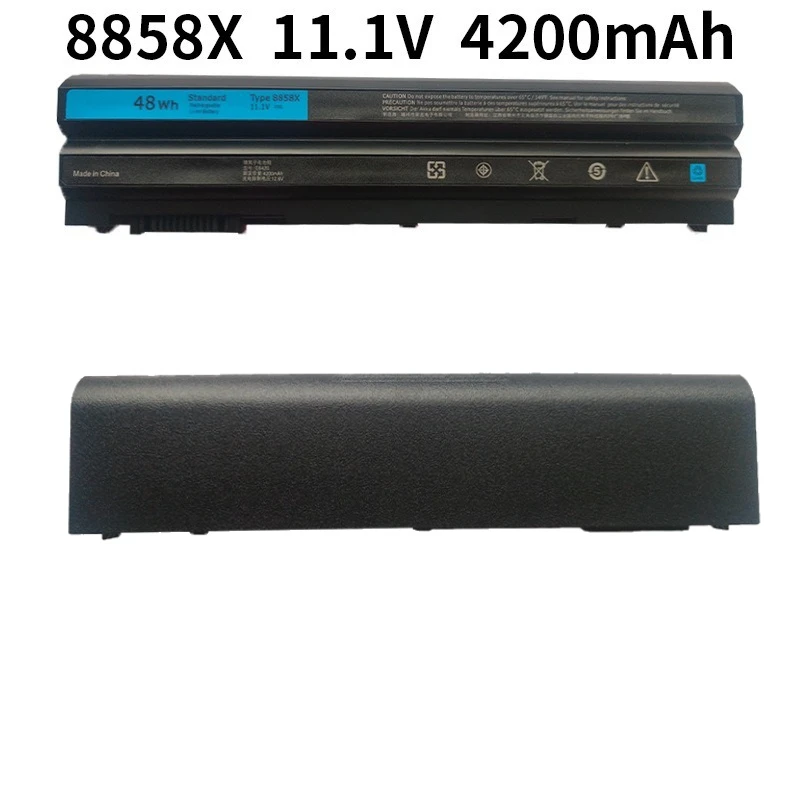
8858X Laptop Battery for Dell Inspiron 14R 5420 15R 5520 17R 5720 7720 4420 Latitude E5420 E5530 E6420 E6430 Vostro 3460 3560
Regular price
$186.91
$186.91
SPECIFICATIONS
Battery Voltage: 11.1V 48WH
Brand Name: NoEnName_Null
Certification: CE
Compatible Brand: Dell(ru)
High-concerned chemical: None
Model Number: 8858X T54FJ M5Y0X
Origin: Mainland China
Package: Yes
Part Number: 8858X
Type: Li-Ion
Note that this battery comes in 3 models: 8858X, T54FJ, and M5Y0X. Their capacity and battery size is different, some computers are not compatible, please choose the same model of battery with your original battery, to prevent the purchase error caused by the battery can not work properly!
Specification:
Battery type : Li-ion Voltage : 11.1V Capacity : 48Wh
Compatible With Part Number:
04NW9 / 2P2MJ / 312-1163 / 312-1164 / 312-1242 / 312-1323 / 312-1324 / 312-1325 / 4YRJH /
8858X / 911MD / CWVXW / DHT0W / HCJWT / KJ321 / M1Y7N / M5Y0X / NHXVW / P8TC7 /
P9TJ0 / PRRRF / RU485 / T54F3 / T54FJ / UJ499 / YKF0M / X57F1 / R48V3 / 312-1310 / 312-1311 / 451-11947 / 8P3YX
Compatible Models:
Replacement for Dell Latitude E5420 Series / E5420 N-Series / E5430 Series / E5520 Series / E5520 BRC 6 Series / E5520 N-Series / E5520m Series / E5530 Series / E6420 Series / E6420 N-Series / E6420 ATG Series / E6420 XFR Series / E6430 Series / E6430 ATG Series / E6430 XFR Series / E6520 Series / E6520 N-Series / E6530 Series
Inspiron 4420 / 4520 / 4720 / 5420 / 5425 / 5520 / 5525 / 5720 / 7420 / 7520 / 7720 / M421R / M521R / N4420 / N4520 / N4720 / N5420 / N5520 / N5720 / N7420 / N7520 / N7720 / 14R 14R-4420 / 14R 14R-5420 / 14R 14R-5425 / 14R 14R-7420 / 14R 14R-SE-4420 / 14R 14R-SE-5420 / 14R 14R-SE-7420 / 14R 14R-SE / 14R 14R Turbo / 15R 15R-4520 / 15R 15R-5520 / 15R 15R-5525 / 15R 15R-7520 / 15R 15R-SE-4520 / 15R 15R-SE-5520 / 15R 15R-SE-7520 / 15R 15R-SE / 15R 15R Turbo / 17R 17R-4720 / 17R 17R-5720 / 17R 17R-7720 / 17R 17R-SE / 17R 17R-SE-4720 / 17R 17R-SE-5720 / 17R 17R-SE-7720 / 17R 17R Turbo
Replacement for Dell Vostro 3460 3560 Series
Laptop battery instruction:
1. First check if the battery is the same size as your original battery after receiving it. When installing the battery, pay attention to whether the battery cable is fixed. If the battery cable is not installed correctly, the battery may not be charged.
2. If you use the battery for the first time after installing the battery, please do not charge the battery immediately, first use the battery to 10-20%, and then charge the battery, and cycle charging 5-6 times to activate the maximum use of the battery space.
3. We recommend that you search for battery removal tutorials on the Internet in advance, or seek help from a professional technician. We won't responsible for any damage due to improper operation.