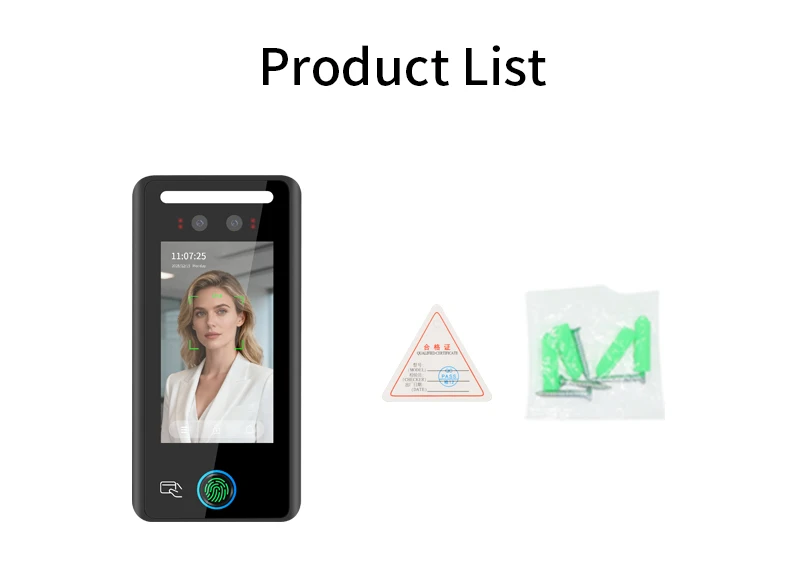
AI-Powered Biometric Fingerprint and Face Recognition 4.3in Turnstile Card Reader for Time Attendance and Access Control
Regular price
$359.08
$359.08
SPECIFICATIONS
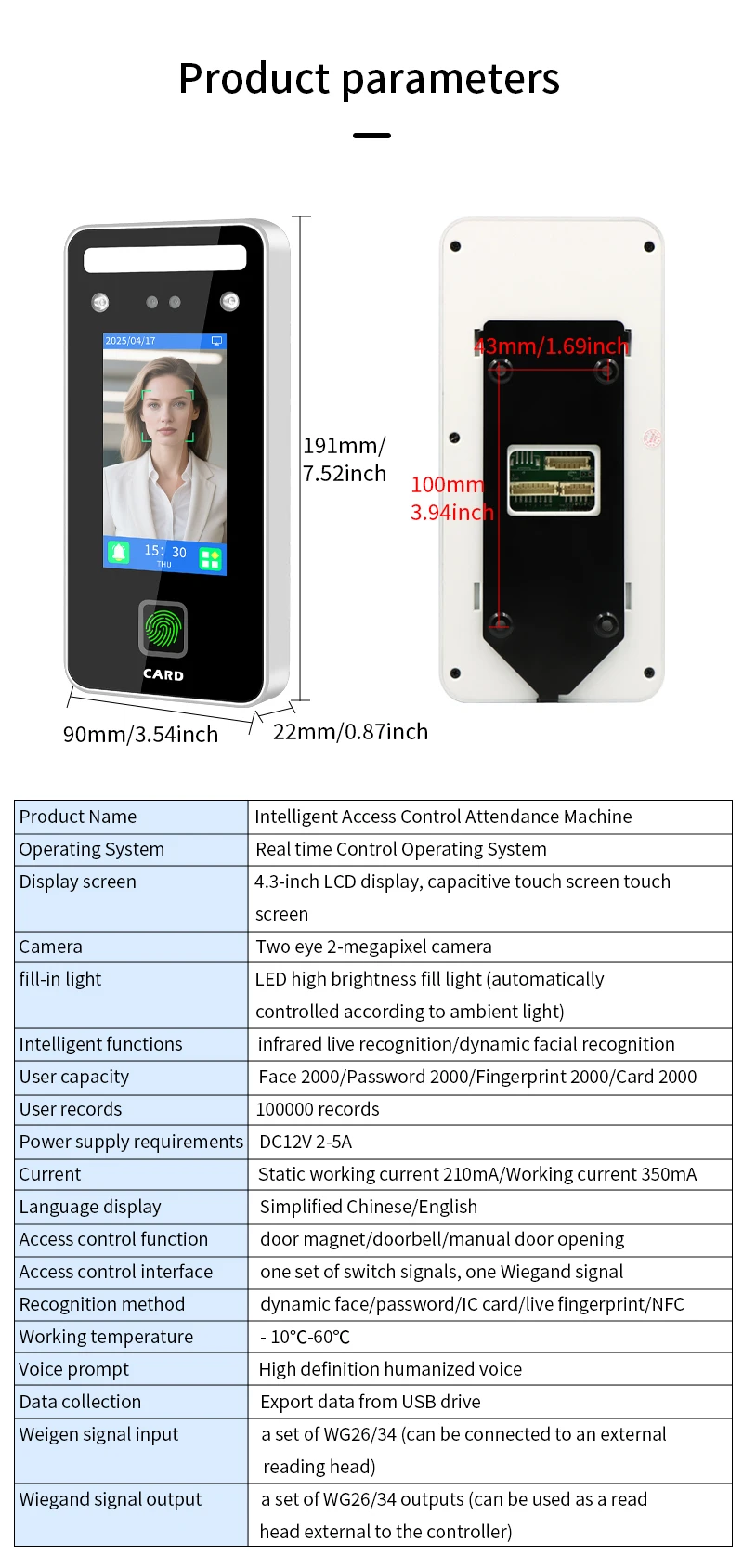
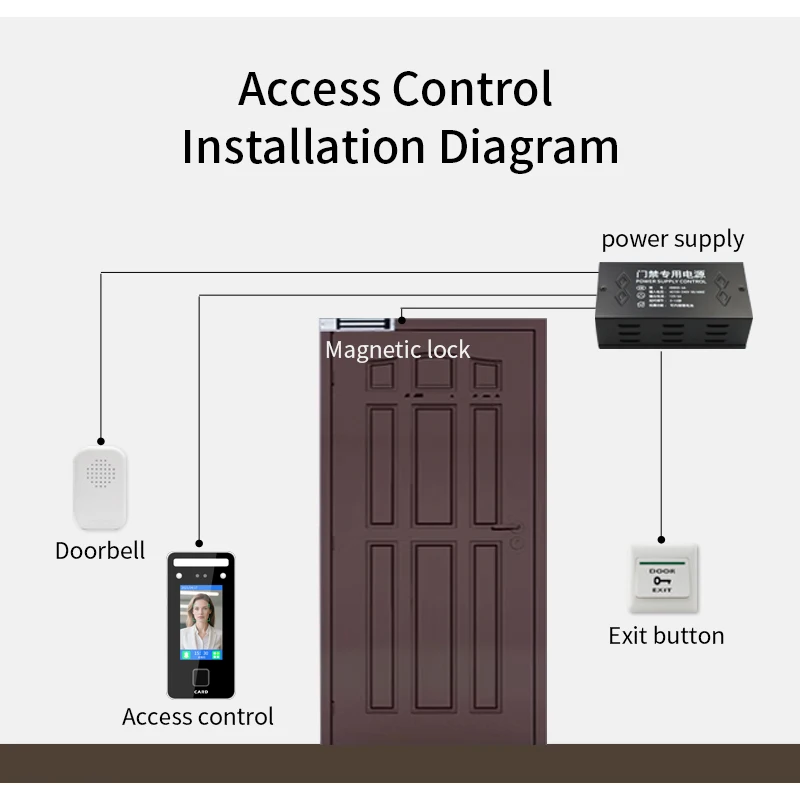
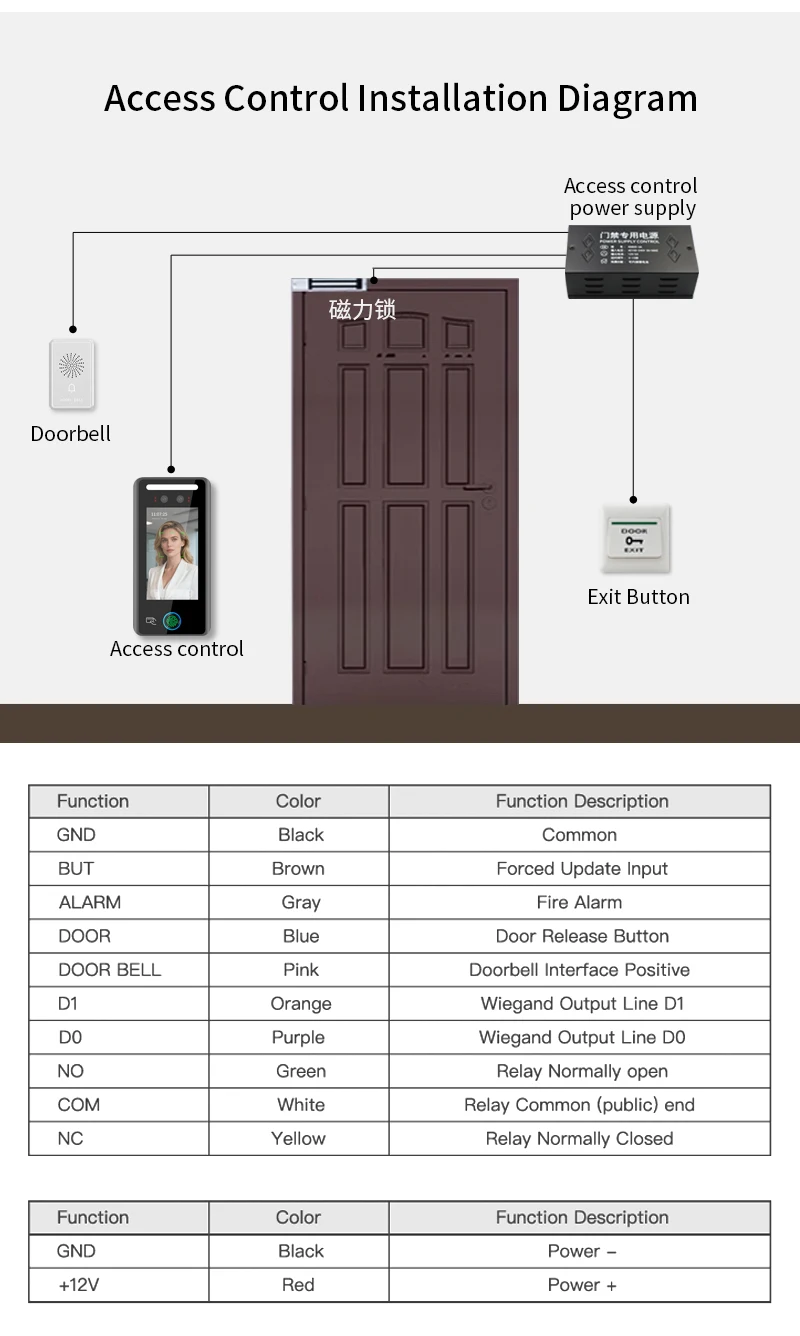
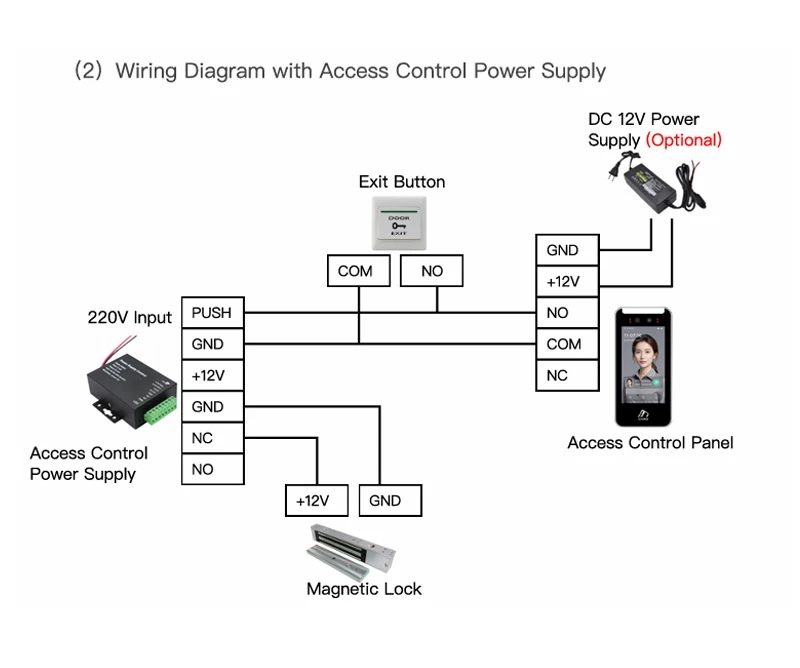
Access control function: Door sensor/doorbell/manual door opening
Access control interlace: A set of switchingsignals, a setofWiegand signals
Brand Name: LUCKING DOOR
Certification: CE,FCC
Choice: yes
Communication methods: TCP/IP wired communication/(WiFioptional)
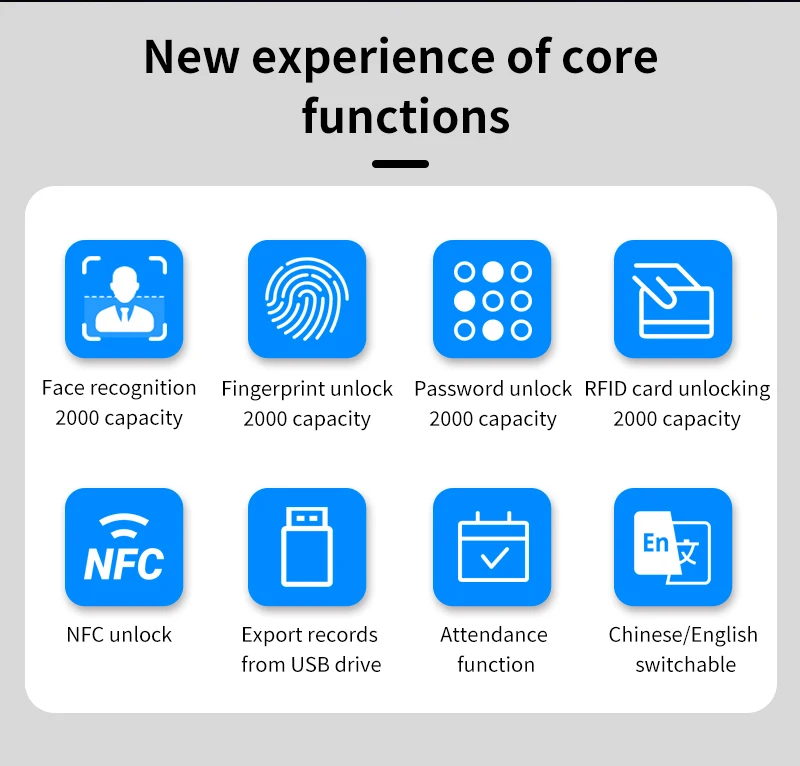
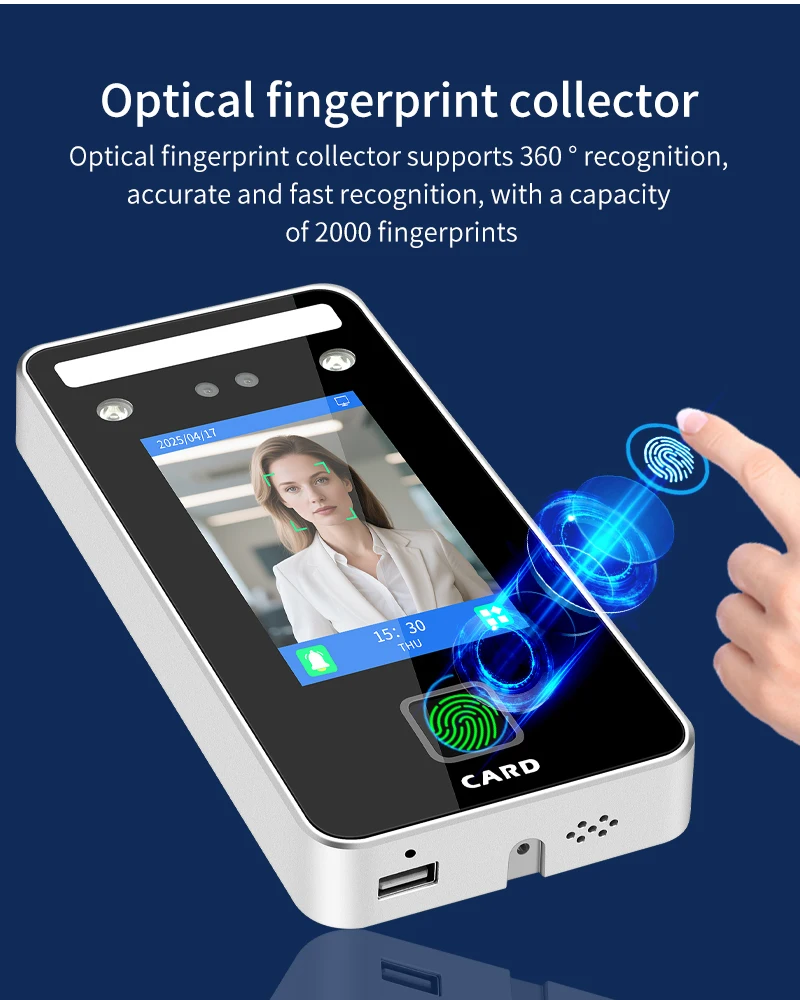
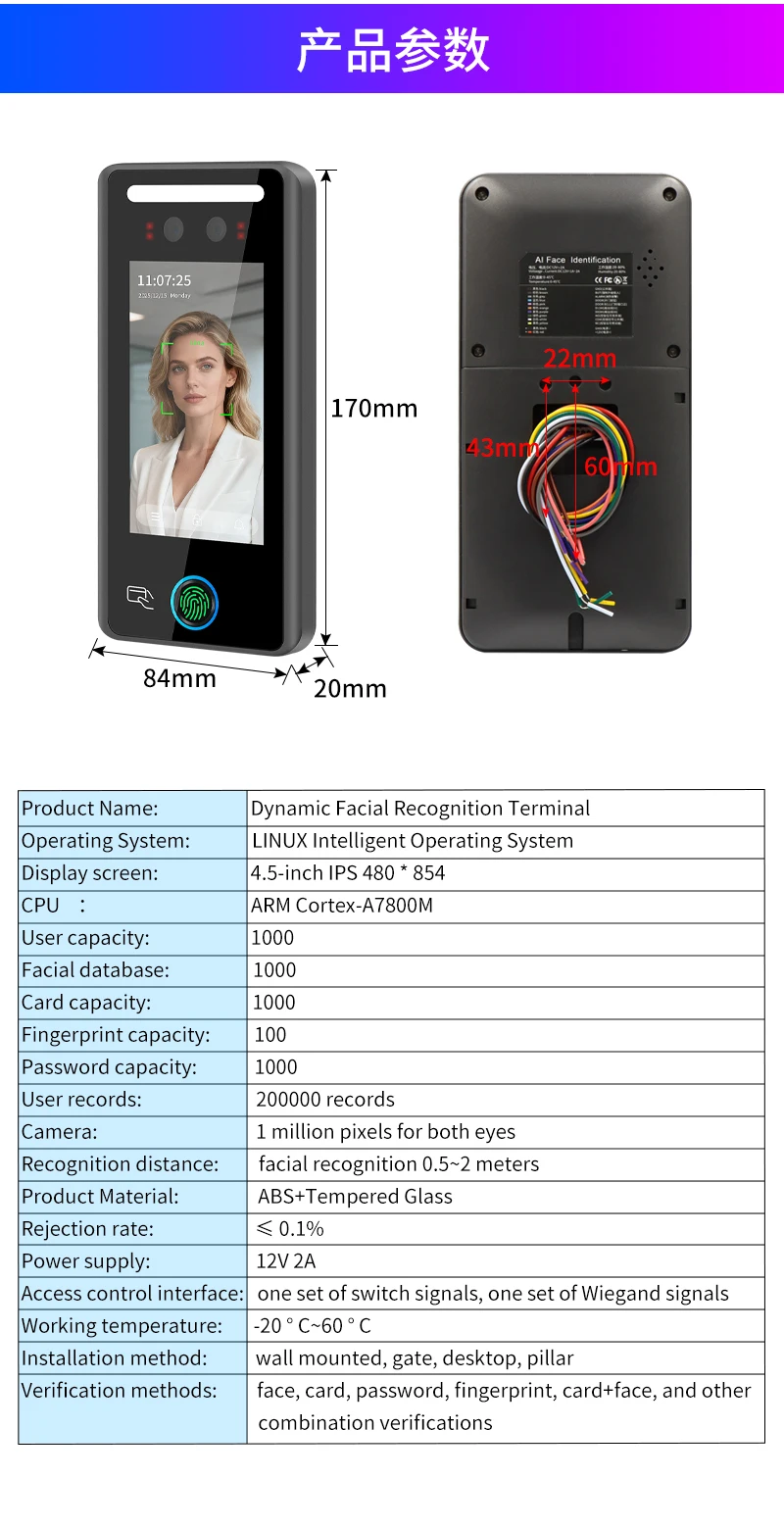
Face/password/card/fingerprint: 2000/2000/2000/2000
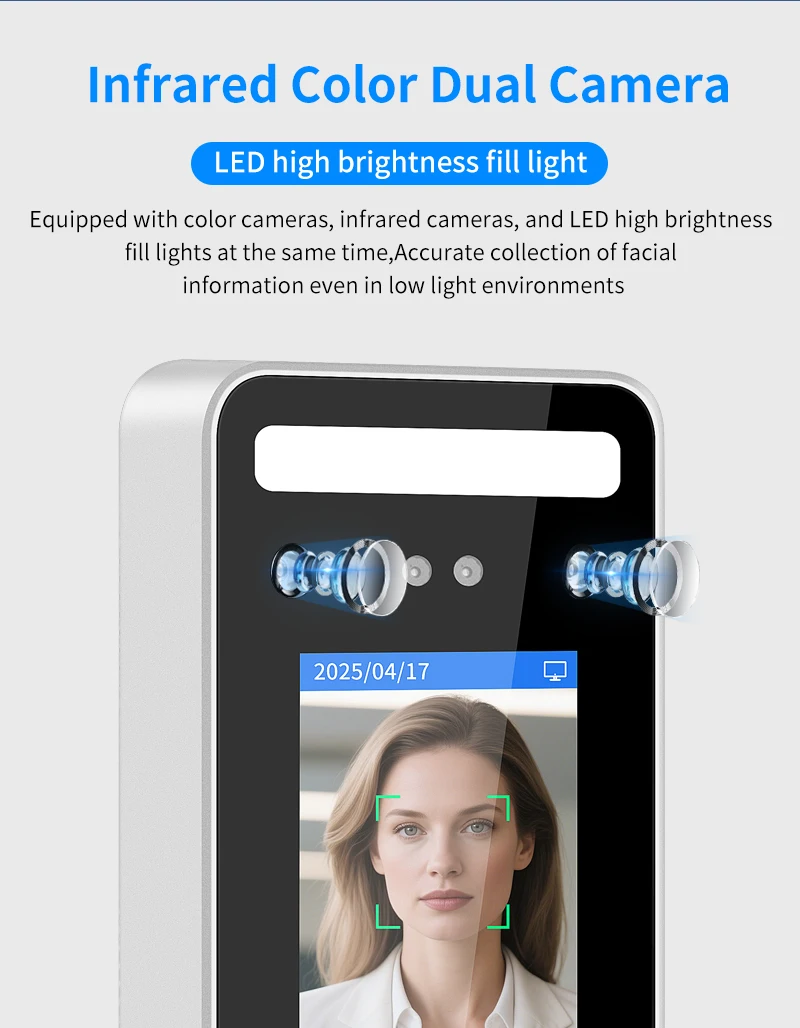
Fill light: LED high light fllinglamp (automatic control according toambient light)
High-concerned chemical: None
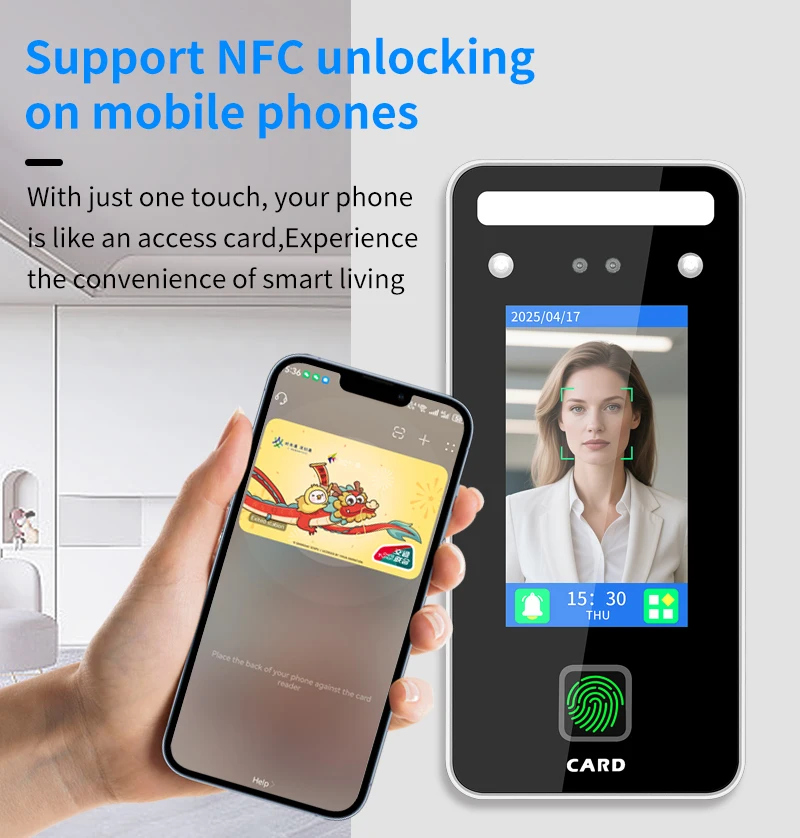
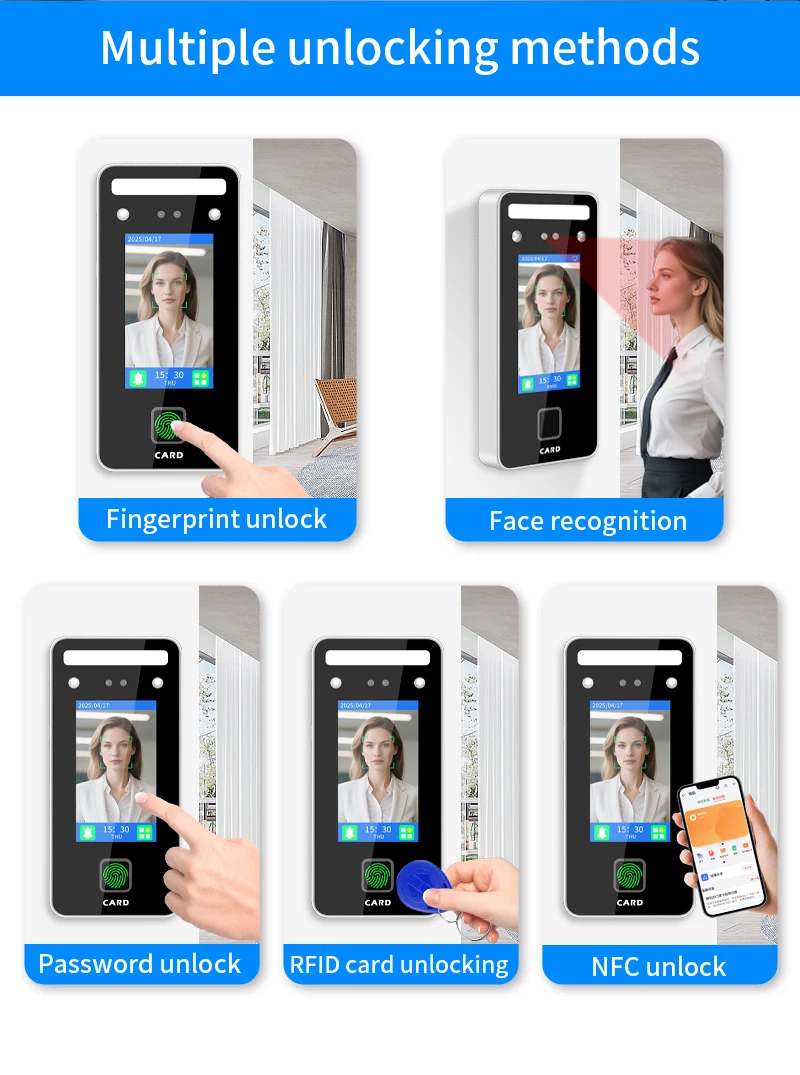
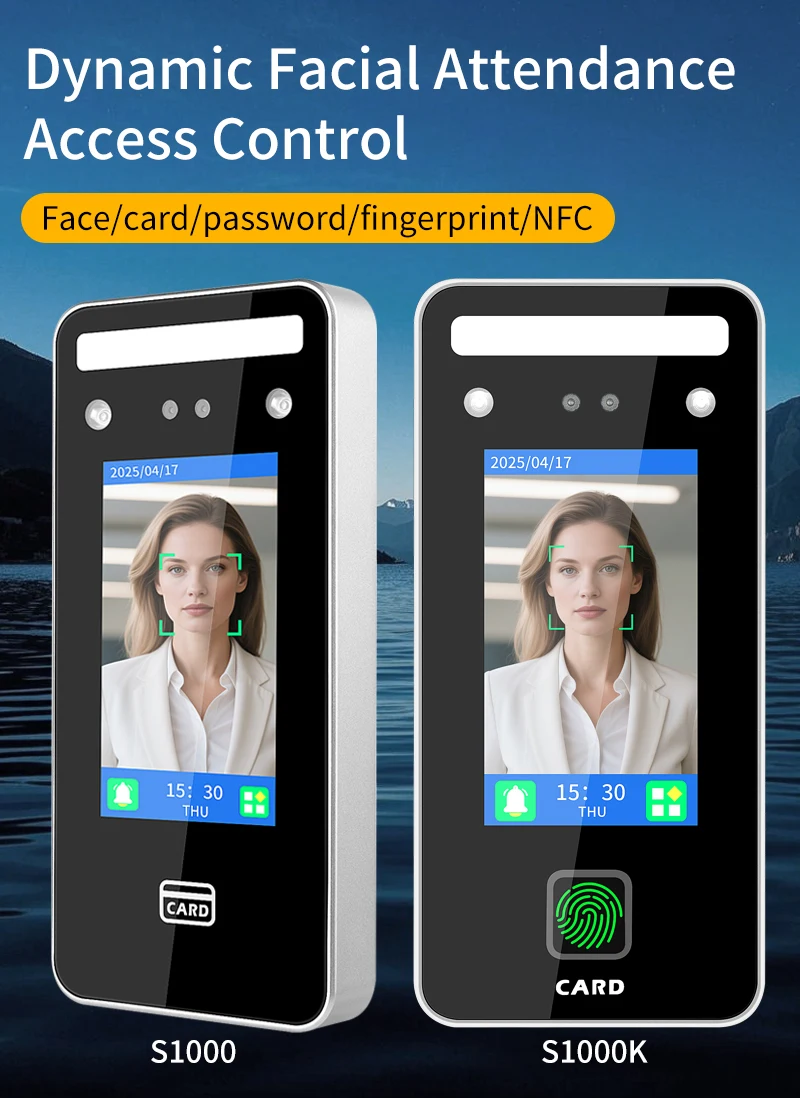
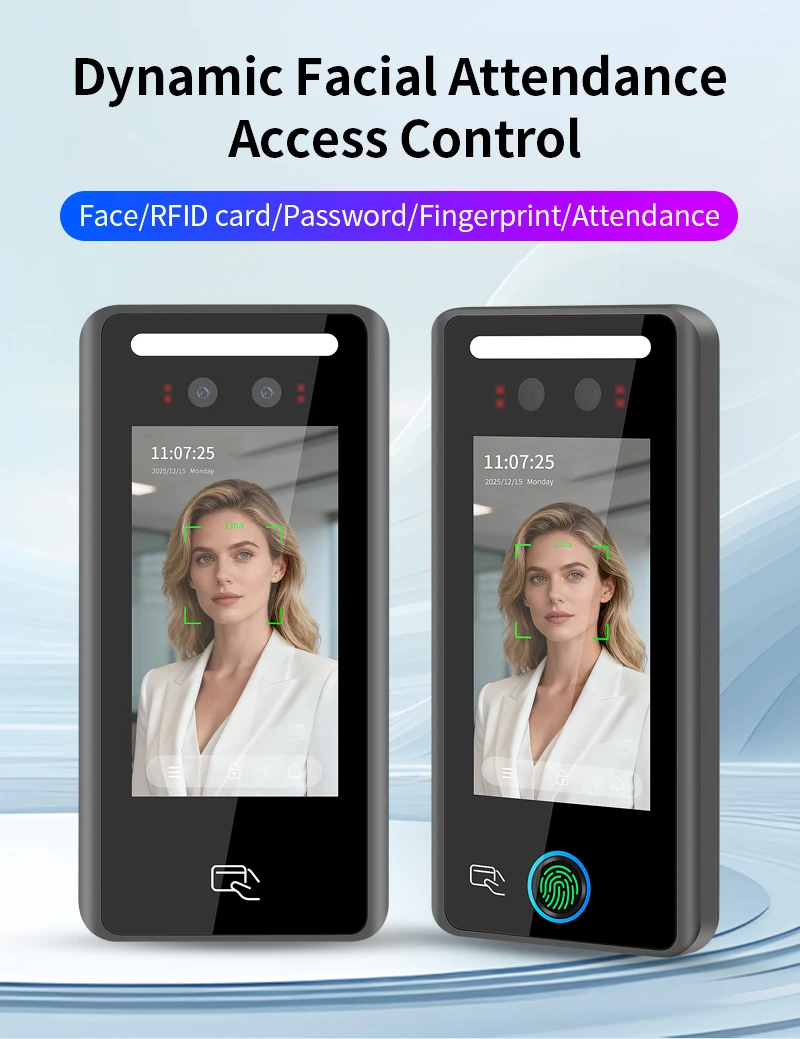
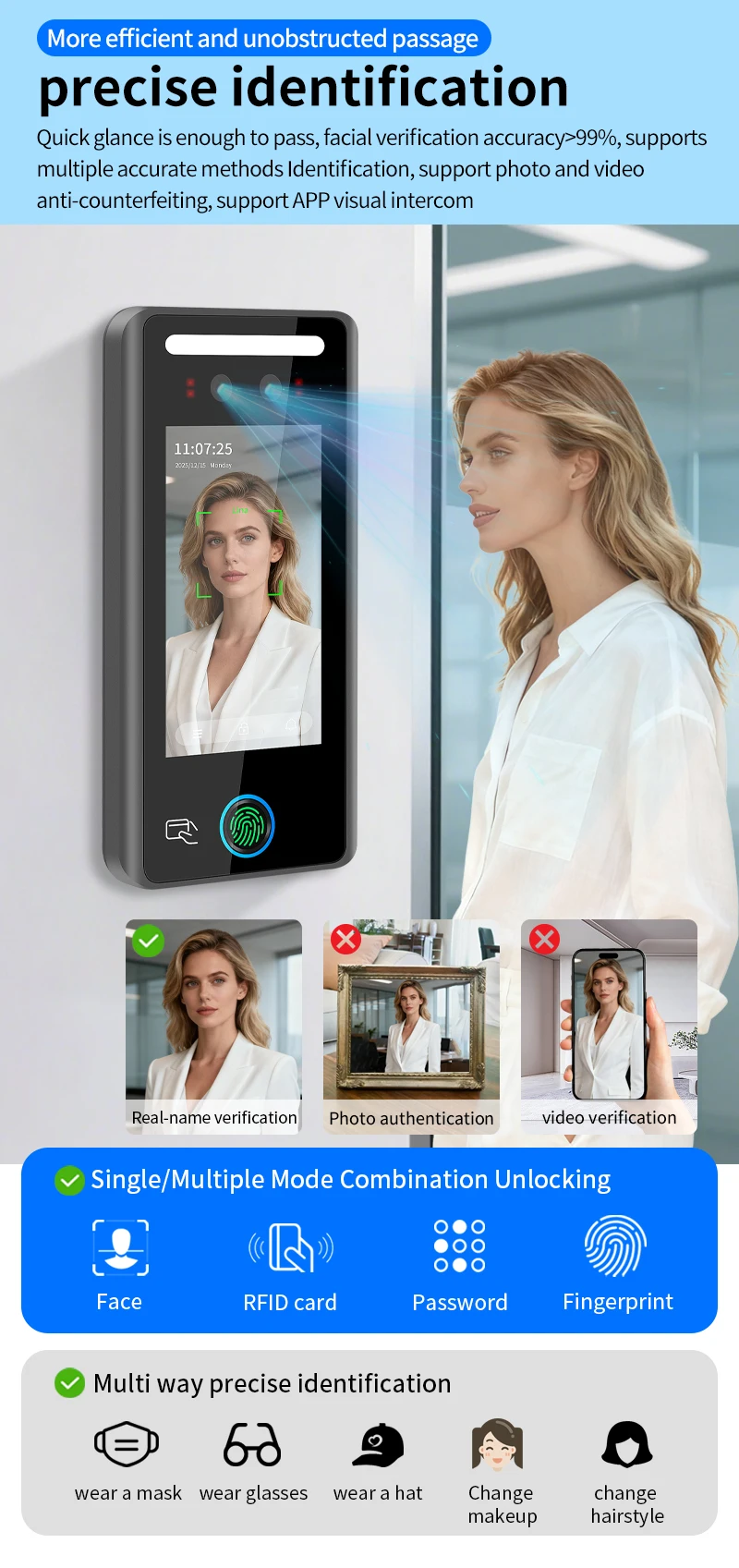
Identify ways: Dyamic face/password /C card/live fingerprint
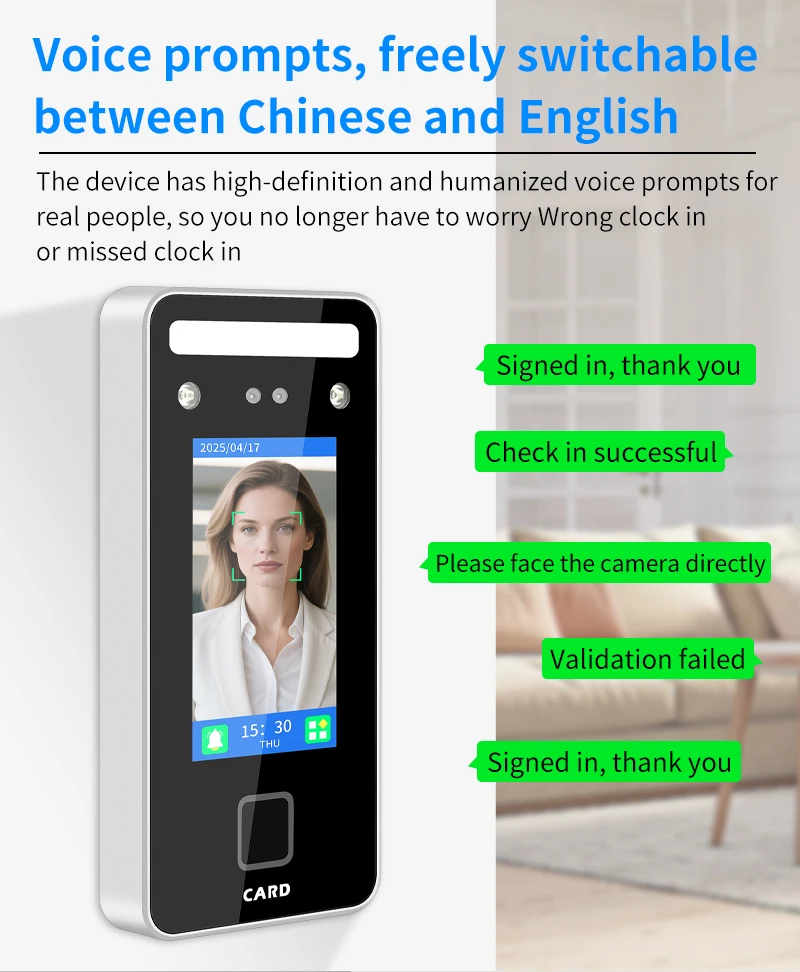
Language shows: Simplified Chinese/English
Model Number: S1000K/S1000F
Origin: Mainland China
Smart home platform: NONE
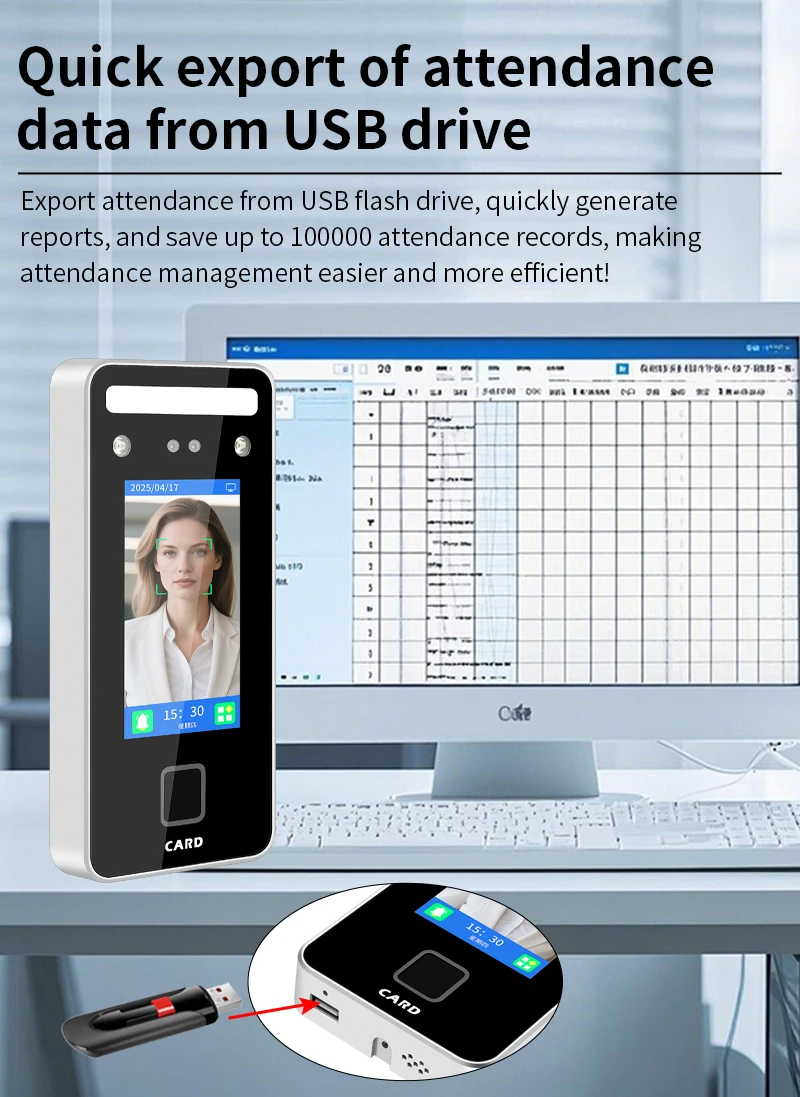
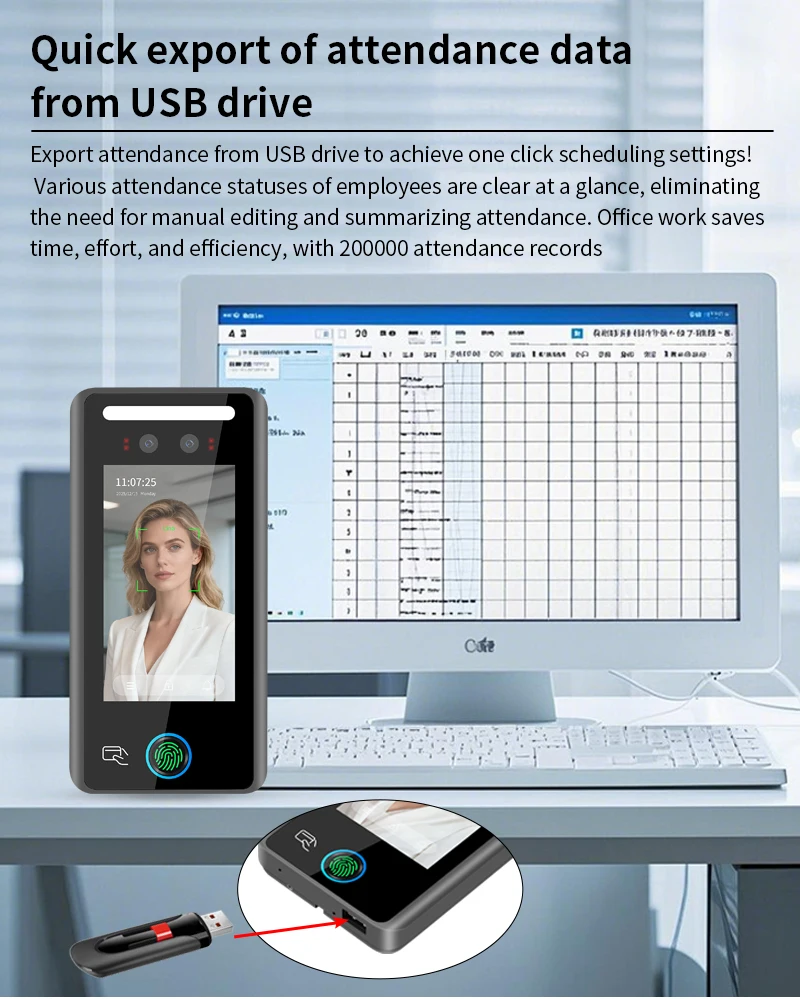
The data collection: Usb disk to export data reports or computer software to collectdata through network connected devices
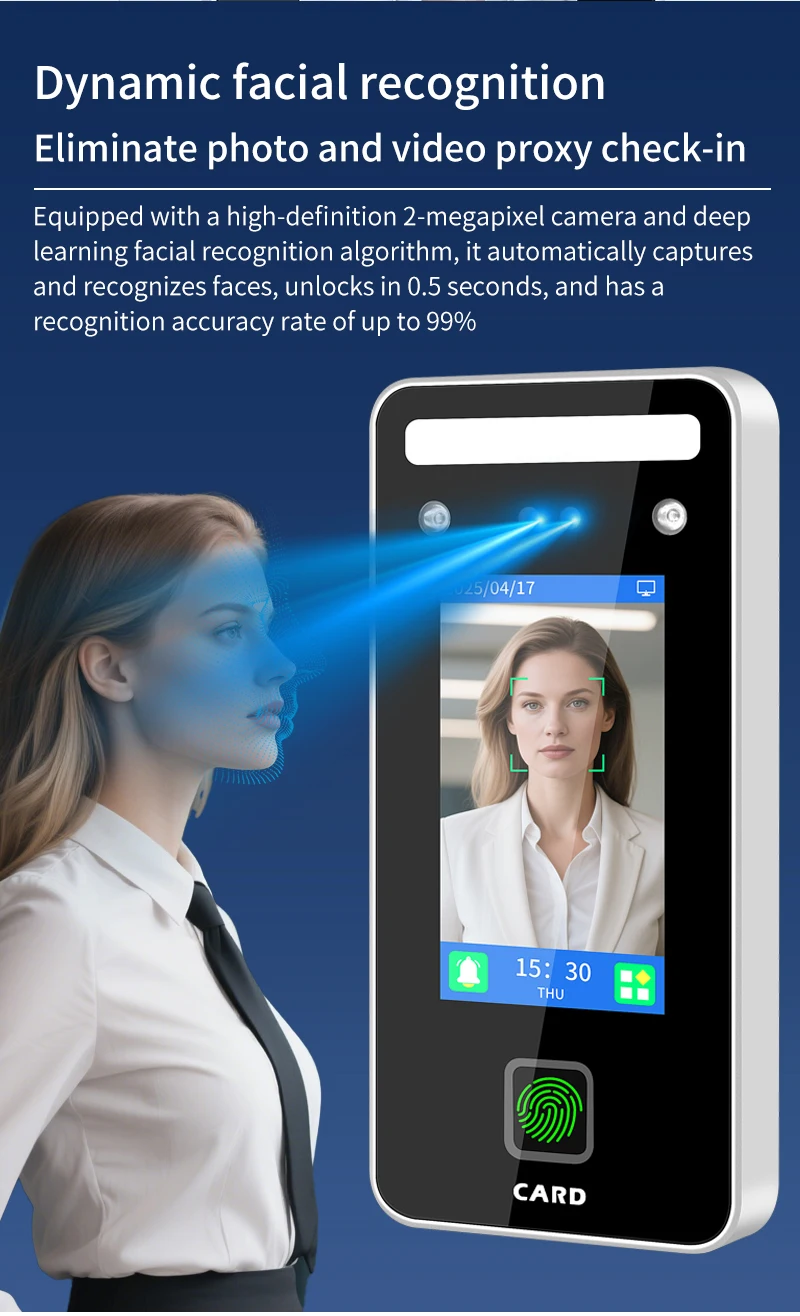
The intelligence function: Infrared liveness identification/dynamic face recognition
The operating system: Real-time control of the operating system
The power supply reguirements: DC12V 2-5A
The product name: Intelligent access control and attendance all-in-one machine
User record: Article 100000.
Voice prompt: High definition human voice
Wiegand signal input: 1 set WG26/34 (extemal read heads can be attached)
Wiegand signal output: A set of WG26/34outputs (can be used as read headsexternal to the controller)
Working temperature: -10 to 60 degrees Celsius
camera: Binocular 2 megapixels
current: Static operatingcurrent2l0mA/operating current 350mA
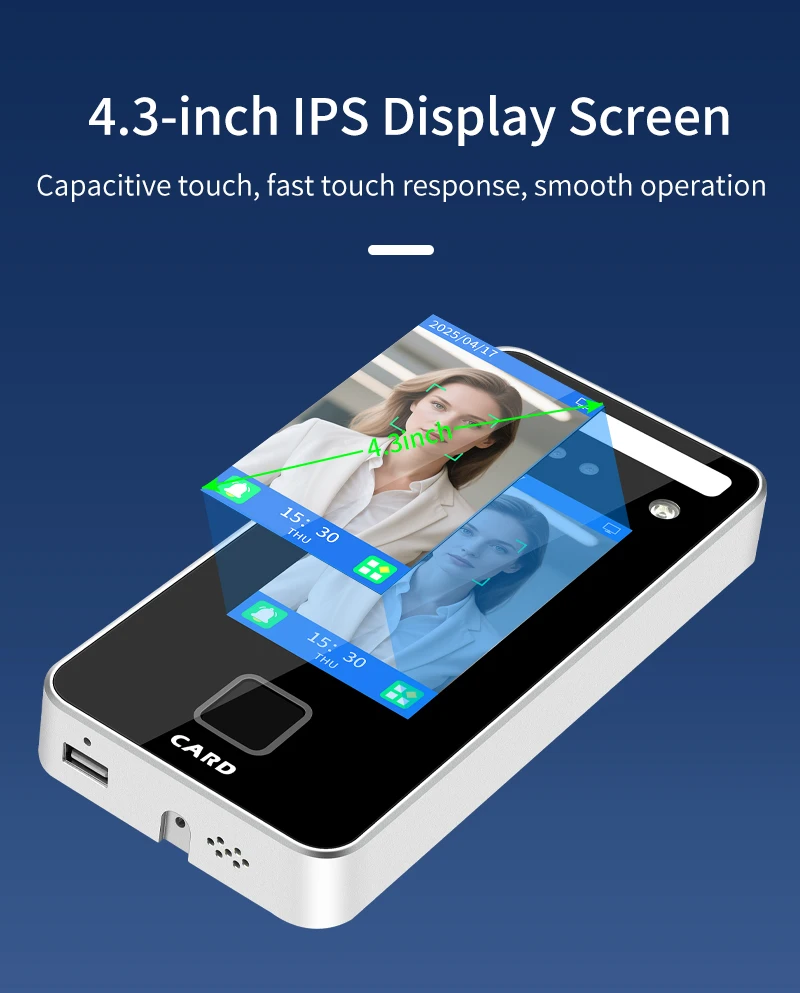
display: 4.3 inch LCD, capacitive touch screen
The menu is divided into:User management/machine
Settings/data management/
machine information
Password verification:Enter the (id) (password) of
the registered person and
click (OK). Note that the
account number is pure
numbers.
(123) Confirm button for
switching input method
(OK)
User management:(Employee ID) (name) (face) is mandatory.
(Department) Filling in will affect whether the
attendance software should schedule
according to the department.
(Password) The combination of id and
password will be added after you enter the
password. The password and ID are only
digits. (Card code) is IC/ID card number. After
adding (card code), swipe the corresponding
card to pass the verification. The card number
is an alphanumeric combination.
(Fingerprint) After a fingerprint is successfully
registered, the corresponding fingerprint can
be verified.
(Permission) The default user is user. After
you switch to administrator, you need to verify
the administrator permission before entering
the management Settings page.