


【Free Local Warehouse!】Yottamaster 150W External Hard Drive Enclosure 2.5"3.5" SATA HDD SSD Enclosure RAID Hard Drive Storage
Regular price
$952.02
$952.02
SPECIFICATIONS
BAY: 4 Bay/5 Bay
Brand Name: YOTTAMASTER
Compatible Brand/Model: PC
FS5RU3 RAID: RAID 0 , 1 , 5, 10, JBOD, CLONE, Normal
High-concerned chemical: None
Interface Type: Macbook Interface,SATA 3.0
Material: Aluminium Alloy
Model: FS4C3/FS5C3/FS5RU3
Model Number: FS Series
Origin: Mainland China
Output Interface(FS4C3/FS5C3): USB3.1 Gen2 Type-C x2
Output Interface(FS5RU3): USB3.0 Type-B
Plug Type: Universal
Read/Write Speed(FS4C3/FS5C3): 10Gbps
Read/Write Speed(FS5RU3): 5Gbps
Specification Compatibility: 2.5" & 3.5" SATA HDD / SSD
Support SSD Storage: 18TB Single Bay
Supported System: Windows / Mac OS / Linux
YOTTAMASTER FS Series
_ FS Series / Enterprise hard disk cabinet _
*Please pay attention to the corresponding model before placing an order!
|
|
|
||||||
BAY |
2 Bay |
4 Bay |
5 Bay |
|||||
Model |
FS2U3 |
FS2RU3 |
FS4U3 |
FS4RU3 |
FS4C3 |
FS5U3 |
FS5RU3 |
FS5C3 |
|
Specification Compatibility |
2.5" & 3.5" |
|||||||
|
Output Interface |
USB3.0 Type-B |
USB3.0 Type-B |
USB3.0 Type-B |
USB3.1 Gen2 |
USB3.0 Type-B |
USB3.0 Type-B |
USB3.1 Gen2 |
|
Read/Write Speed |
5Gbps |
5Gbps |
5Gbps |
10Gbps |
5Gbps |
5Gbps |
10Gbps |
|
|
Master Control Scheme |
JMS561U |
JMS561 (5Gbps) |
JMS578+JMB575 |
JMS578+JMB394 |
VL715+ VL822 Q7 + VL822 Q8 |
JMS578+JMB575 |
JMS578+JMB394 |
VL715+ VL822 Q7 + VL822 Q8 |
RAID |
/ |
RAID 0 , RAID 1 , SPAN , PM |
/ |
RAID 0 , 1 , 5, 10, JBOD, CLONE, Normal |
/ |
/ |
RAID 0 , 1 , 5, 10, JBOD, CLONE, Normal |
/ |
|
|
|
|
|
|
|
|
|
|
SSD Storage |
36TB(18TB*2) |
72TB(18TB*4) |
90TB(18TB*5) |
|||||
Material |
Aluminium Alloy |
|||||||
Color |
Grey |
|||||||
Dimension |
135mm*93.7mm*234mm |
135mm* 166.7mm* 264.8mm |
137mm* 200.7mm* 264.8mm |
|||||
|
Installation Mode |
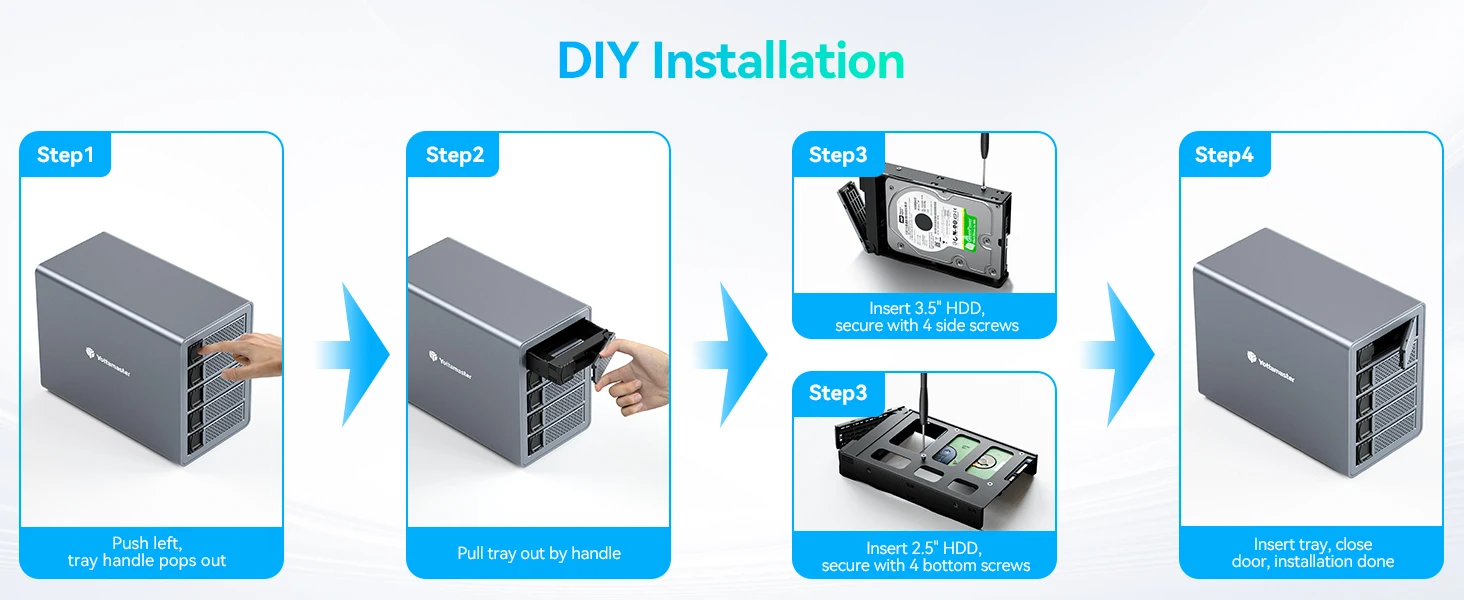
Tray extraction, hard disk lock screw fixation |
|||||||
|
Supported System |
Windows / Mac OS / Linux |
|||||||
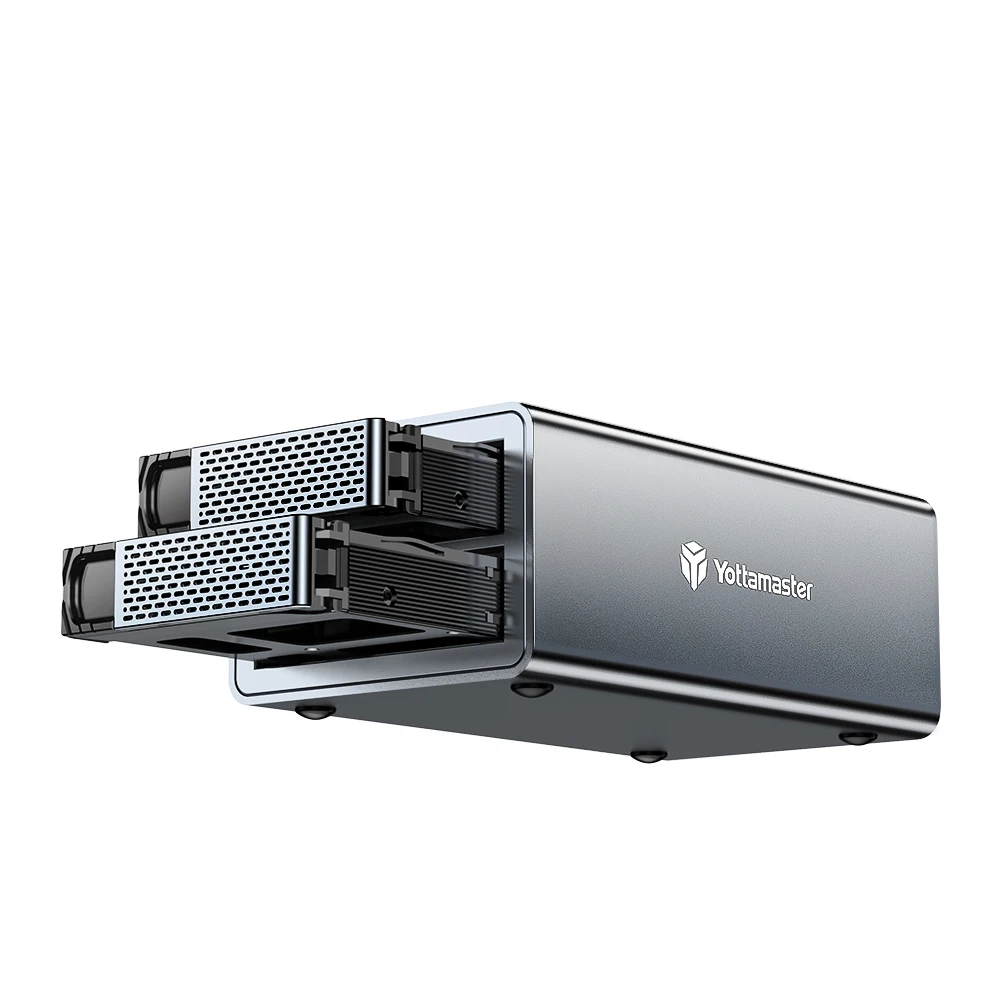
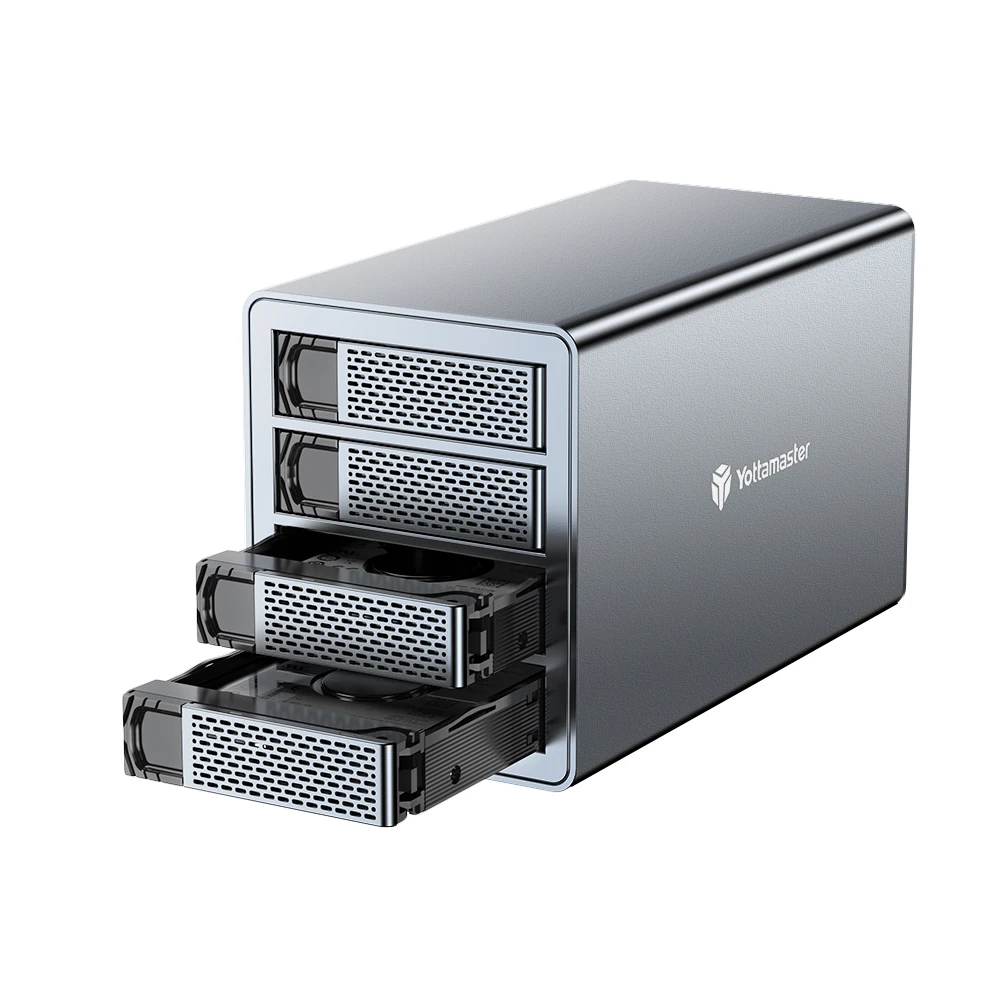
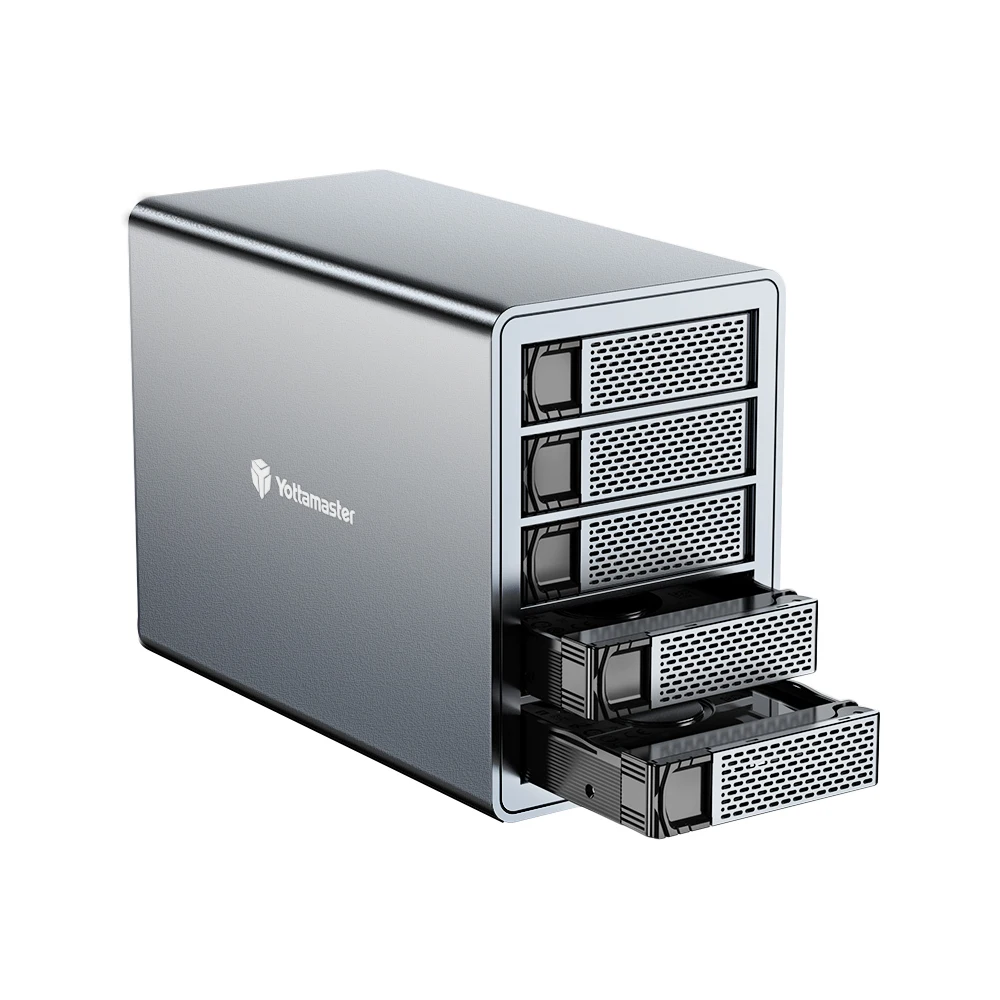
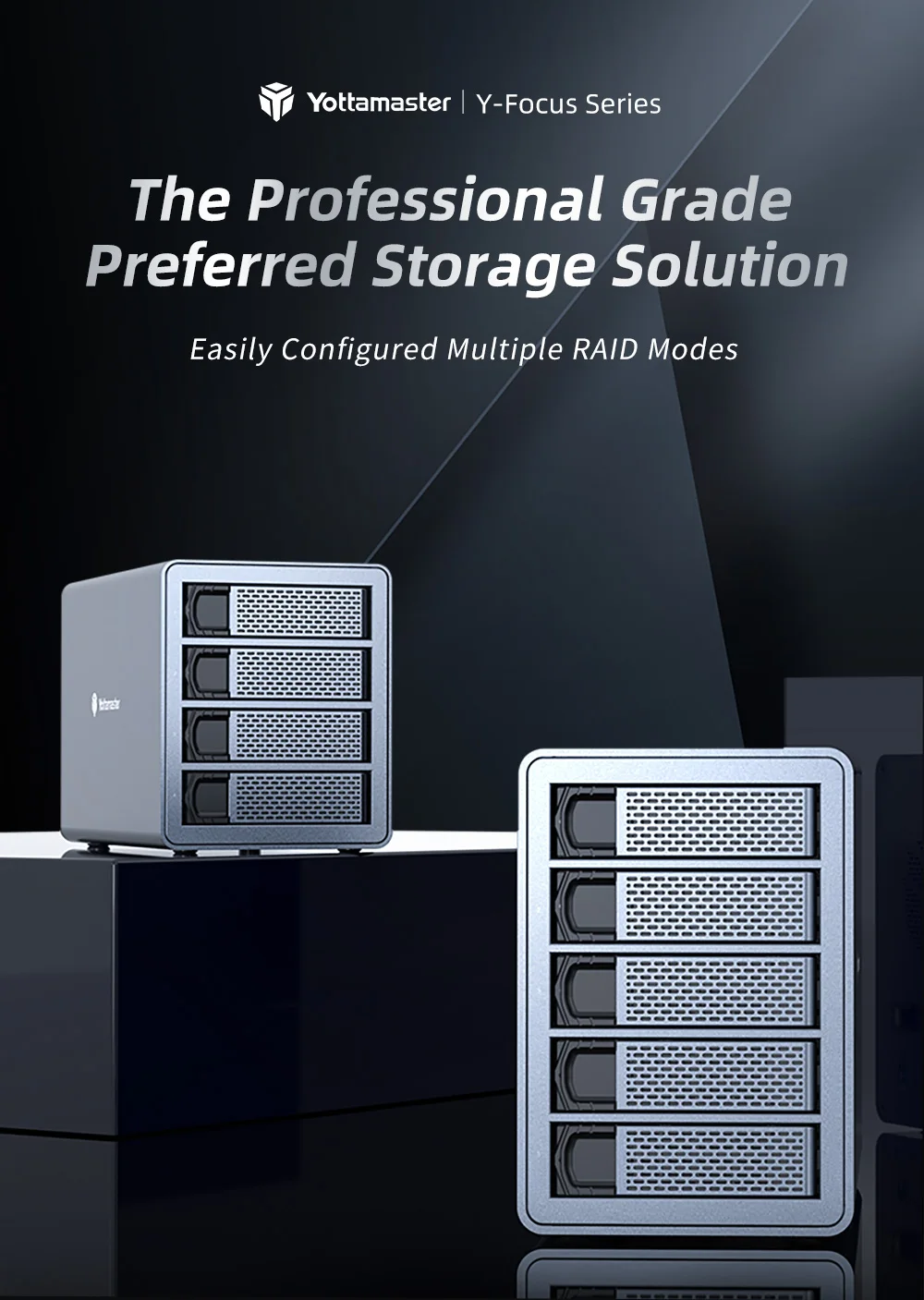
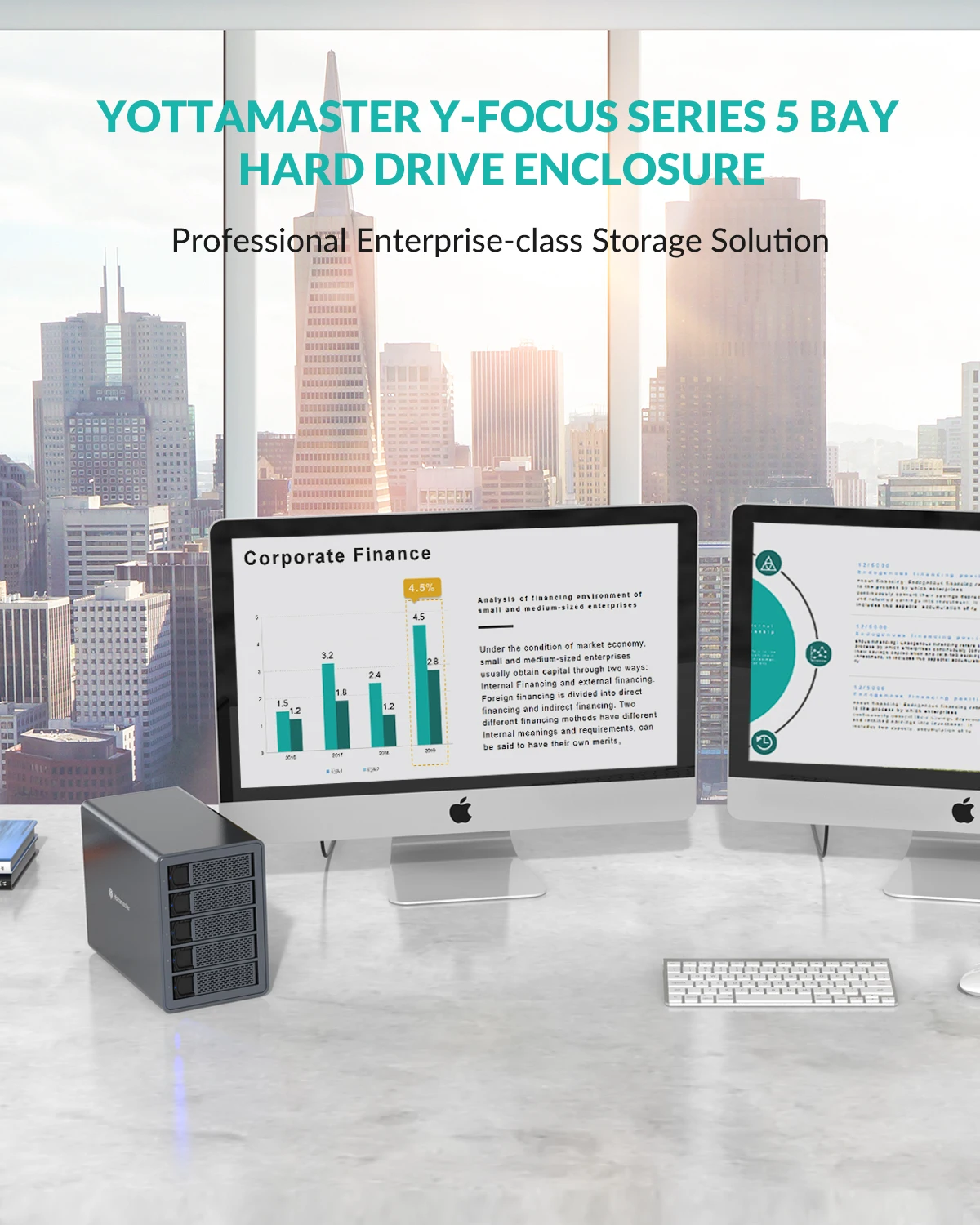
5 Bay Hard Drive Enclosure
Professional Enterprise-class Storage Solution
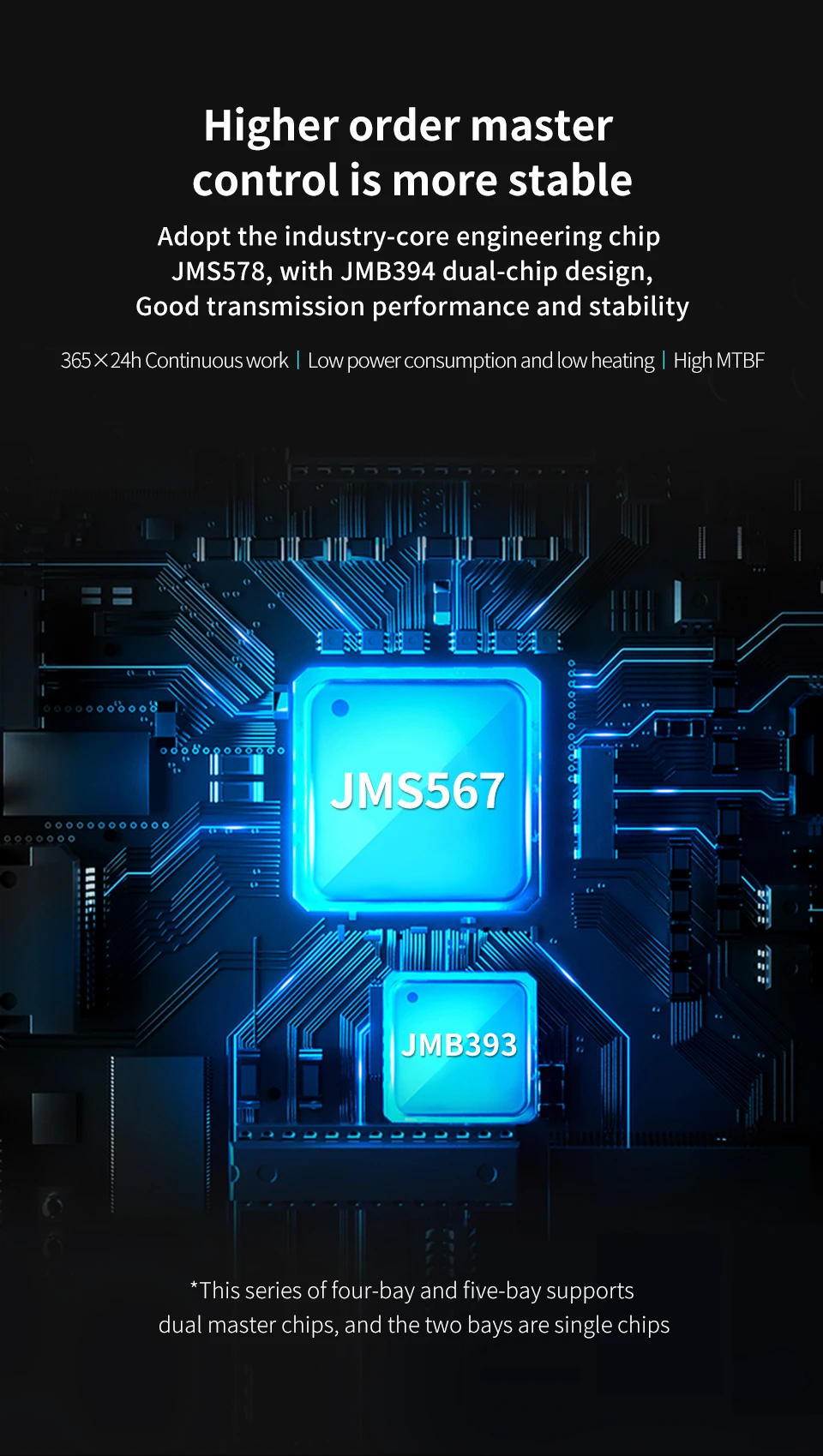
Higher Order Master Control is More Stable
Adopt the industry-core engineering chip JMS578, with JMB394 dual-chip design,
Good transmission performance and stability
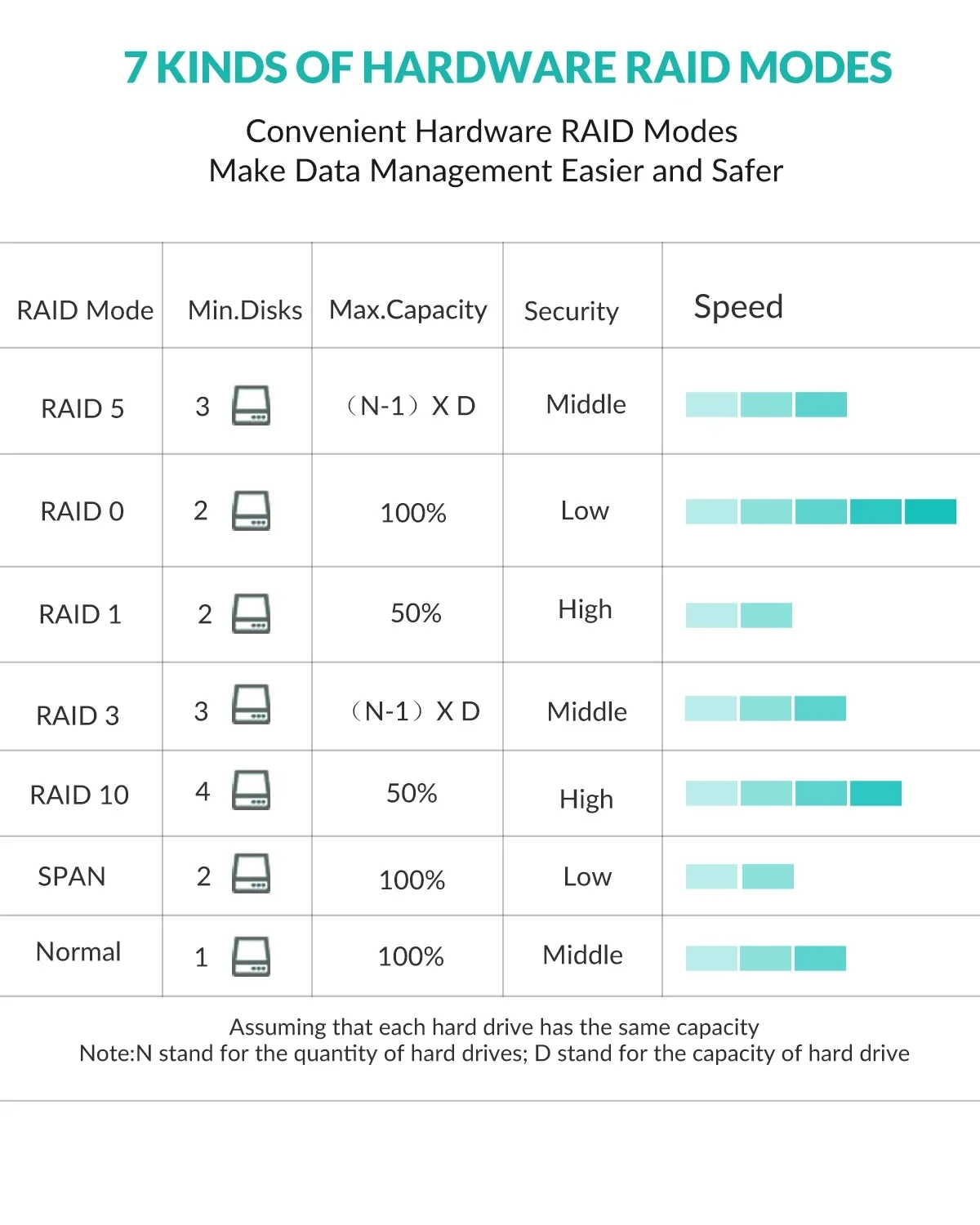
7 Kinds of Hardware RAID Modes
Convenient Hardware RAID Modes Make Data Management Easier and Safer
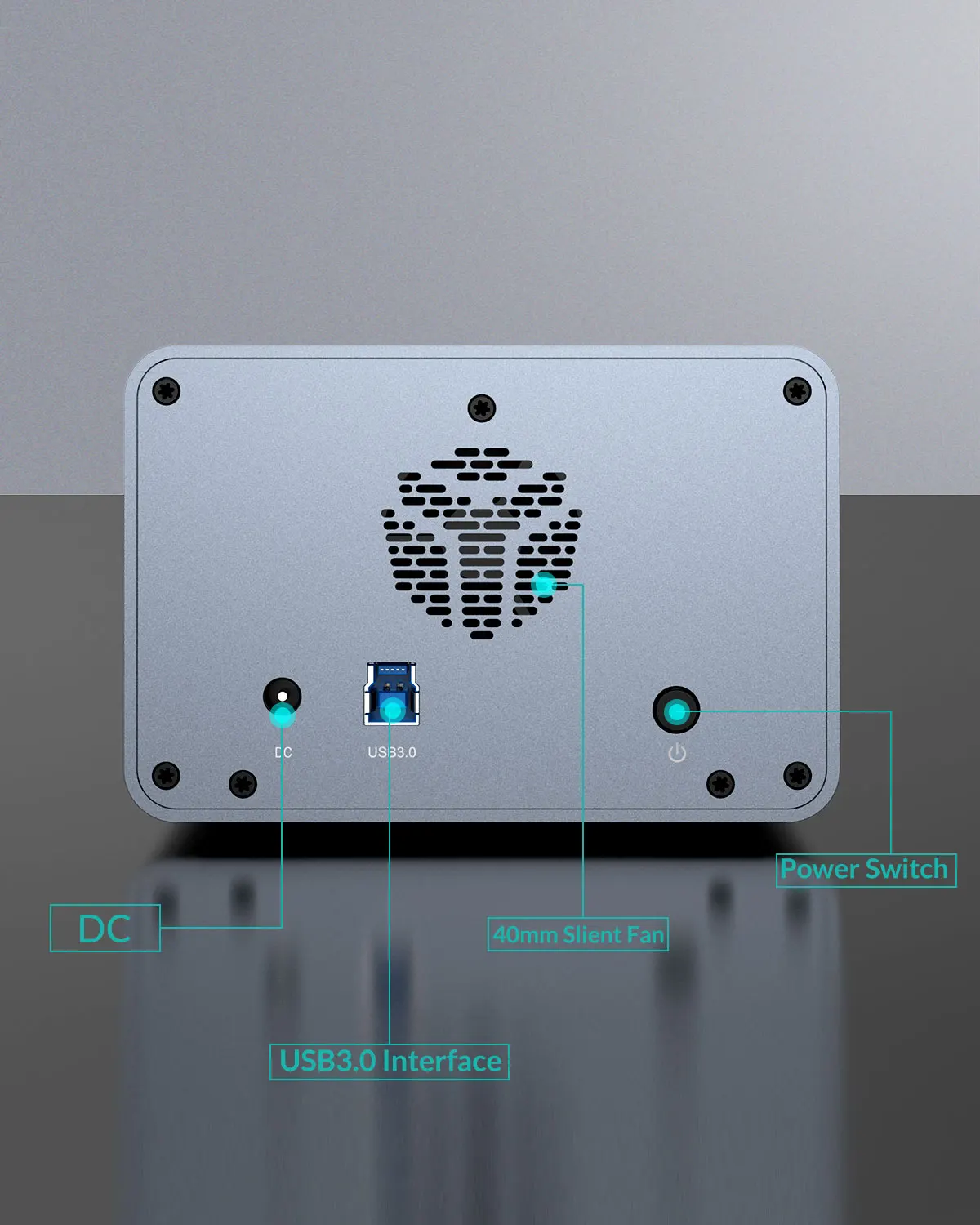
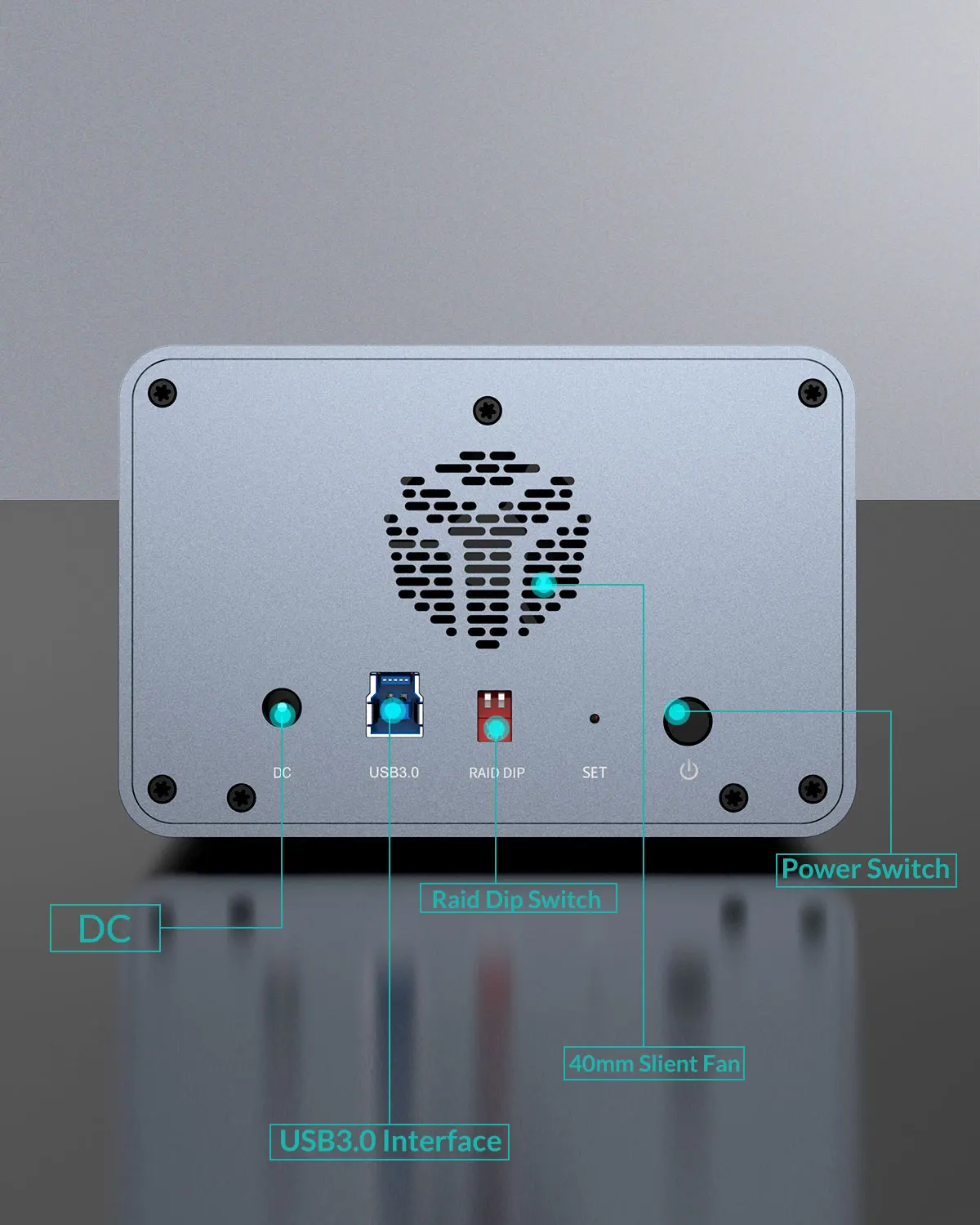
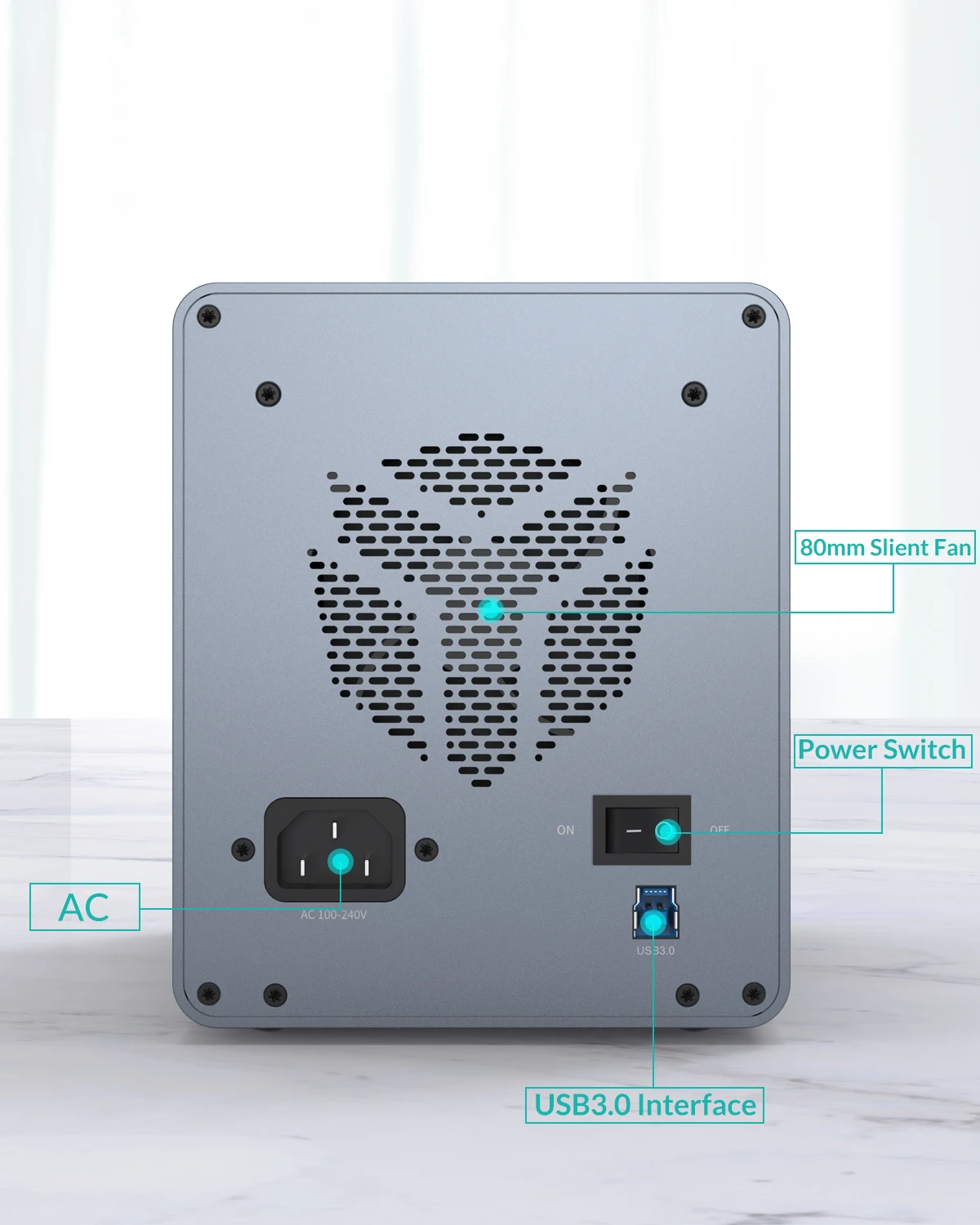
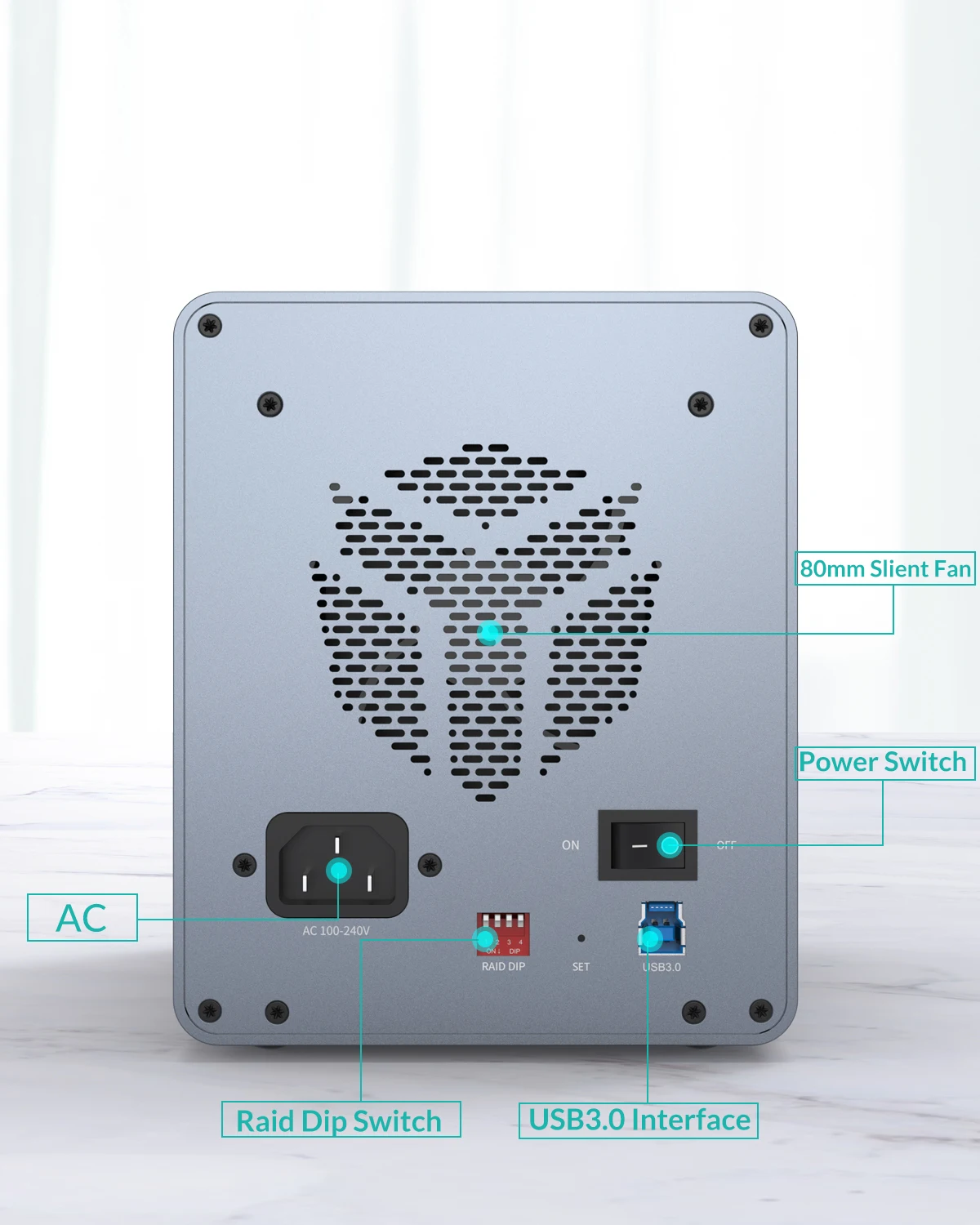
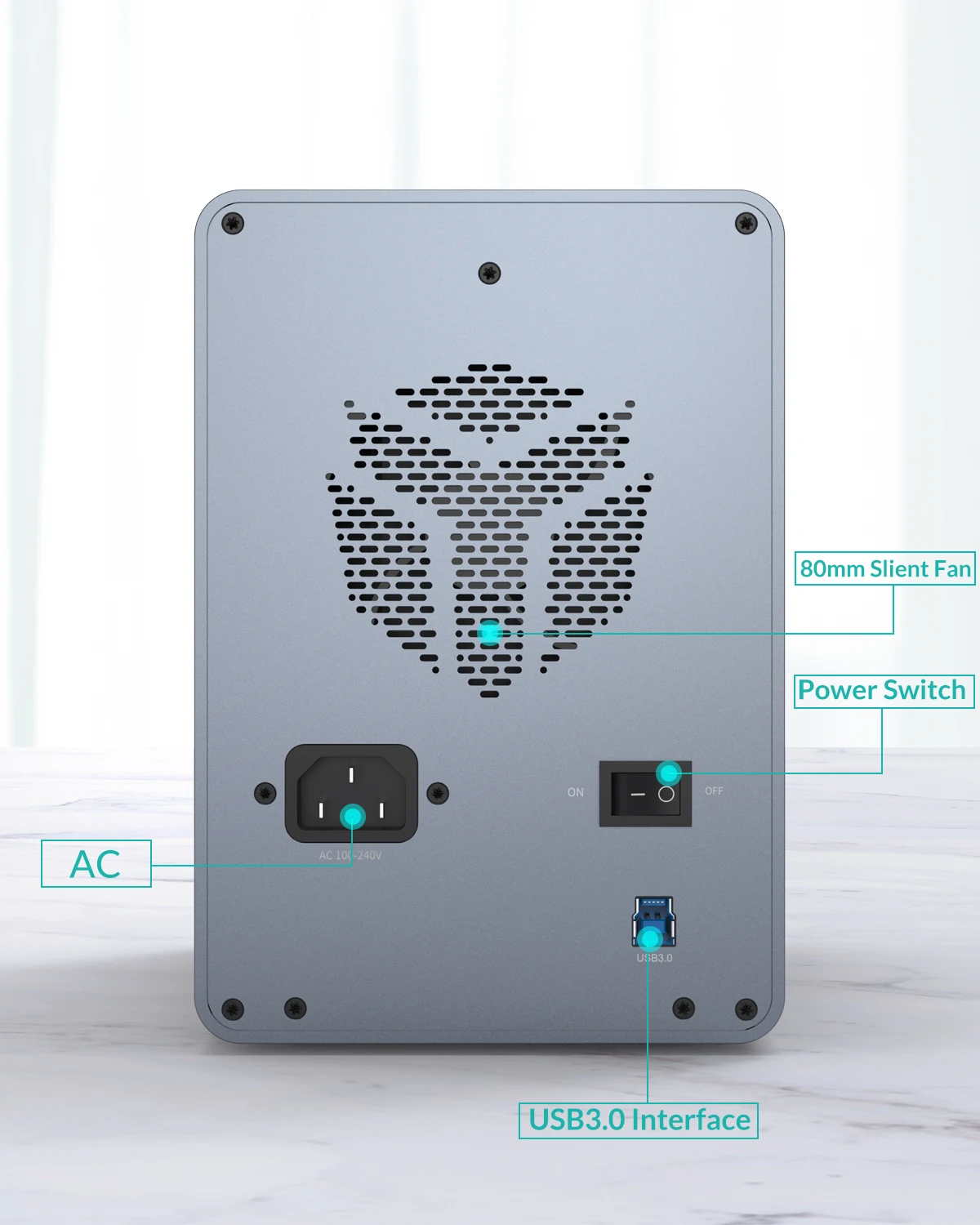
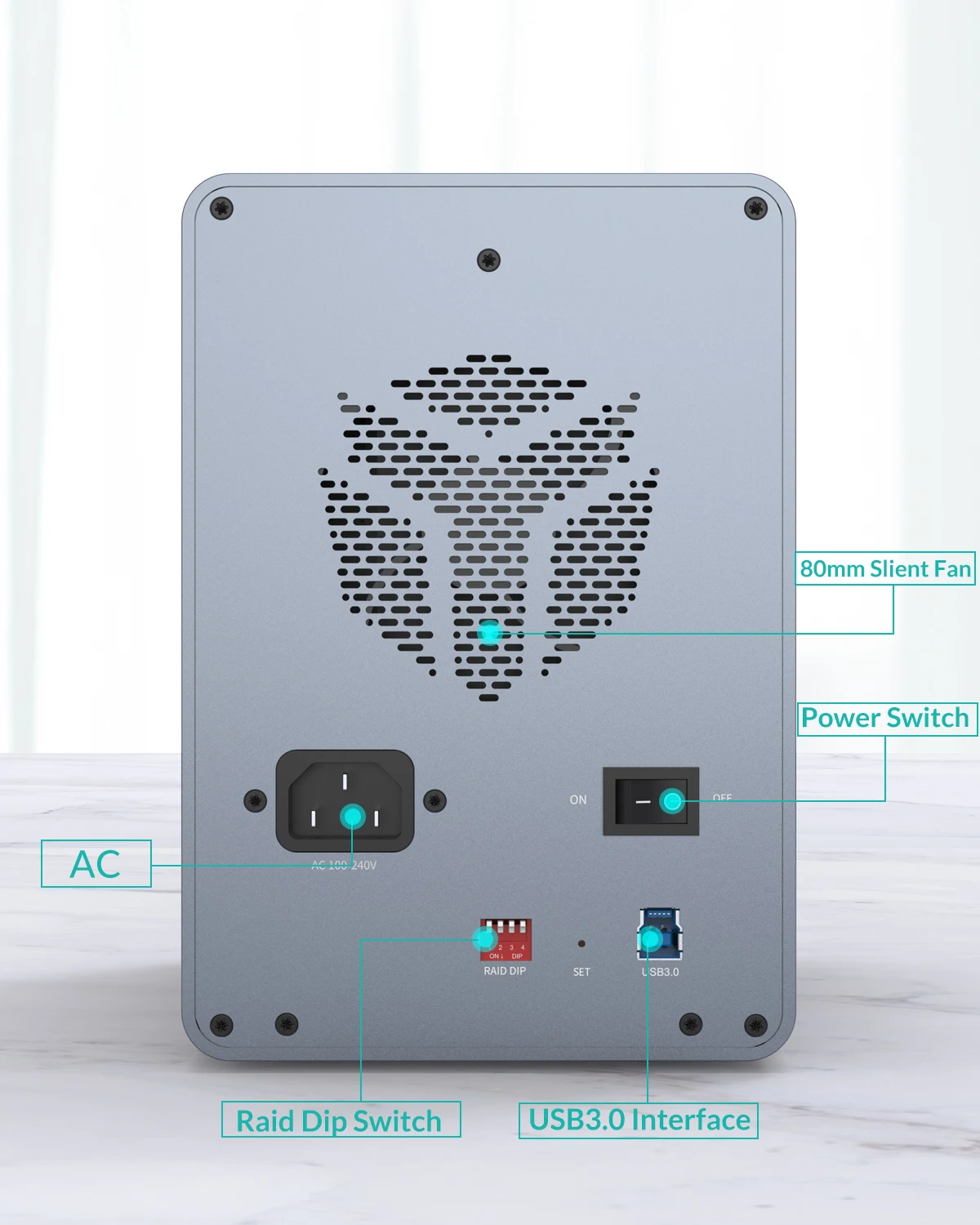
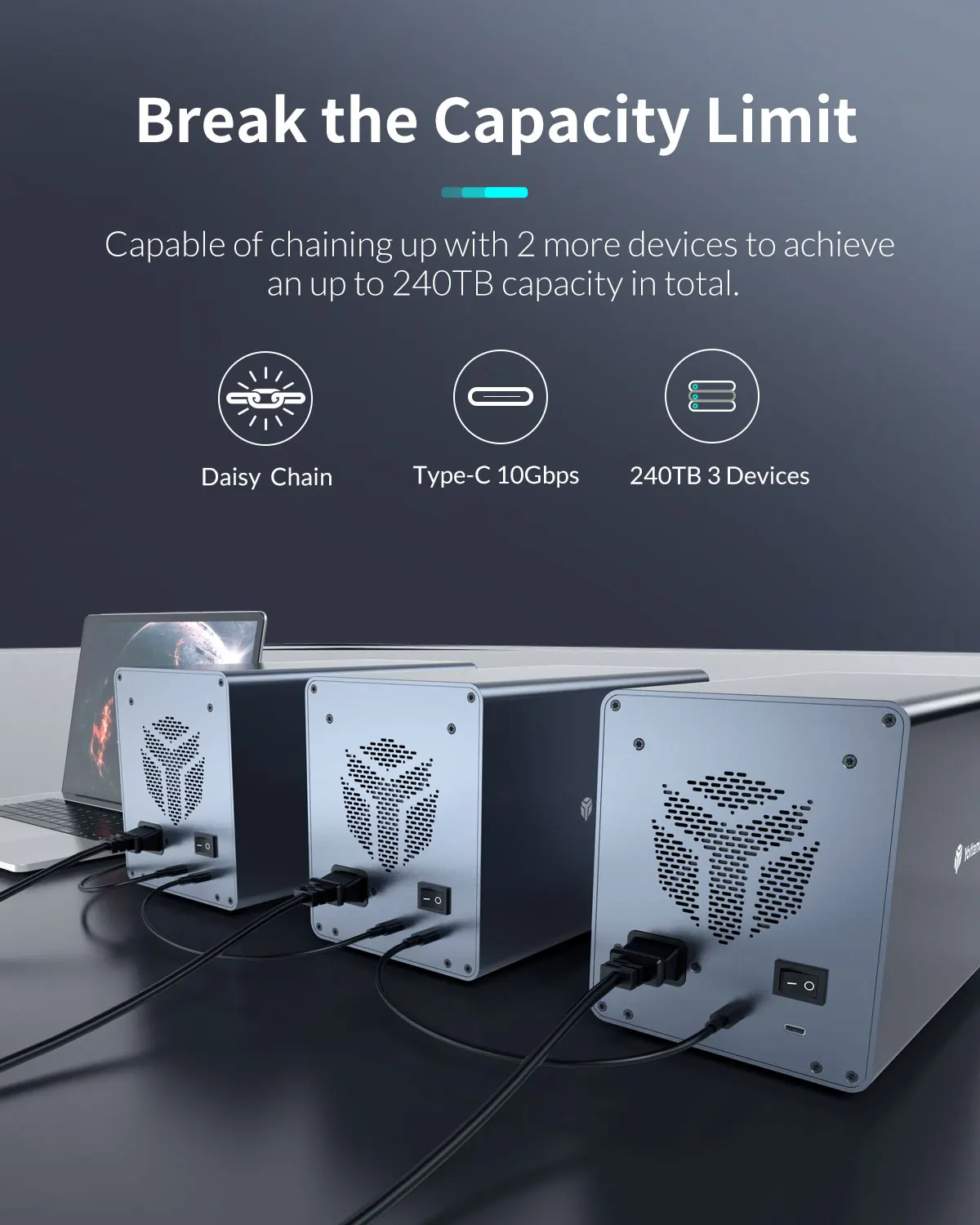
FS5RU3 Back Display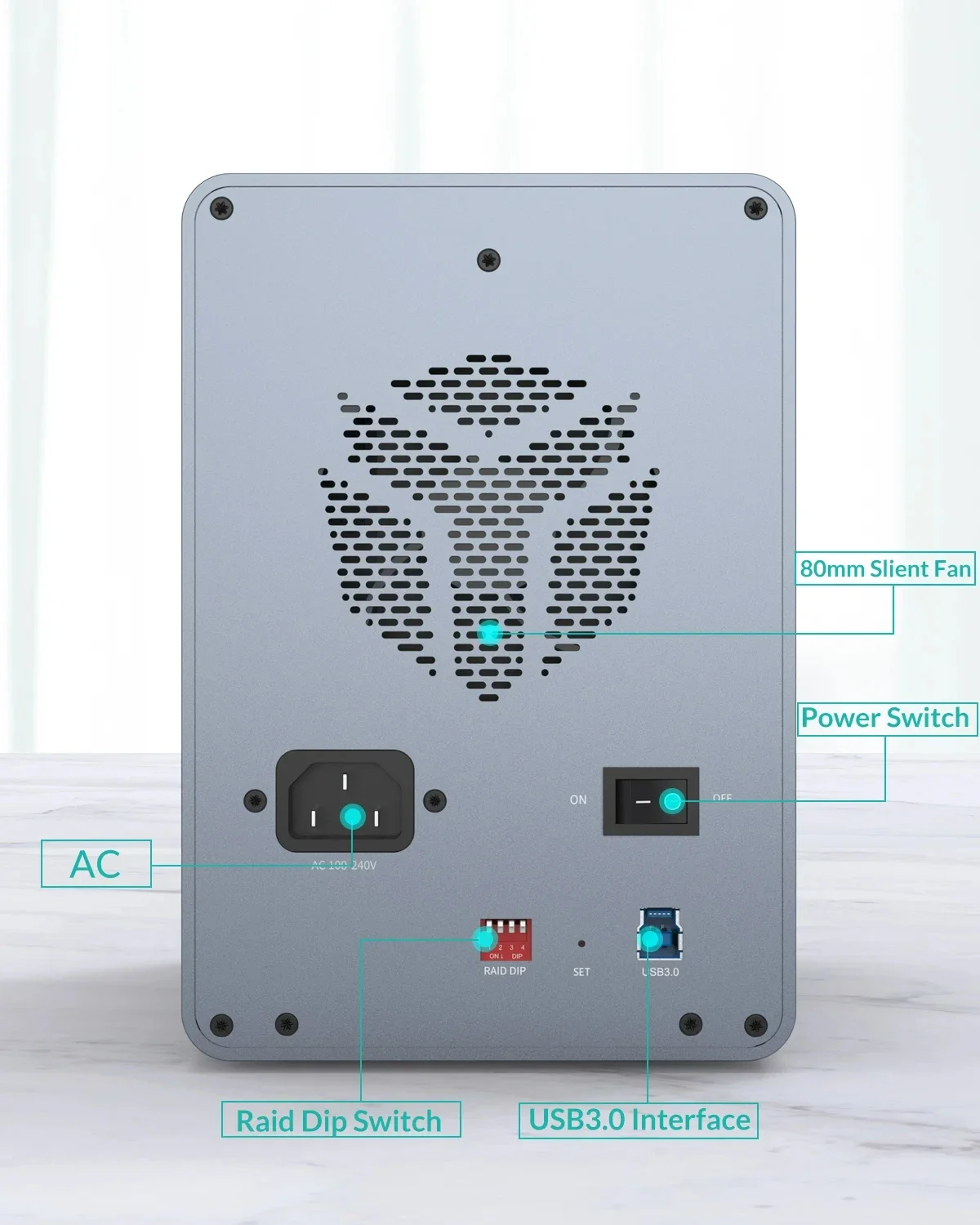
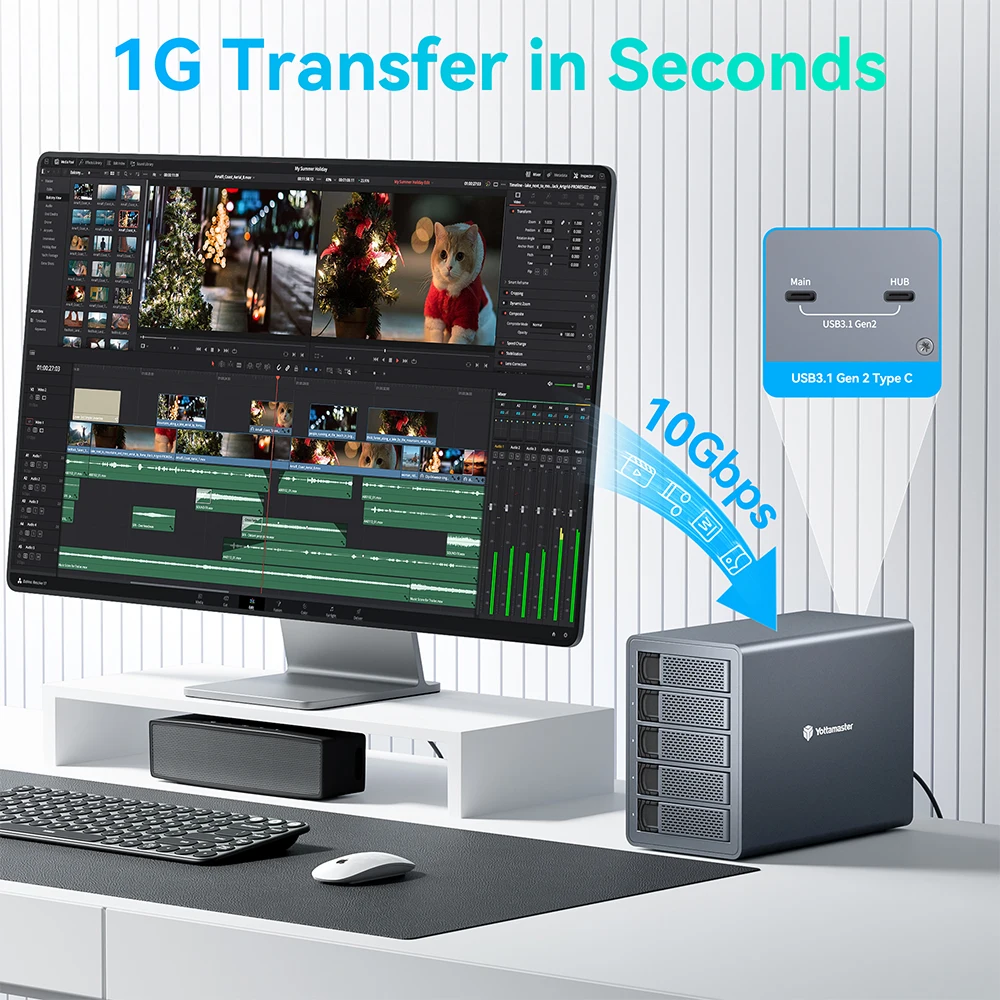
High-speed Transmission Does Not Wait
Pls Note:FS4C3/FS5C3(Read/Write Speed(10Gbps)
USB3.1 to SATA3.1 dual high-speed transmission, support UASP acceleration protocol, reduce CPU load,The theoretical rate can reach 10Gbps, greatly reducing the data interaction time.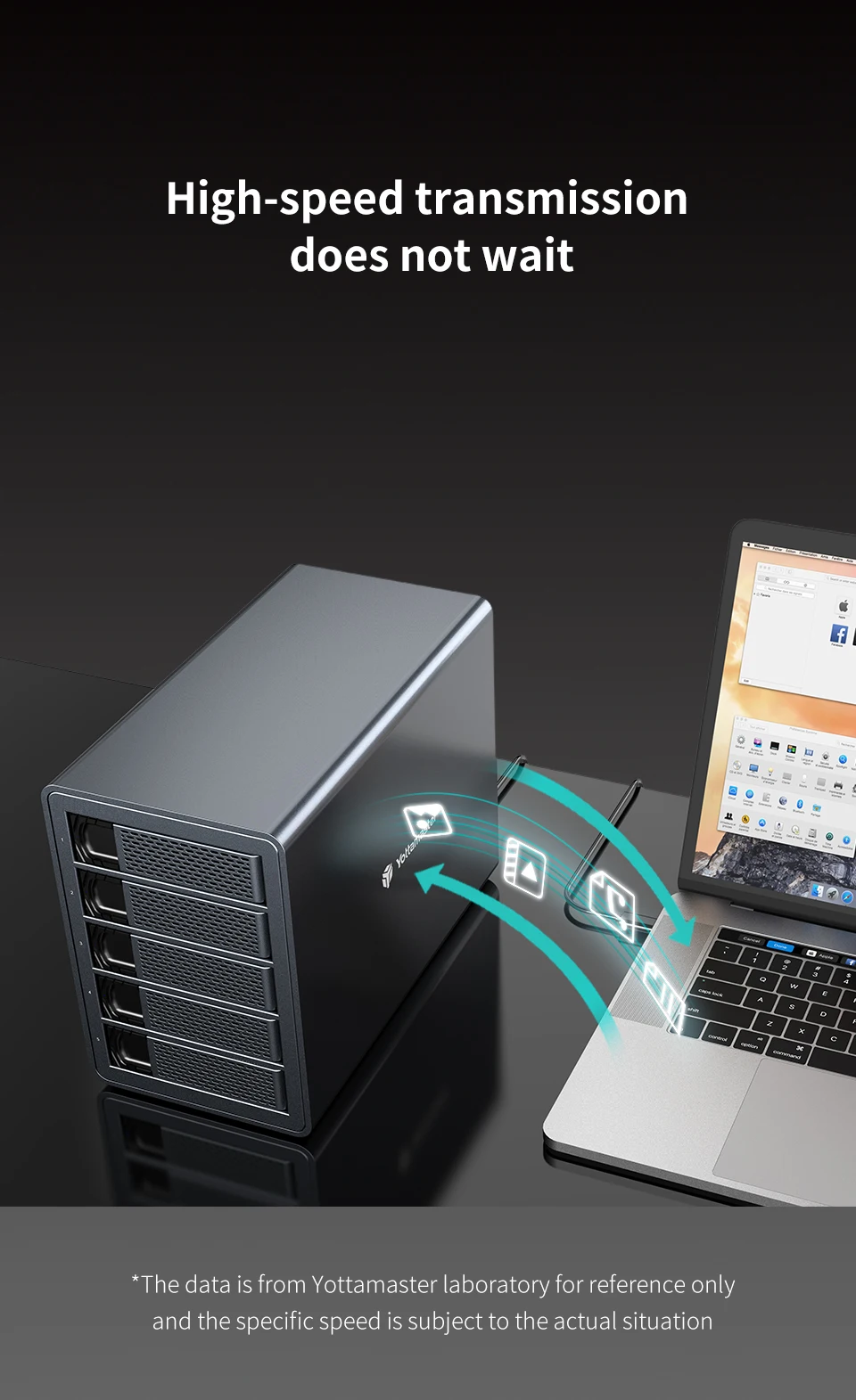
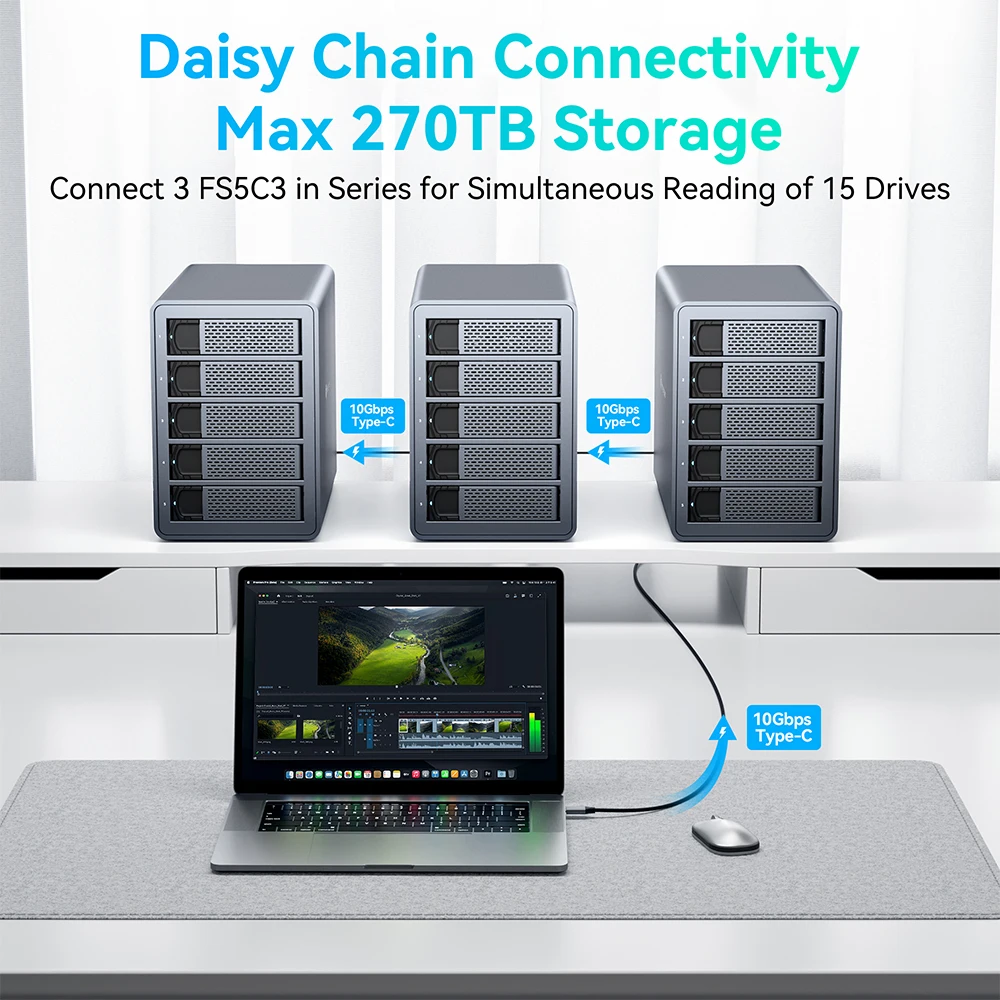
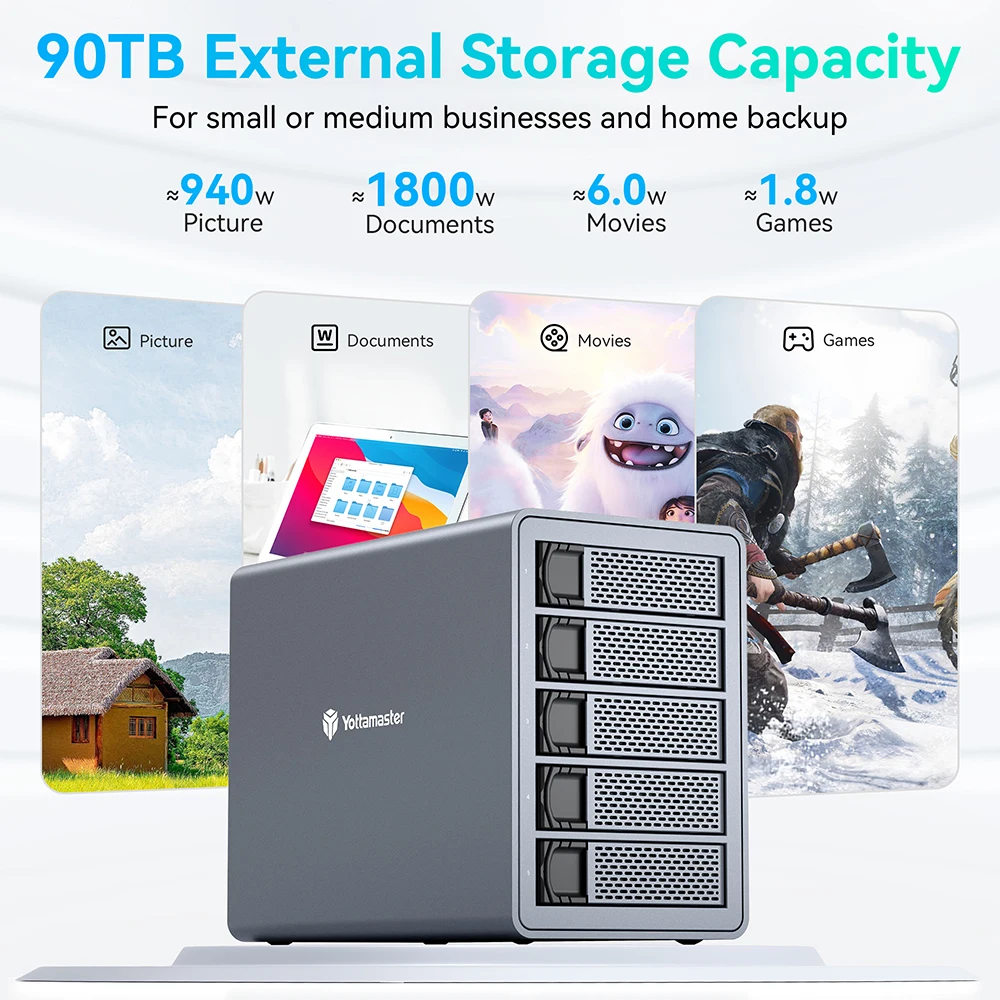
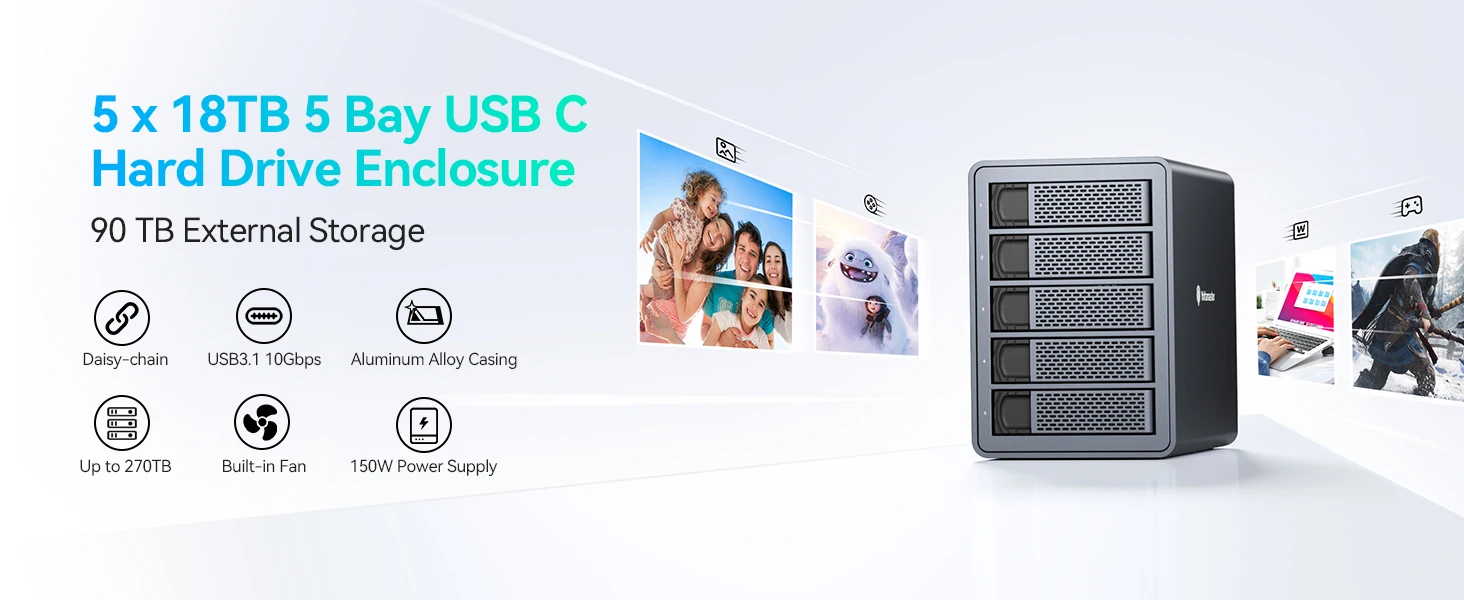
FS5C3-90TB Massive Expansion
A single hard disk can support 18TB, which can support a total of 90TB of ultra-high-volume storage.
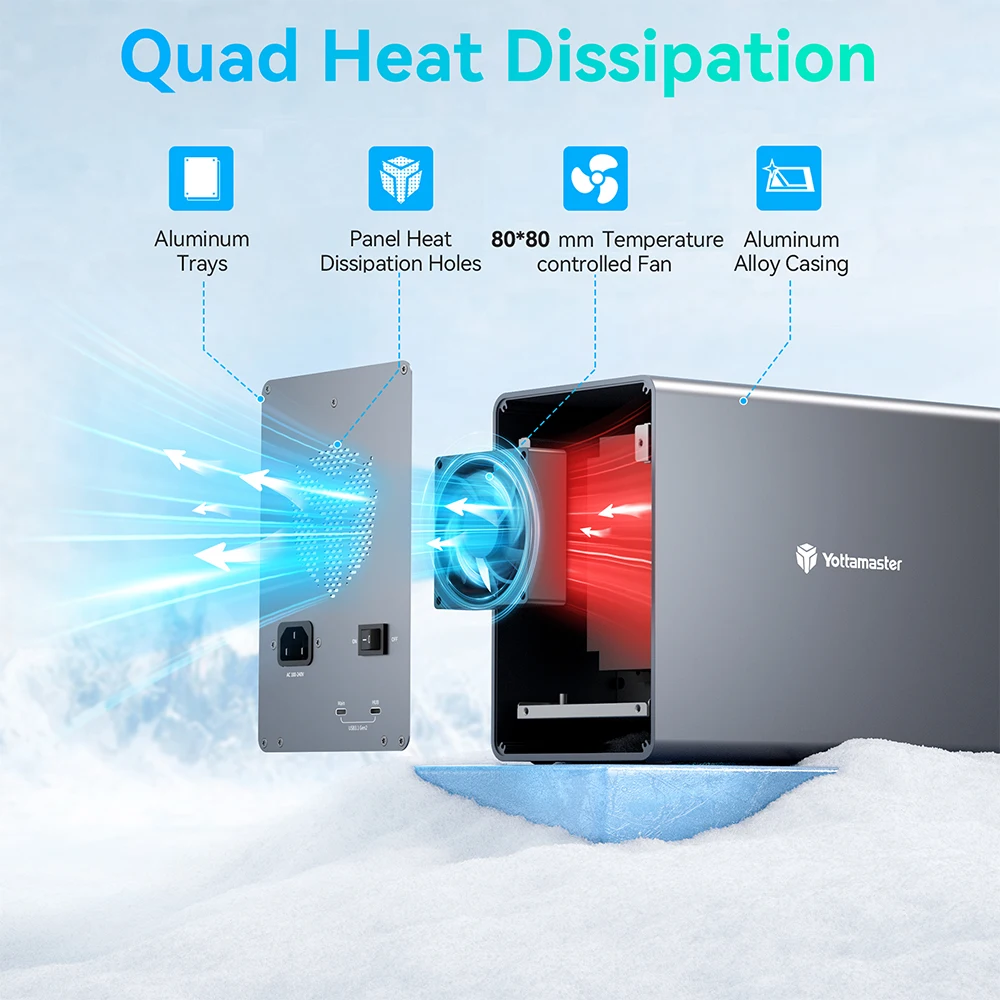
Triple heat dissipation without fear of high temperature(FS5C3)
Thickened aluminum alloy shell, with 80 * 80mm silent fan, large area with back
Brand LOGO-shaped honeycomb holes enhance air circulation and heat removal.
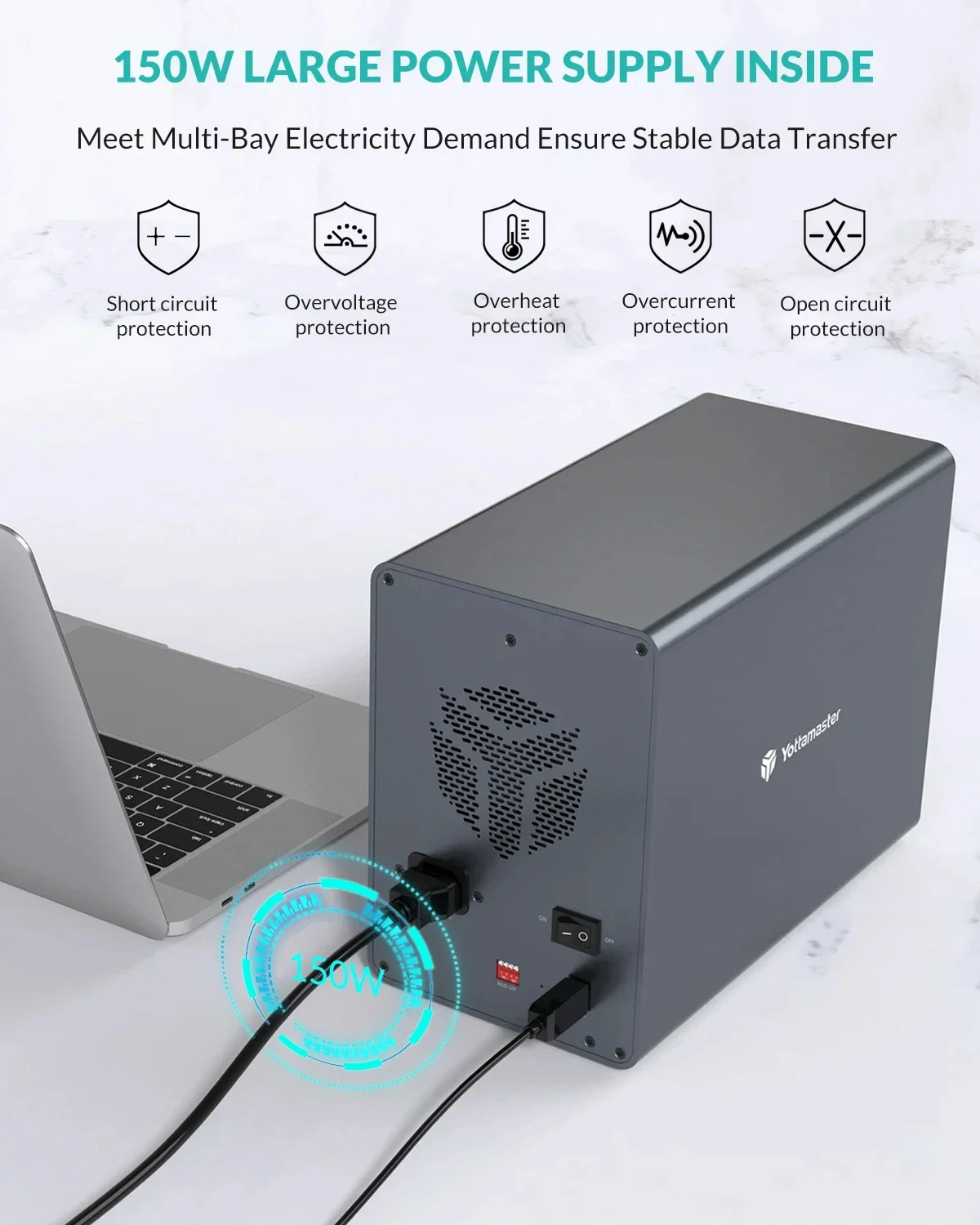
150W Large Powerful Support for Data
Transfer
Meet Multi-Bay Electricity Demand Ensure Stable Data Transfer
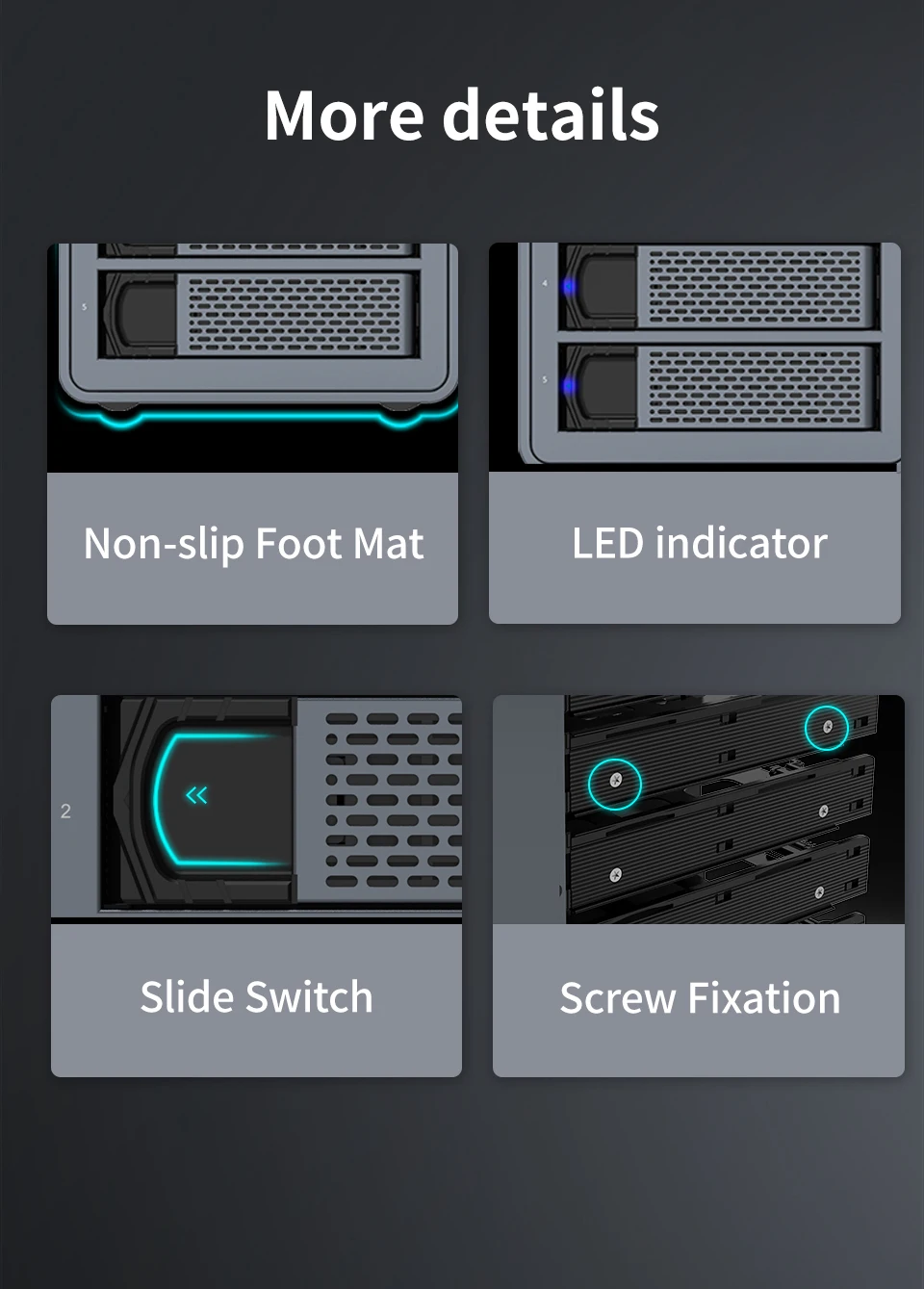
Details of 5 Bay RAID Enclosure
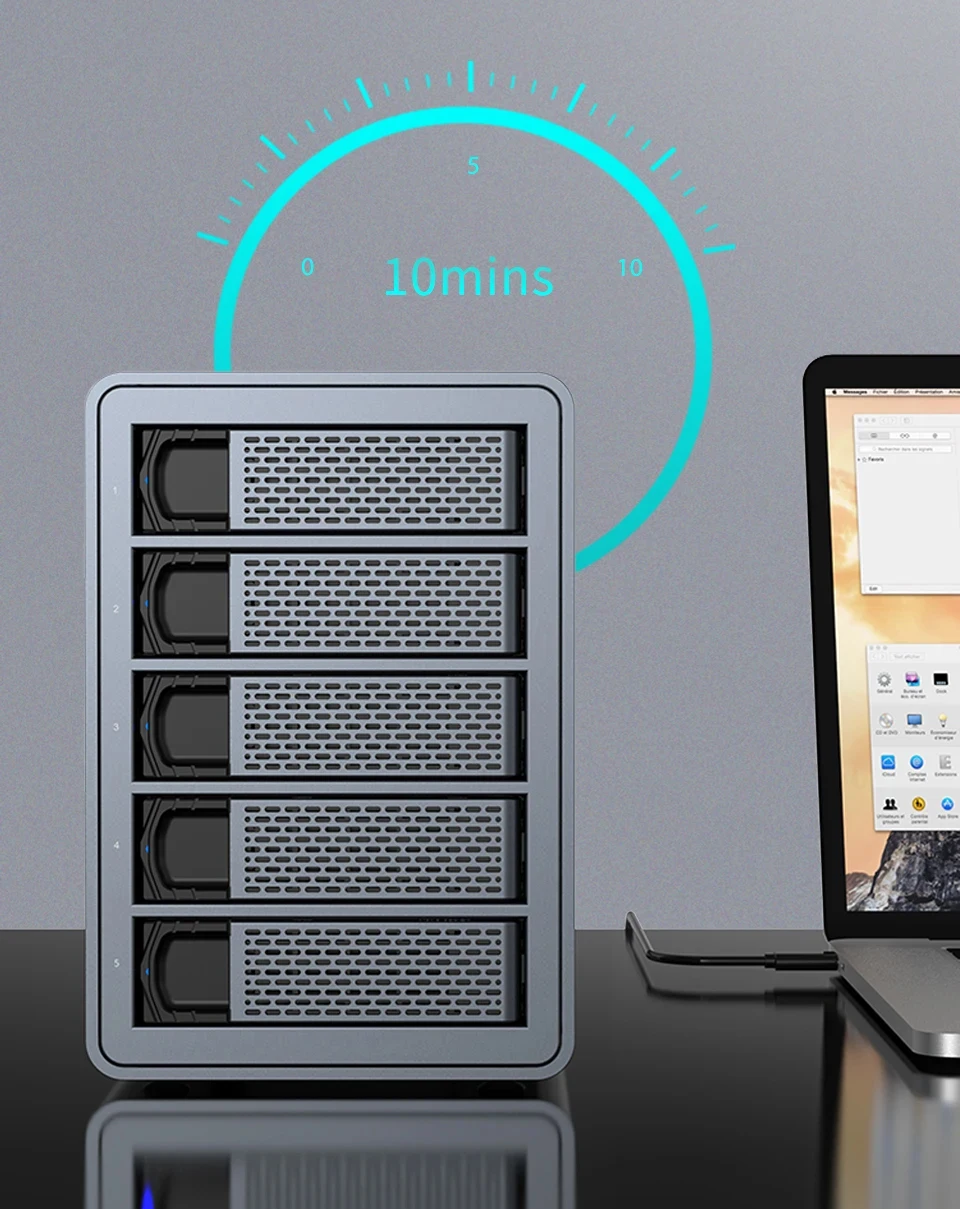
Intelligent sleep is more durable
After 10 minutes without data interaction, it will automatically enter the sleep state,
Reduce heat and loss, and prolong service life.
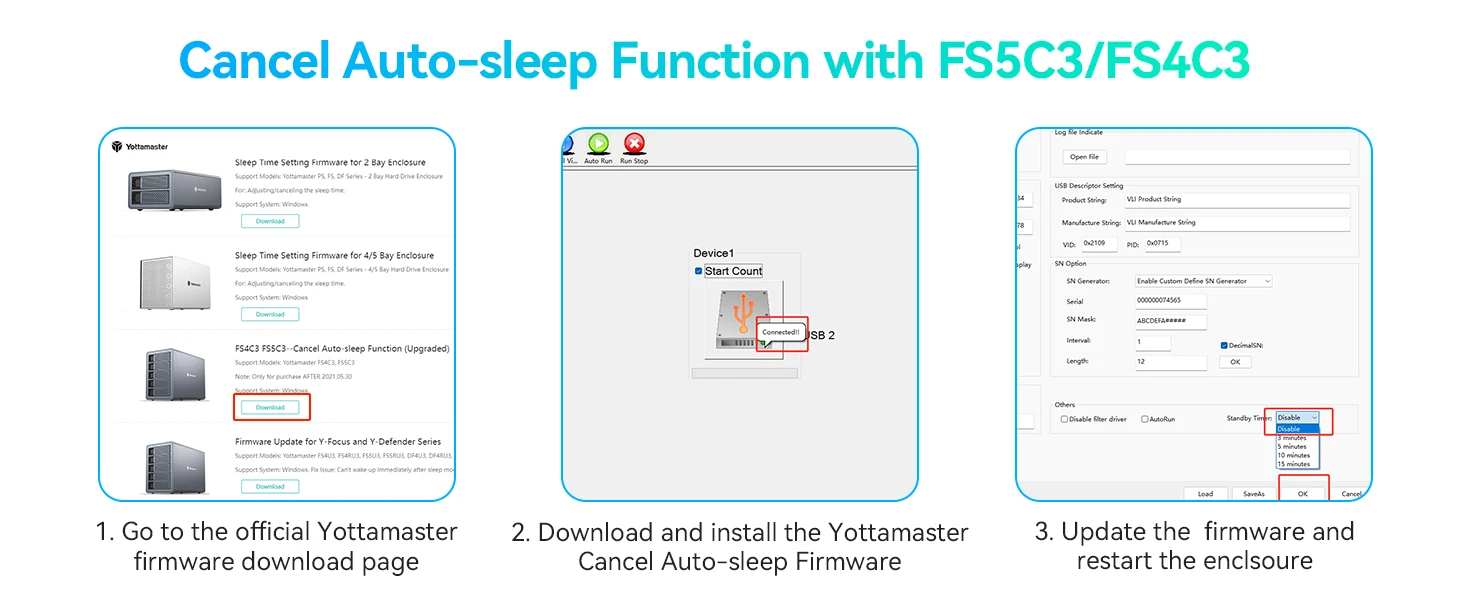
Windows System:
Go to our Official Website and find this page: Home >> Let us Help you >> Software & Manual & Firmware.
Find the specified fimware, the firmware name is: FS4C3 FS5C3--Cancel Auto-sleep Function
There are detailed step-by-step instructions in the downloaded file, please follow the instructions to complete the firmware update.
Mac System:
Firmware for Mac systems is still in development.
Mac users please use the third-party software, like Amphetamine/KeepAliveHD/Prevent Disk Sleep. You can set it to write to your drive a 1kb noted file every 5 minutes. The device will no longer enter sleep mode.
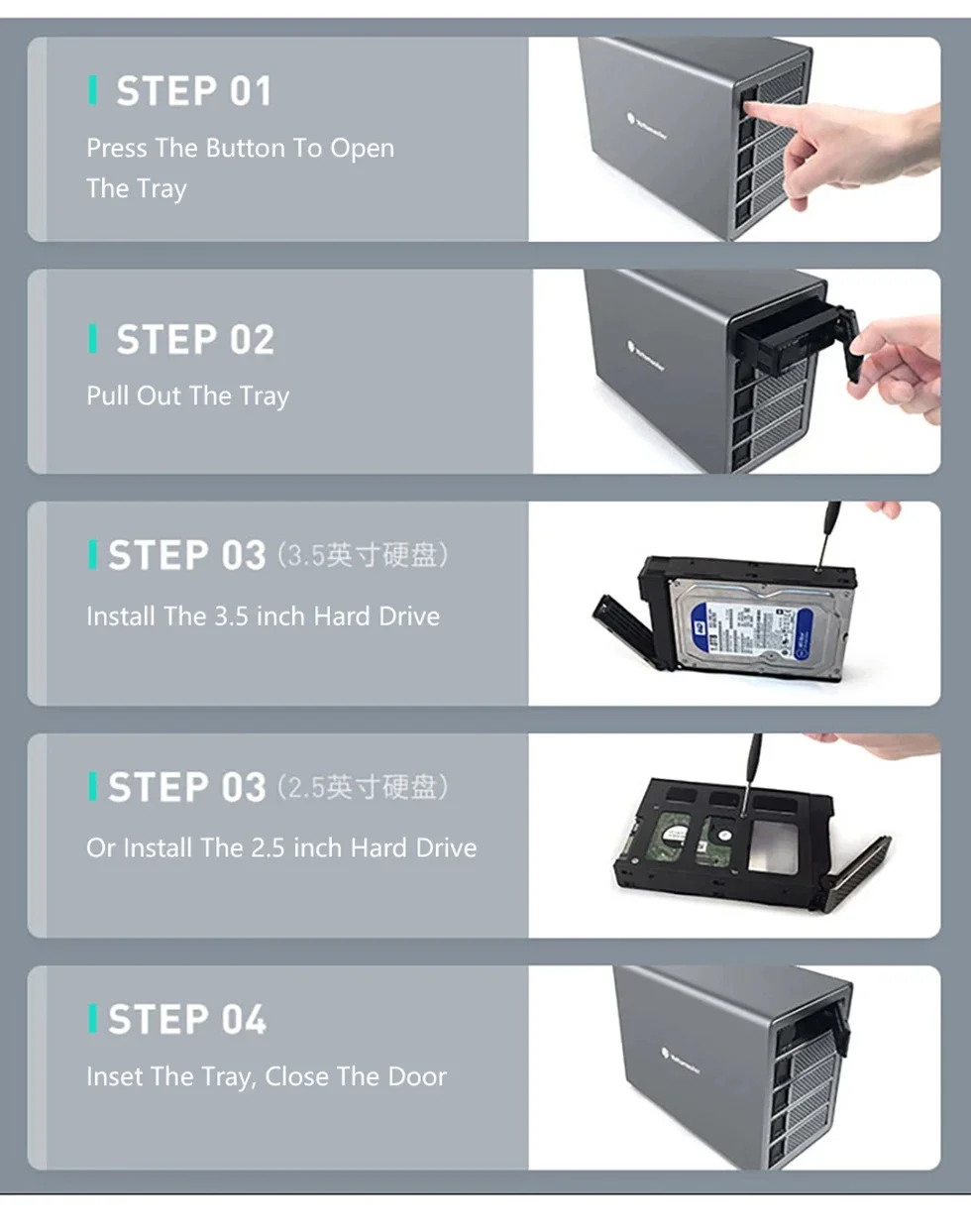
SATA HDD SSD Easy To Install
The Hard Drives Are Fixed By Provided Screws, Which Can Effectively Be Against Shock And Interface Damage.
Widely Compatible
Fully compatible with different specifications,
2.5" & 3.5" INCH HDD/SSD hard disk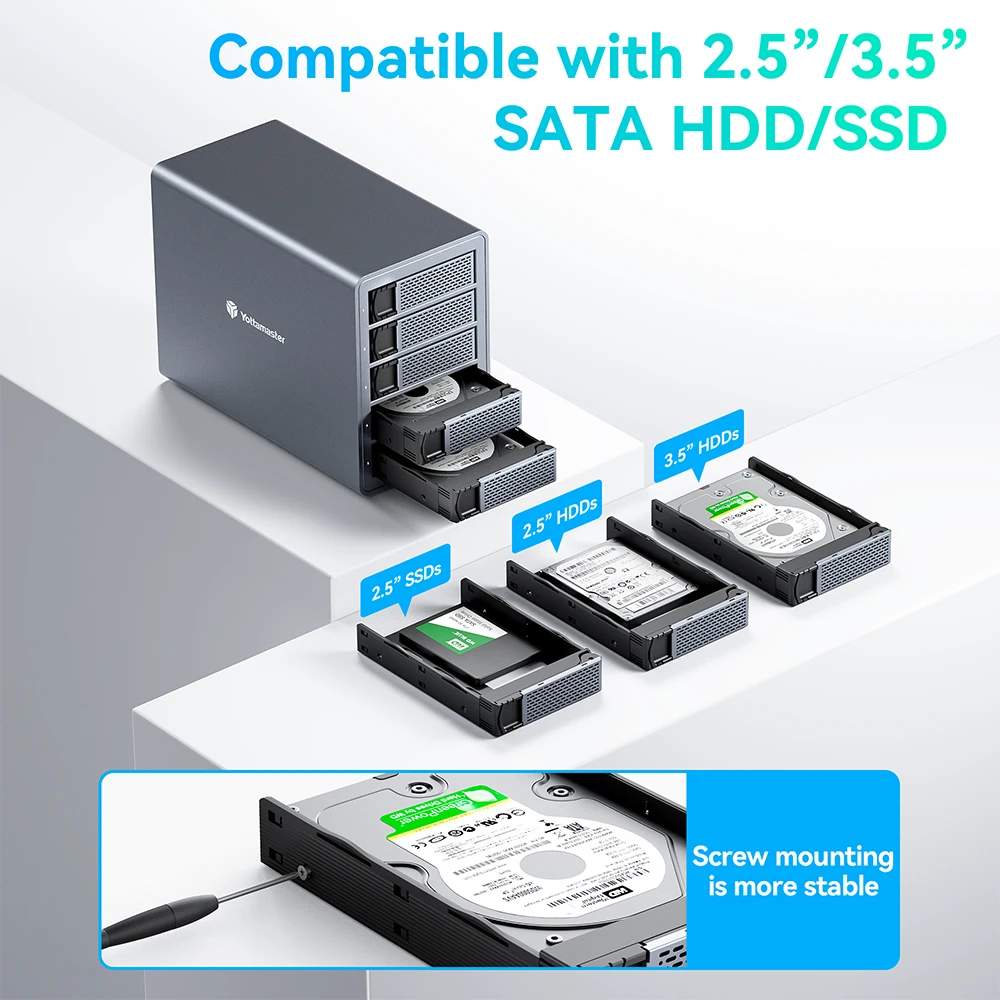 WIDE COMPATIBILITY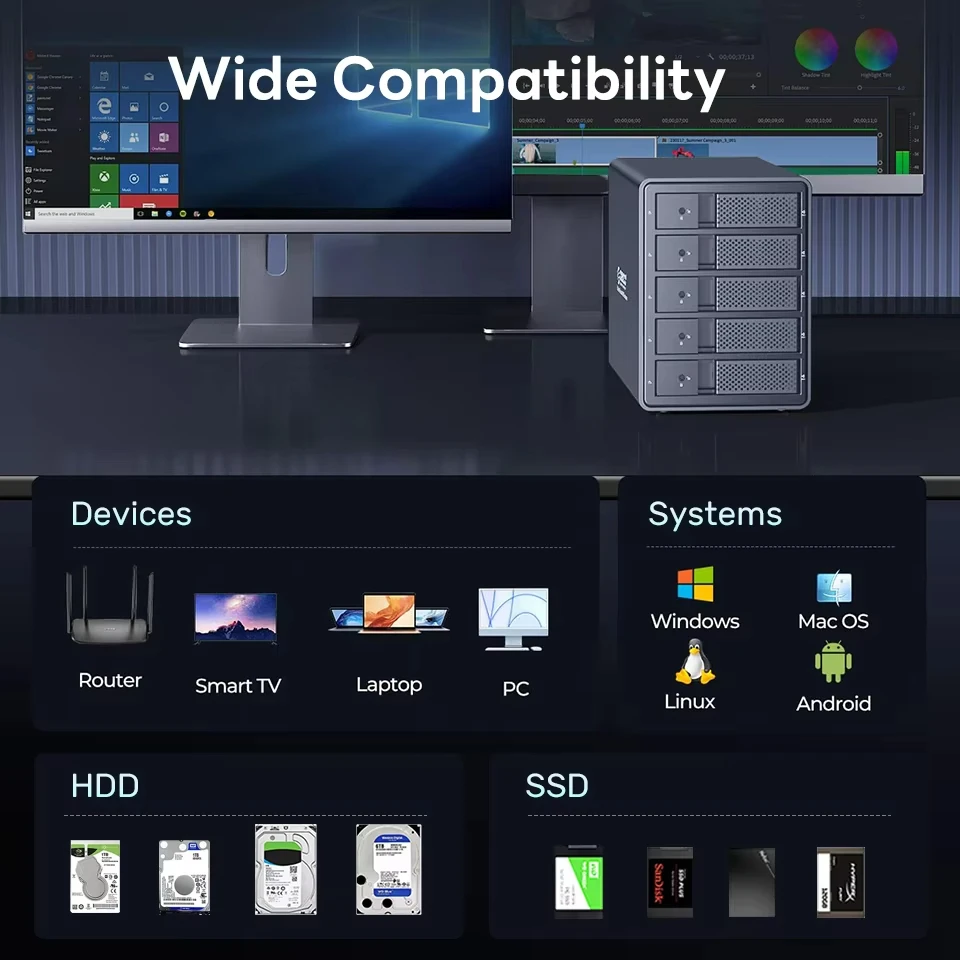
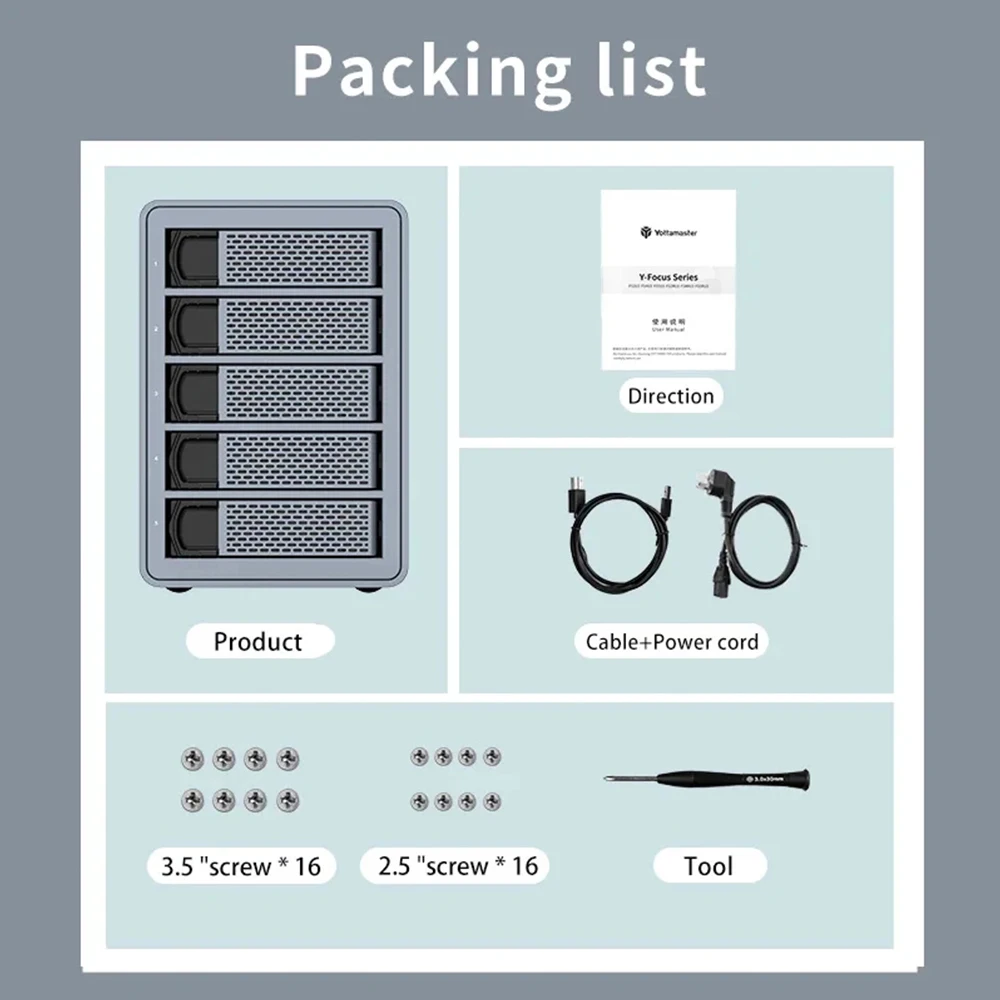
SATA HDD SSD Enclosure Packaging List
You Can Choose The EU /KR/ US / UK / JP Plug Version for The Power Adapter.
Q:How to Set RAID Mode?
A:Step1 Power the enclosure off. Toggle the RAID control switch to the "Normal" (PM Mode).
Step2 Press and hold the Set button.While holding the Set button then press and release the Power button to turn it on;As it turns on so you’ll hear one beep.Keep holding the Set button until you hear a second beep.
Step3 Power the enclosure off.
Step4 Set the dip switches to the pattern matching your chosen configuration.
Step5 Press the power button (while holding the Set button). Wait for second beep.(Same as step 2).
The RAID choice is all yours!
RAID1 You can mirror the drives with RAID 1 as a reliable backup for your important data;
RAID0 You can stripe the drives with RAID 0 for optimal performance and maximum speed;
RAID3 Or you could instead choose RAID 3 provides better data security in environments where continuous long files (like video editing files) are to be read;
RAID5 Provide complete data protection against disk failure while providing excellent speed and capacity. This is perfect for when you want to use a single storage products for both editing and backup;
RAID10 Combines data security of RAID 1 with high-speed read and write of RAID 0.
SPAN Or use SPAN to combine the drives for extra large storage capacities;
Normal Allows you to see and use each disk independently. With five working days a week you can assign each disk to a daily backup to see and use each disk independently.