


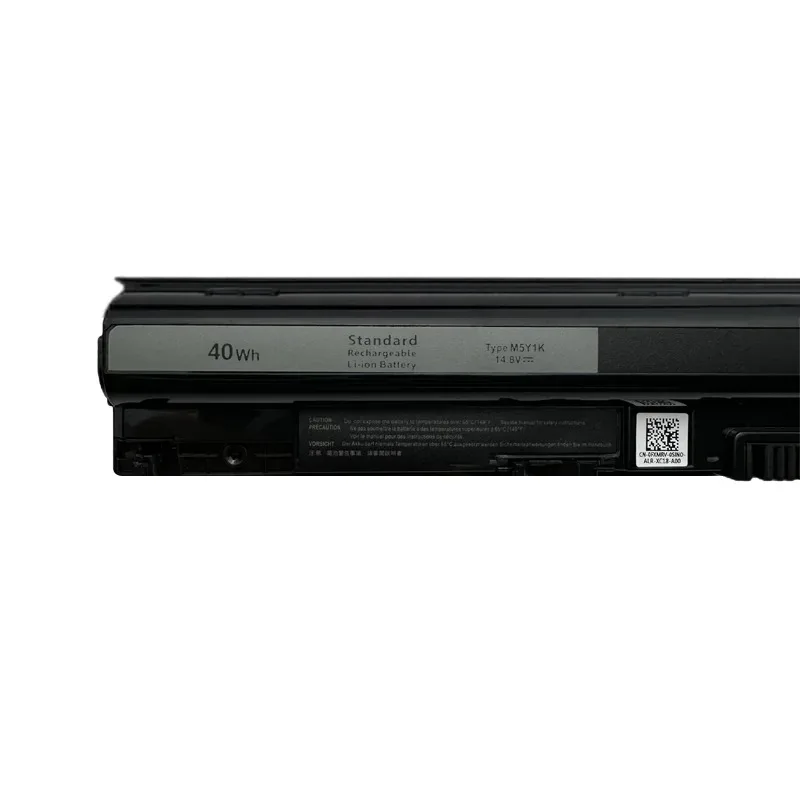
M5Y1K 14.8V 40Wh Notebook Battery For Dell Battery 3451 3551 5558 5758 5759 Inspiron 14 15 3000 V-ostro WKRJ2 K185W
Regular price
$210.90
$210.90
SPECIFICATIONS
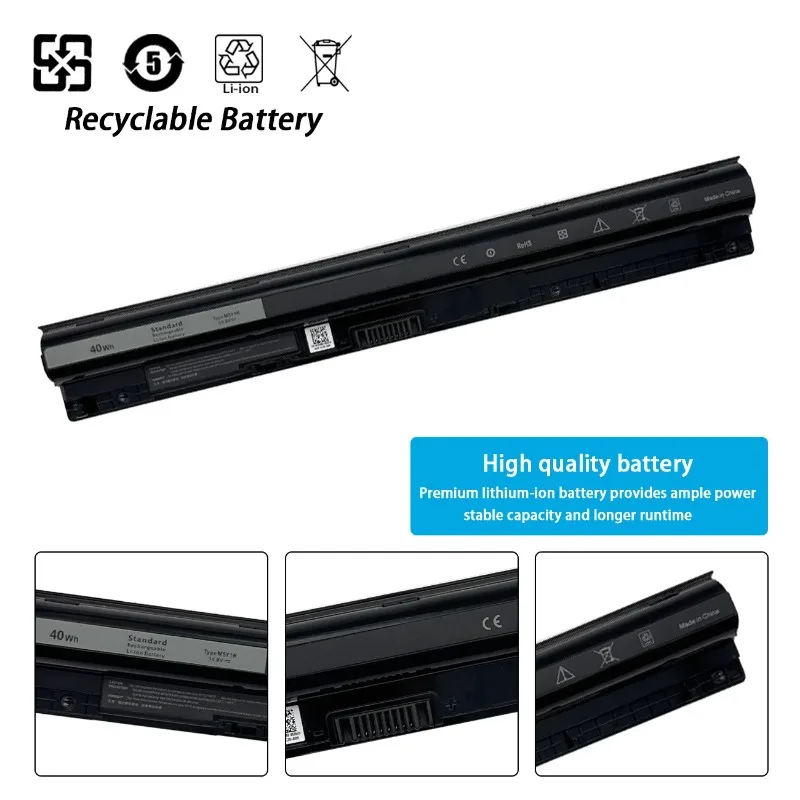
Battery Cells: 4 Cells
Battery Voltage: 14.8V
Brand Name: NoEnName_Null
Certification: CE,RoHS
Compatible Brand: Dell(ru)
High-concerned chemical: None
Model Number: M5Y1K
Origin: Mainland China
Package: Yes
Part Number: M5Y1K
Type: Li-Ion
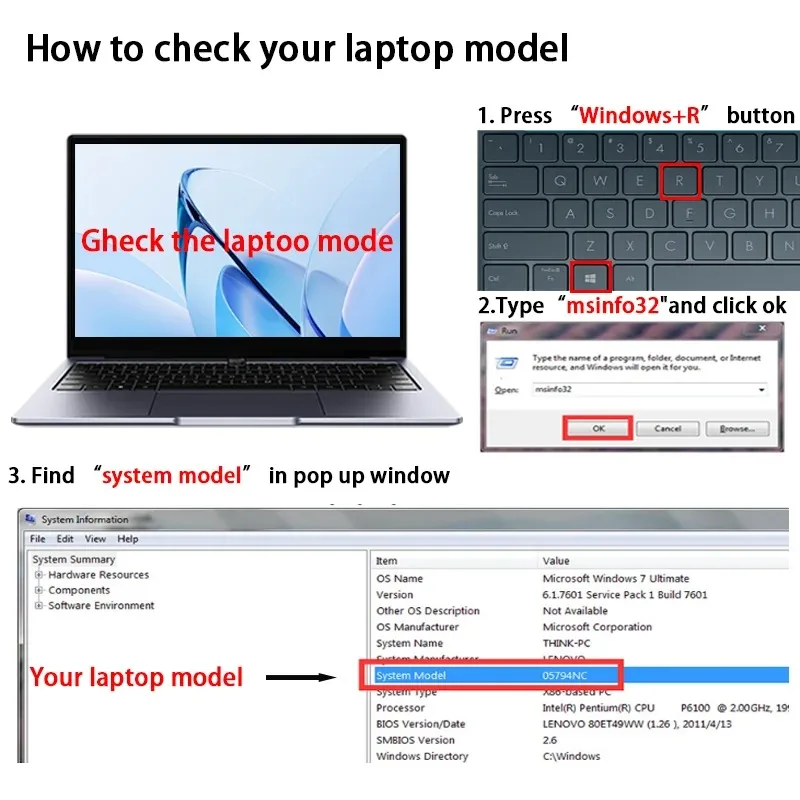
Comment vérifier votre modèle d'ordinateur portable
User Manual for Laptop Battery
-
Pis discharge the battery to 2% and then charge fully to 100% at the first cycle after purchasing
-
Do not discharge the battery pack to 0% as that will damagethe battery pack and shorten its life.
-
It must be charged upto 70% for longtime storage The mismatch of adapter or adapter that has been used over longtime may cause the battery not to be charged because of the inefficiency output of adapter.
-
Please check your adapter first for charging problems of the battery Never take out the battery from laptop when it is being charged or discharged.
Battery activation program
-
When the device charges the battery for the first time,due to different voltages and unstable currents,the device will stop charging the battery when the battery is half charged (sometimes more,sometimes less). If this happens, don't worry, Just remove the battery from the device, reinstall and recharge. A new battery that is charged for the first time may require several iterations. Please be assured that. This is normal.