MHT-P29L Milestone Bluetooth 80mm Usb Thermal Receipt Printer Mini Tag Barcode Sticker Printer Receipt Printing Machine
Regular price
$268.83
$268.83
SPECIFICATIONS
After-sales Service: Return and Replacement, Call Center and on-line
Battery Included: Yes
Brand Name: Meihengtong,Barway
Double-sided Printing: No
High-concerned chemical: None
Interface Type: USB
Max Paper Size: A0
Model Number: MHT-P29, OEM
Non-contact card reader: Support ISO/IEC14443 Type A&B, Mifare, Felica card
Origin: Mainland China
Paper Feed Mode: Auto
Paper widtH: 50-80mm
Power Adapter: input AC220V; output DC9V/1A
Print Speed: 20ppm
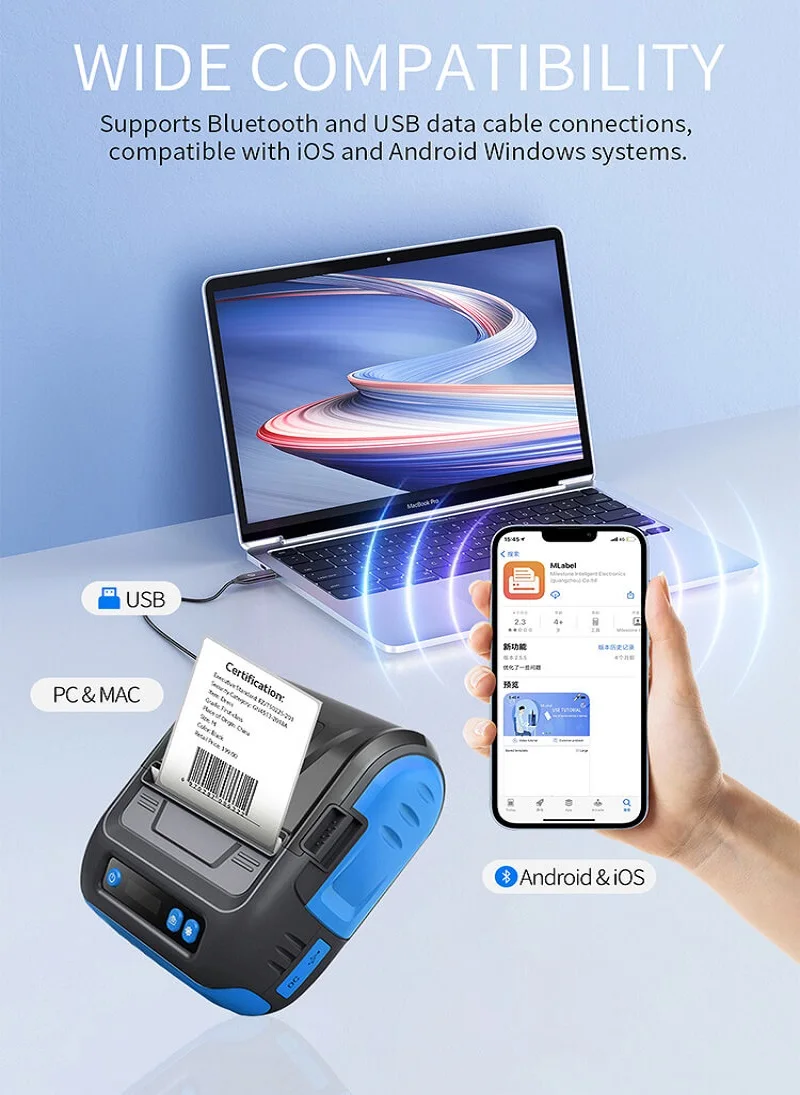
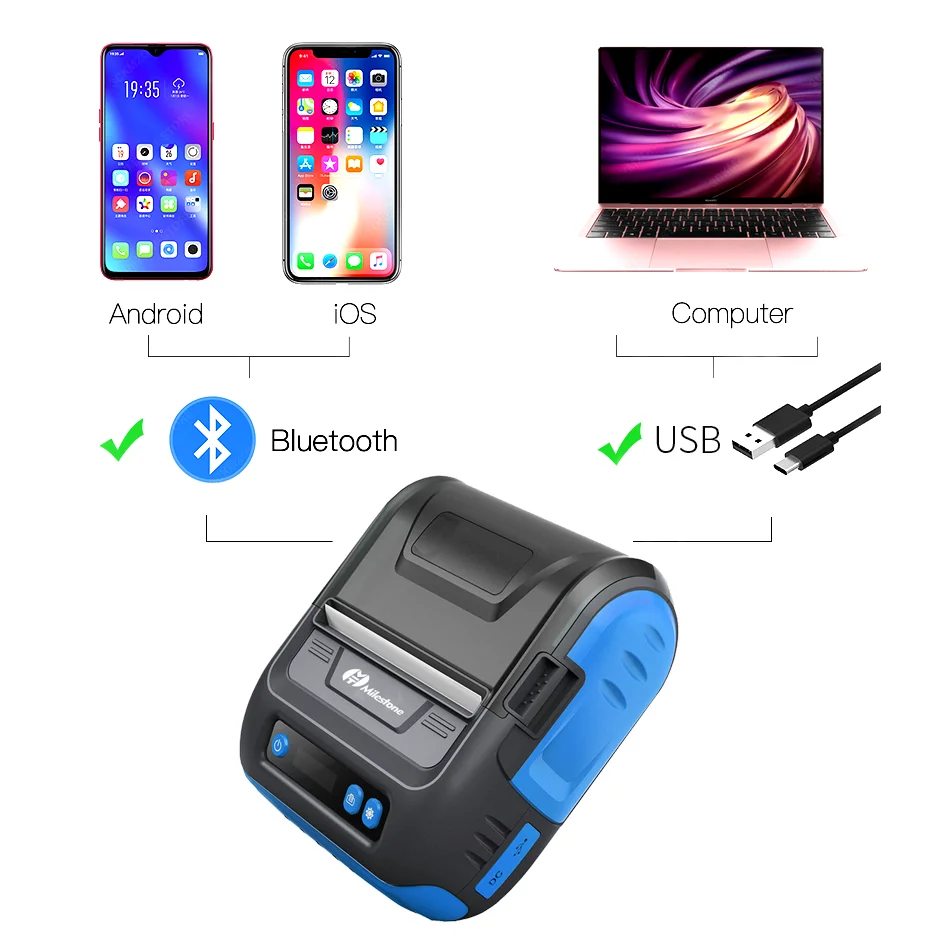
Print interface: BT+USB
Printing Method: Thermal Line Printing
Printing method: Thermal printer
Printing width: ESC/TSPL
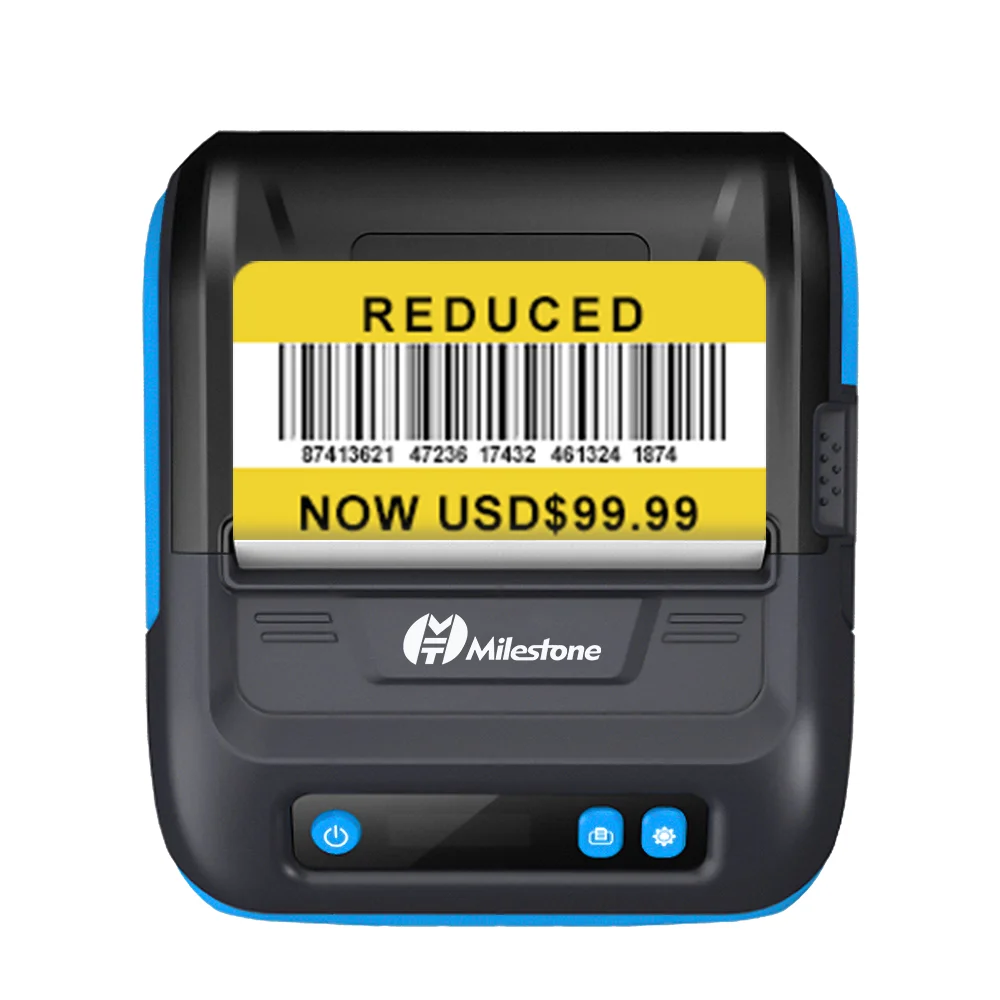
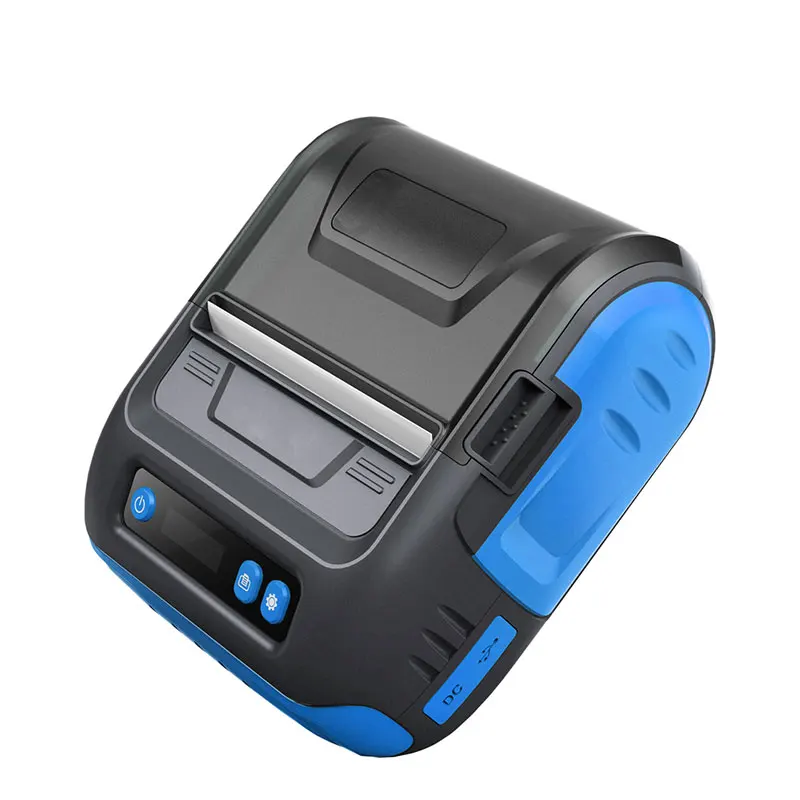
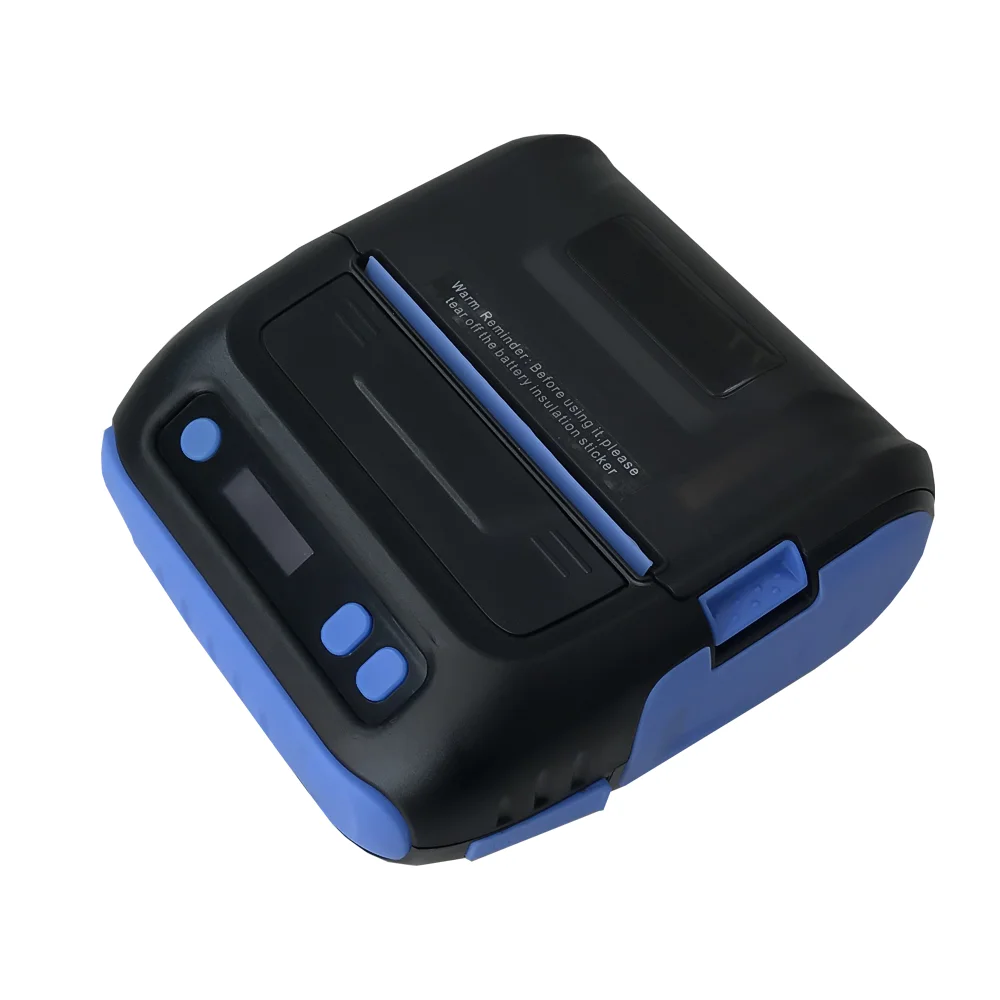
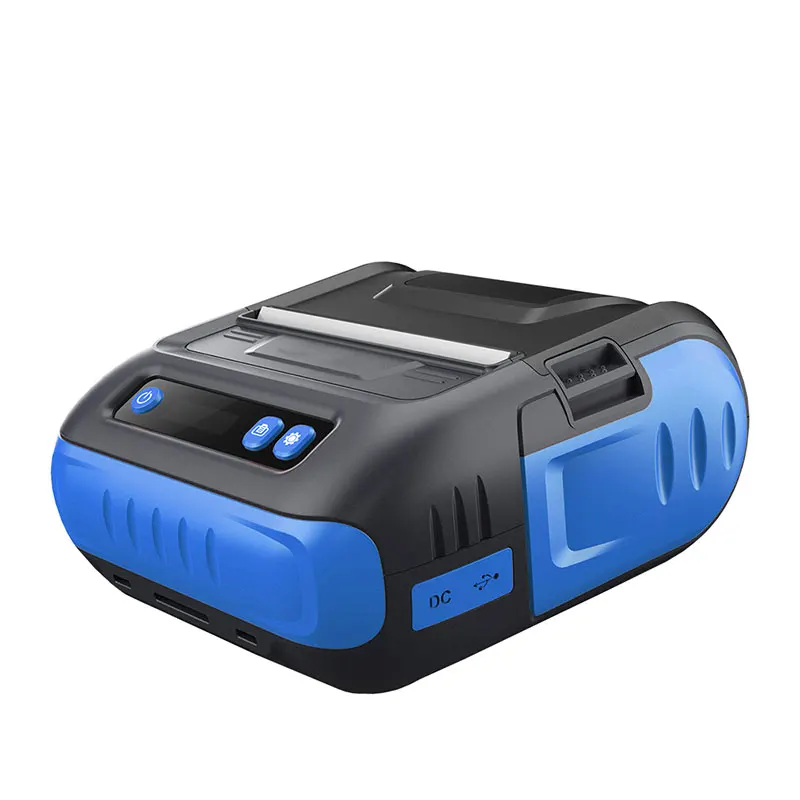
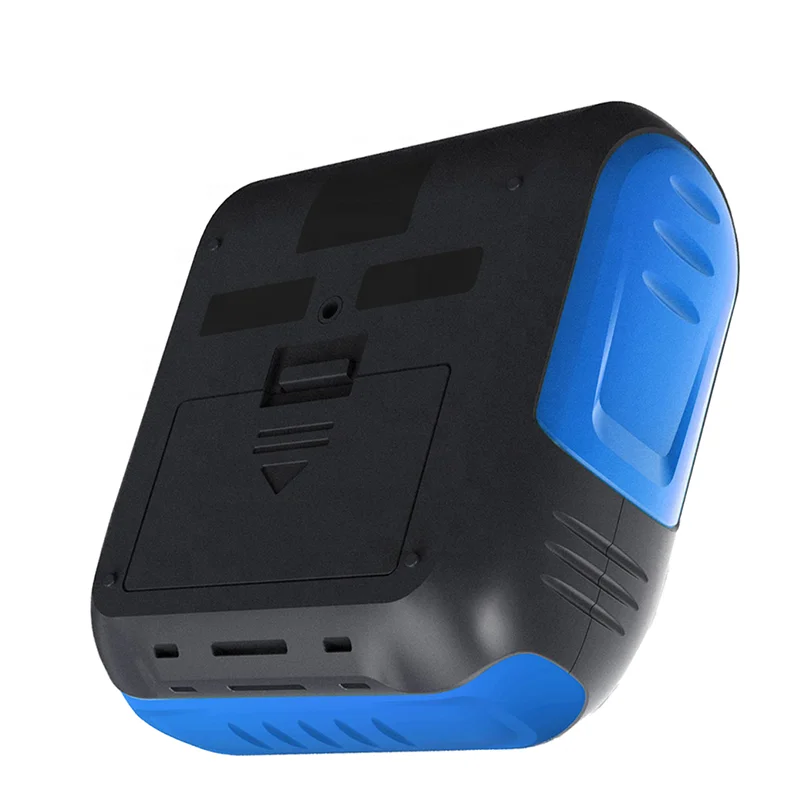
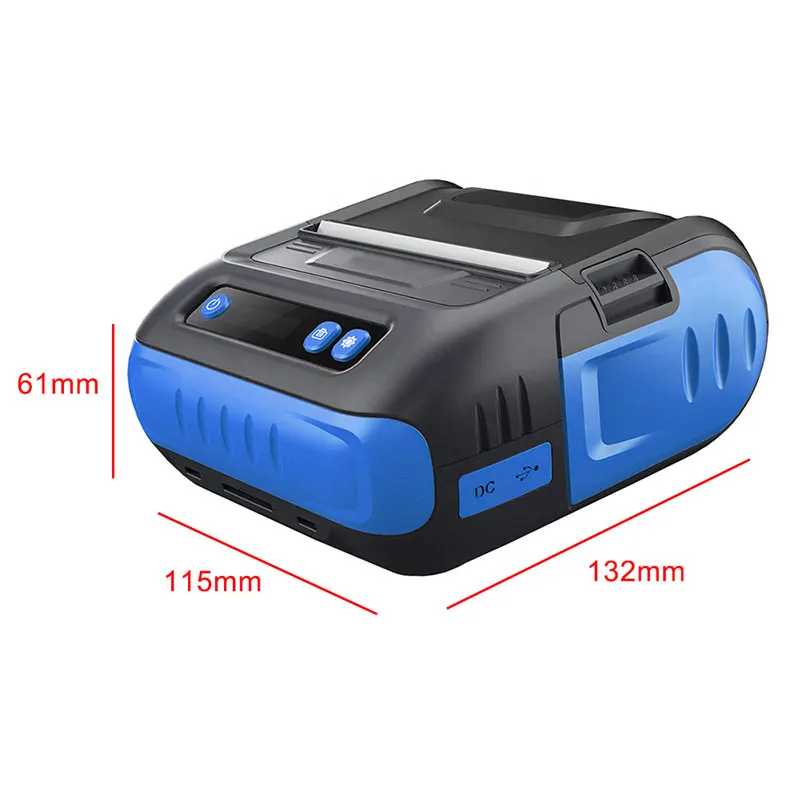
Product Name: Portable receipt thermal printer
Signal Connection Type: Bluetooth
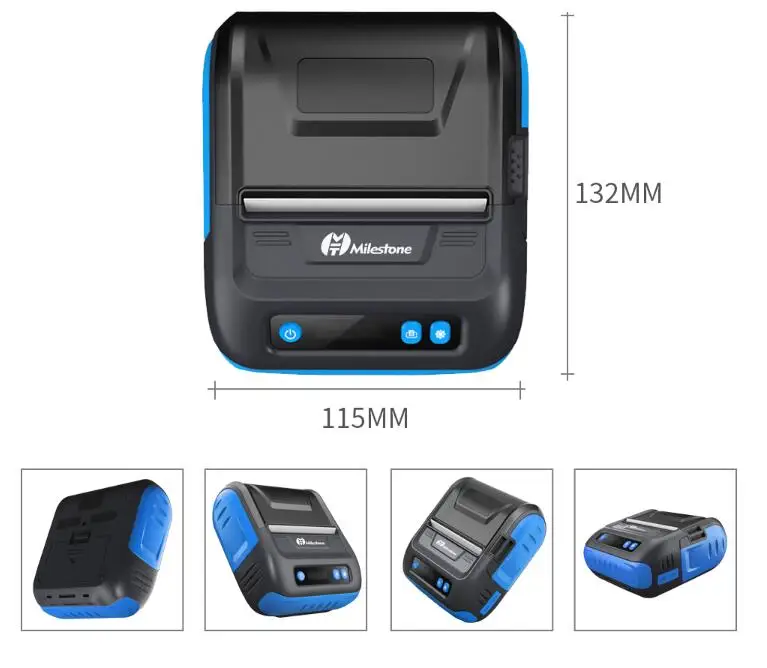
Size: 80mm
Supports Network Printing: Wireless
Type: ISBN Printer
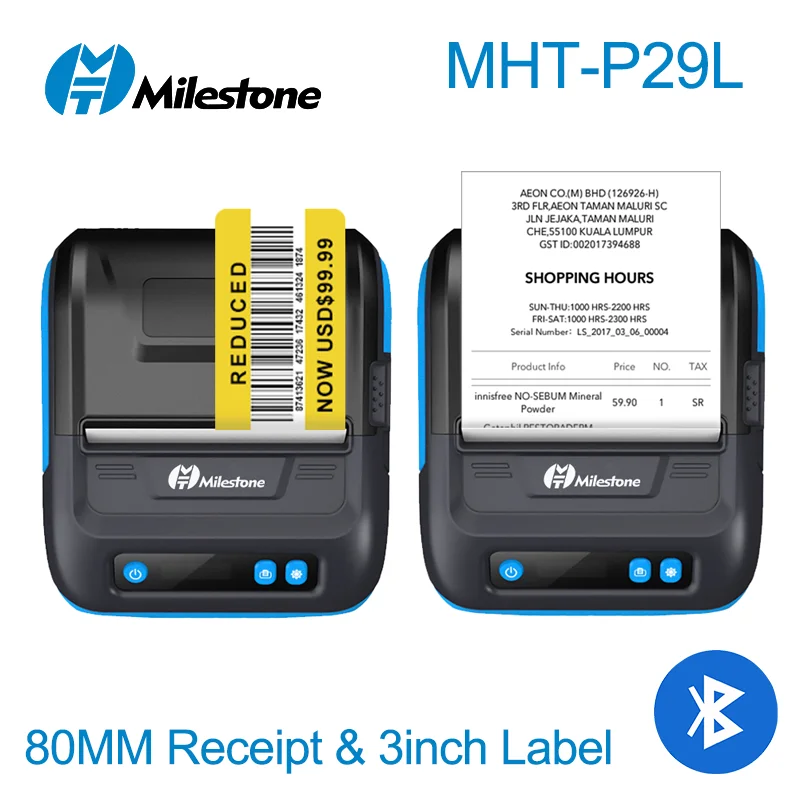
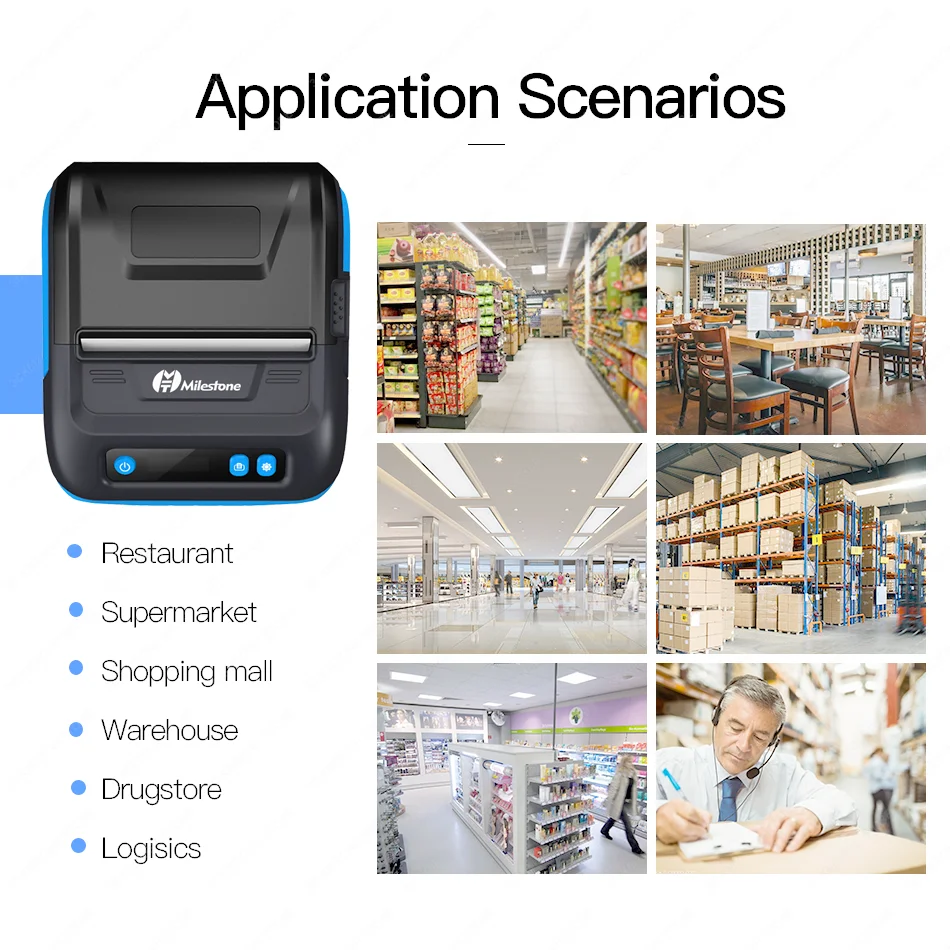
Use: Thermal Printer,Barcode Label Printer
Voltage: 220V
flash: 2mb
termal printer: blue tooth receipt printer
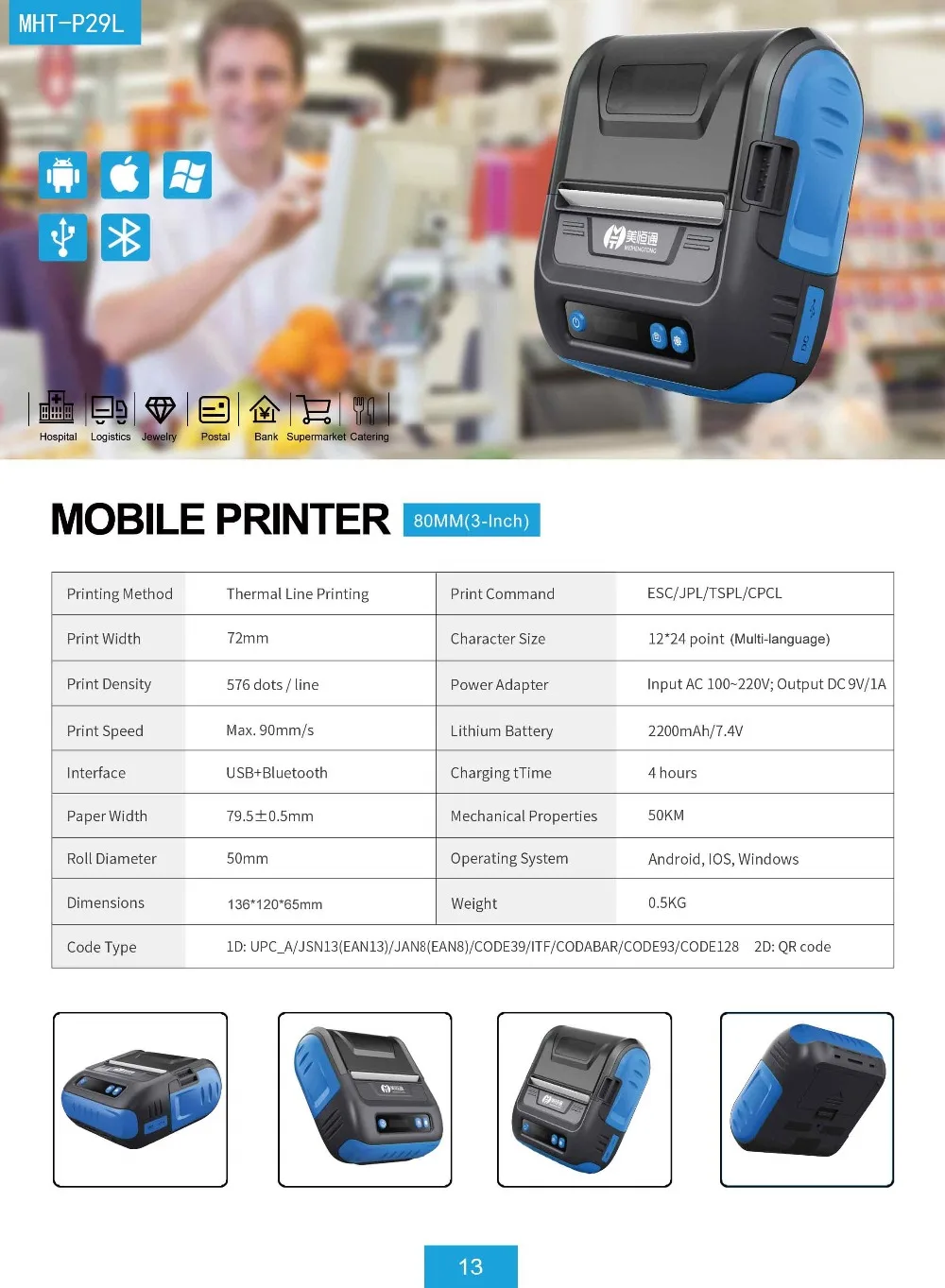
ProductModel |
MHT-P29L |
Certification |
ce, RoHS, BIS(ISI) |
Printing Method |
Thermal Line Printing |
Products Status |
Stock |
Print Width |
72mm |
Type |
Thermal printer |
Print Density |
576 dot / line |
Style |
BlueandBlack |
Print Speed |
60~90mm/s |
Use |
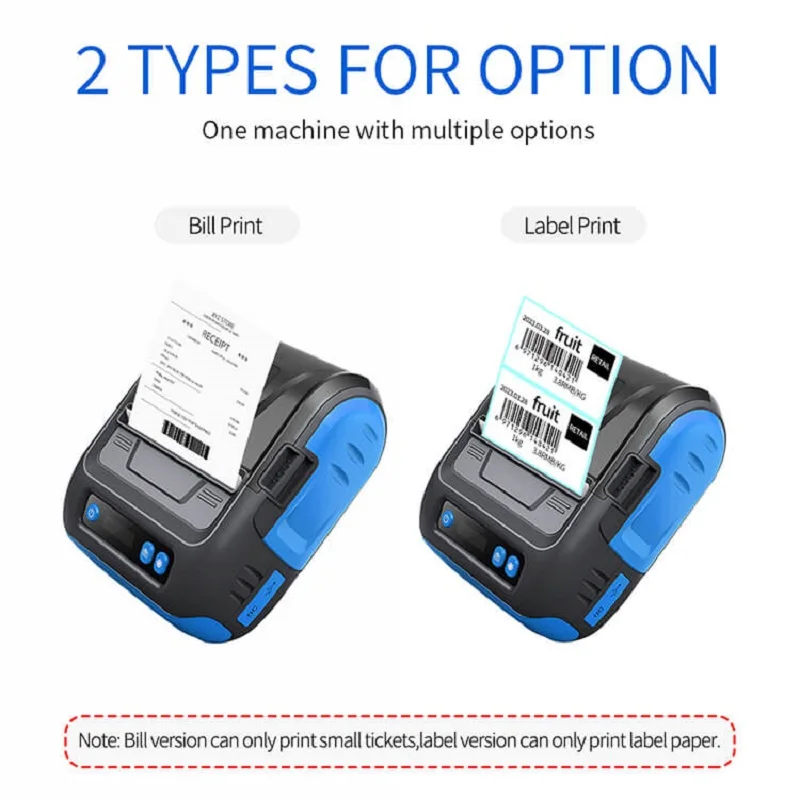
Thermalreceipt&label printer |
Interface |
USB+Bluetooth |
Max Paper Size |
80mm |
Black Print Speed |
90mm/s |
Color Print Speed |
null |
Max. Resolution |
576 Dots/line |
Brand Name |
Milestone/Meihengtong/OEM |
Place of Origin |
Guangdong, China |
Warranty(Year) |
1-Year |
Print Command |
ESC/TSPL/CPCL |
Bar Code Type |
CODE39, DODE128 |
Power Adapter |
input AC220V; output DC9V/1A |
Charging time |
3 hours |
Mechanical Properties |
50KM |
Roll Diameter |
50mm |
Paper Thickness |
0.06-0.08mm |
Lithium battery |
2200mAh/7.4V |
thermal printer bluetooth |
thermal printer/label machine |
Operating system |
Andriod,IOS,Windows |
,
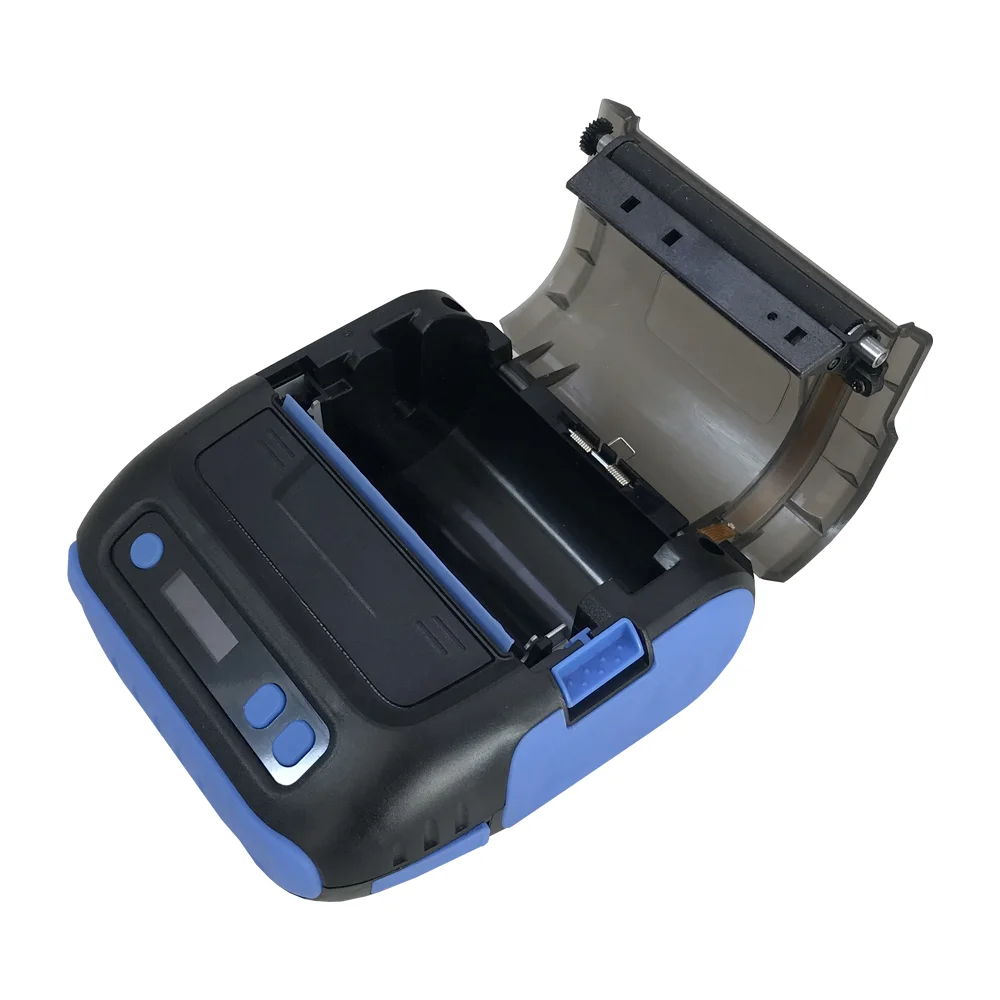
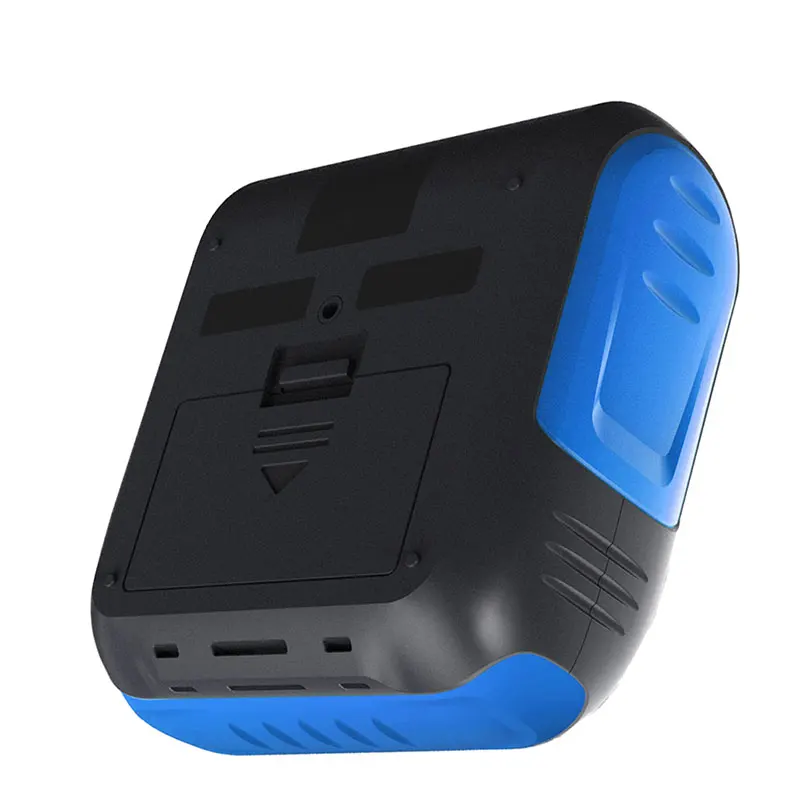
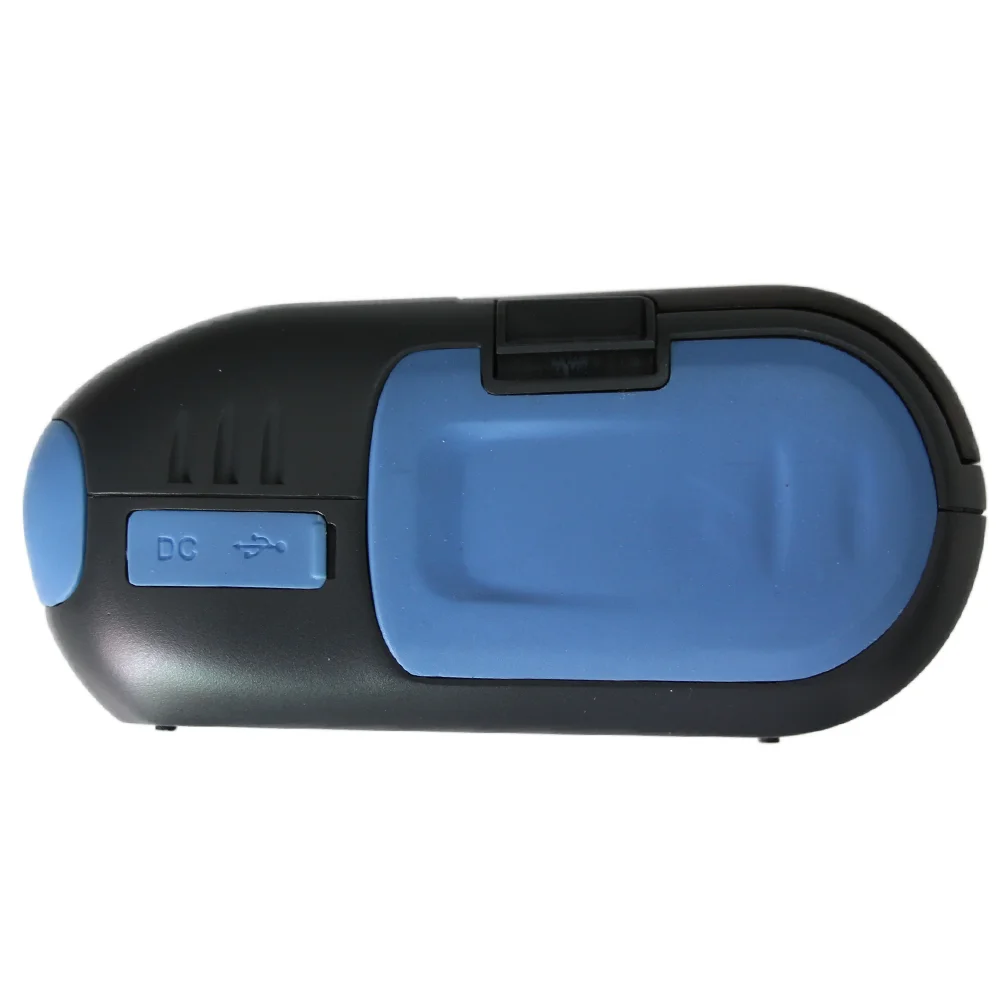
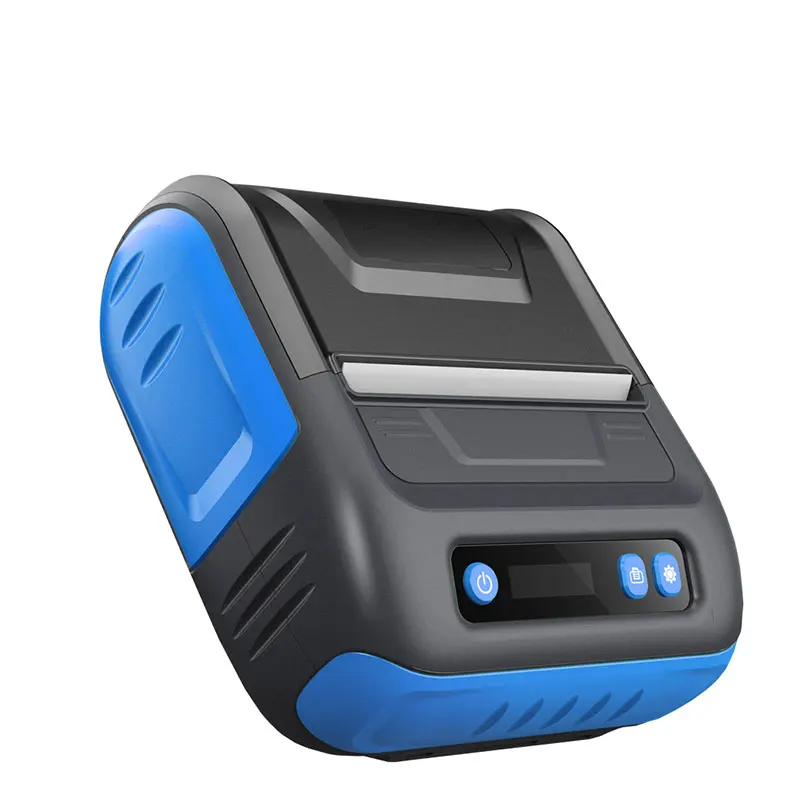
FAQ
Q:which paper does it fit ?
A:It fit receipt paper 80*30 80*50mm
Q:What's this printer's SDK ?
A:Can download by this link:
https://www.mhtclouding.com/MHT/MHTFile/other/MHTDevelopmentKit.zip
Q:How to get seller's printing receipt app ?
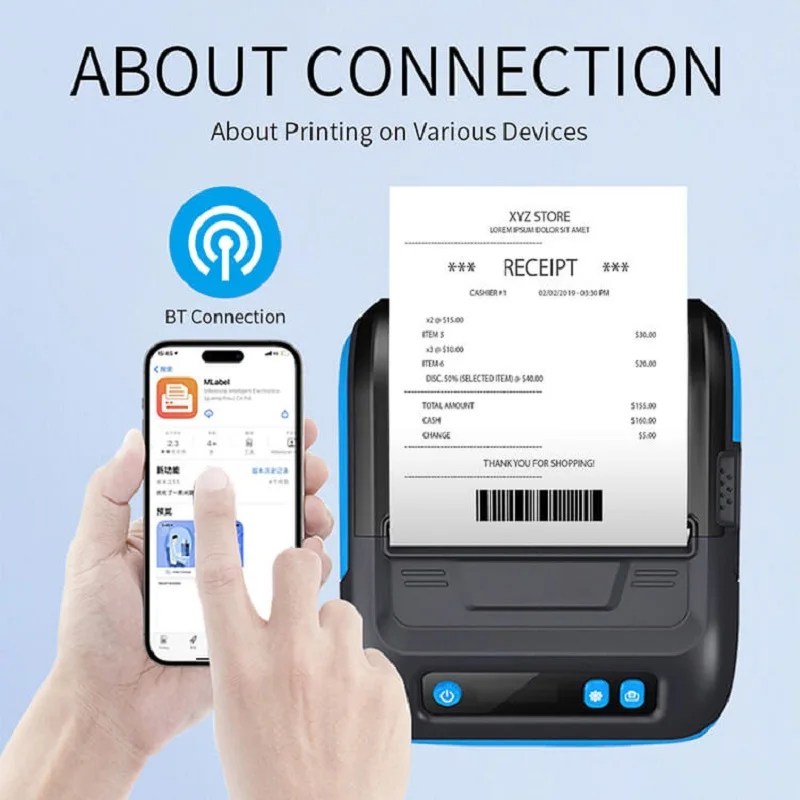
A:You can upload app Mlabel in app store or google play, it's our newest app, in this app, you can select language that you want
It can print spanish language and other different languages,, account is "MHT" or "1", needn't password, then direclty click login, needn't to register in this app.
In this app, both can print receipt and label , you can choose it , in this app, you can connect bluetooth of printer.this is our company website,also can download app from this webhttp://en.gzmht.com
Q:how to get the drive for printer ?
A:Windows 7 Drive: https://drive.google.com/open?id=0B9xDryhA985fX2Z6WlFhWWFfOEkWindows 10 drive: https://drive.google.com/file/d/0B9xDryhA985faGRnUUh5OEJ6X0k/view?usp=sharing
Q:How to connect Bluetooth with phone ?
A:1.open our printing app in your phone
2.in the app, select bluetooth of printer
3.connect the bluetooth
4.can print by phone through bluetooth
Note: can't find bluetooth of printer in phone's setting ,can't connect bluetooth in setting,only can connect bluetooth in our app
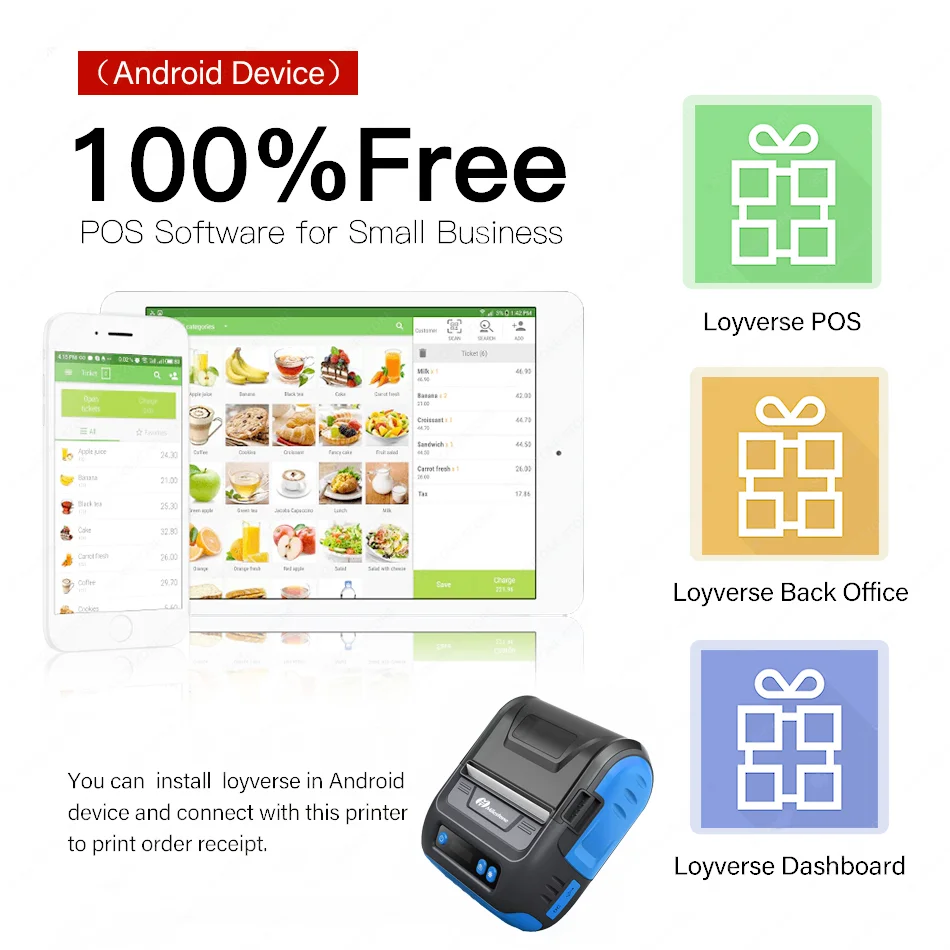
Q:Does it fit loyverse ?
A:It can fit loyverse through android phone.
Q:Can it fit buyer's own app ?
A:I am not sure, some buyer's app, it can fit, some buyer's app, it can'tit can fit seller's app perfectly
Q:what's the function of this printer ?
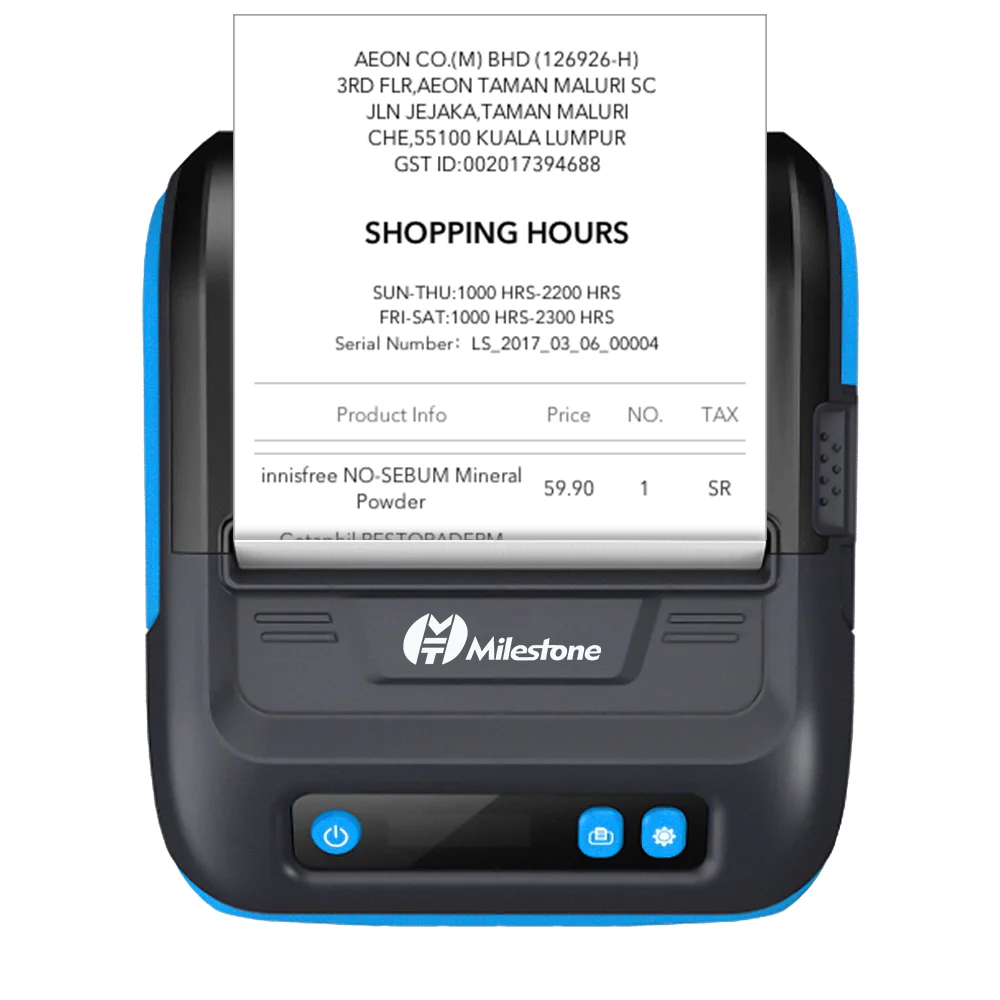
A:It can print receipt ,ticket, can't print labelby our app, you can edit any text that you want , also can use our model receipt in our app