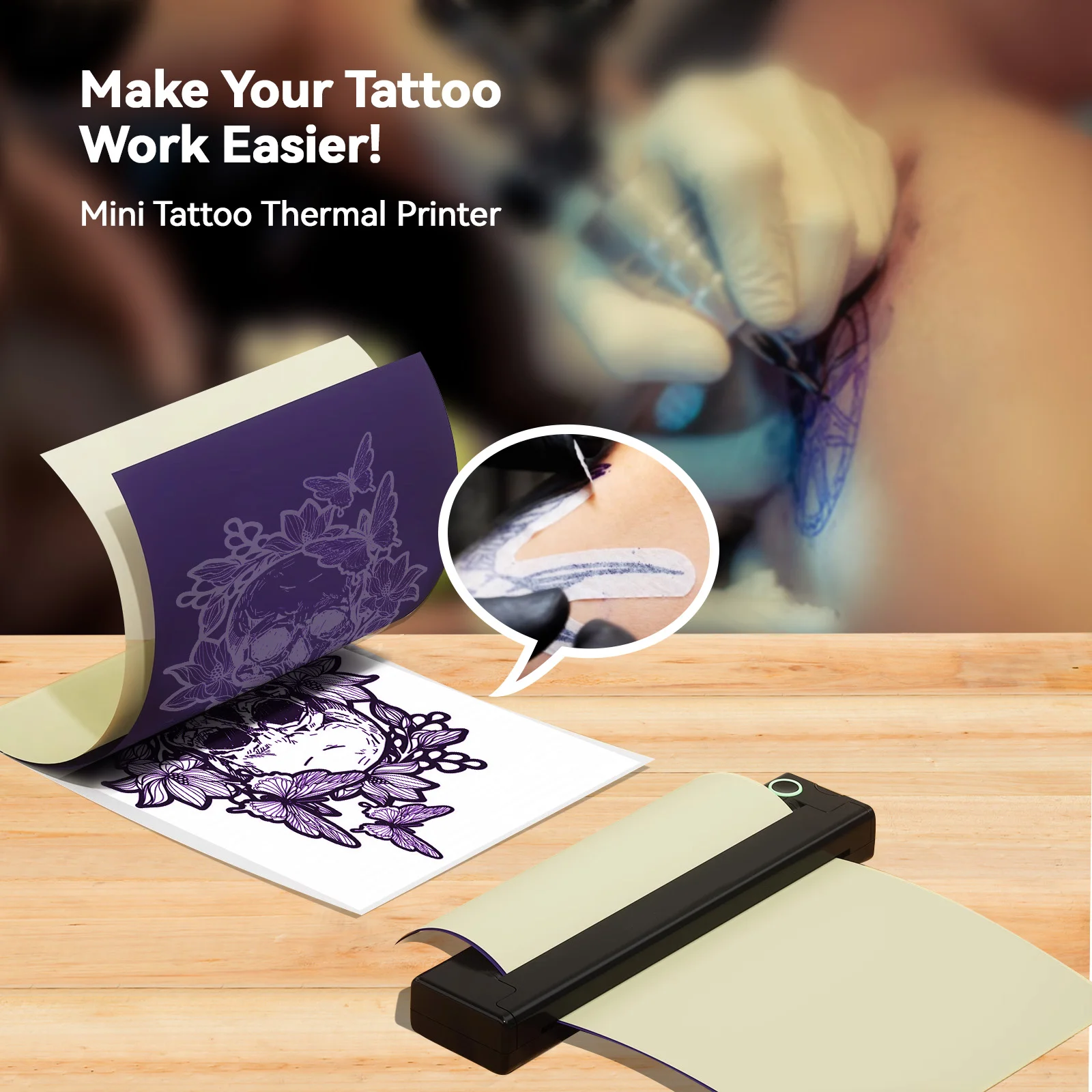
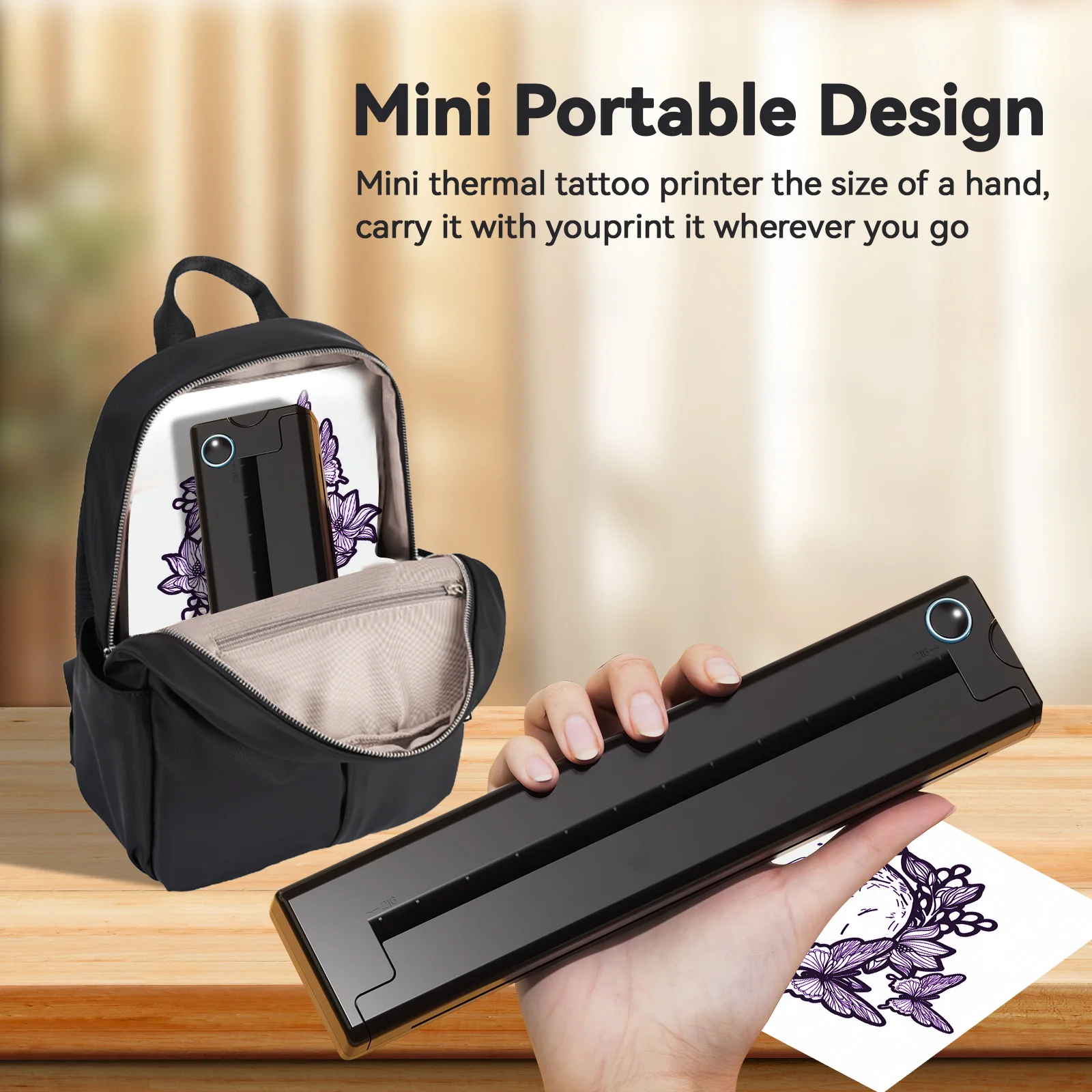
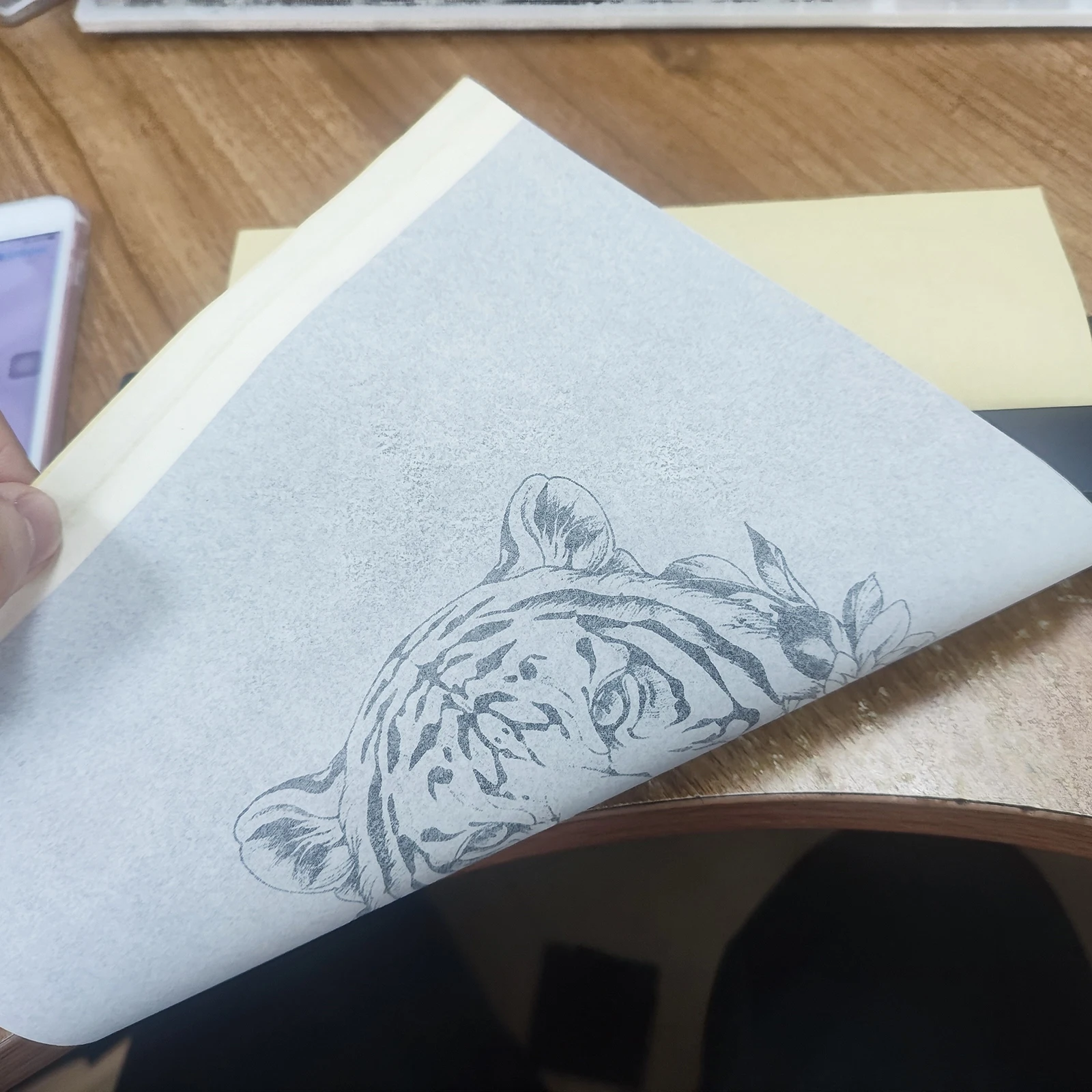
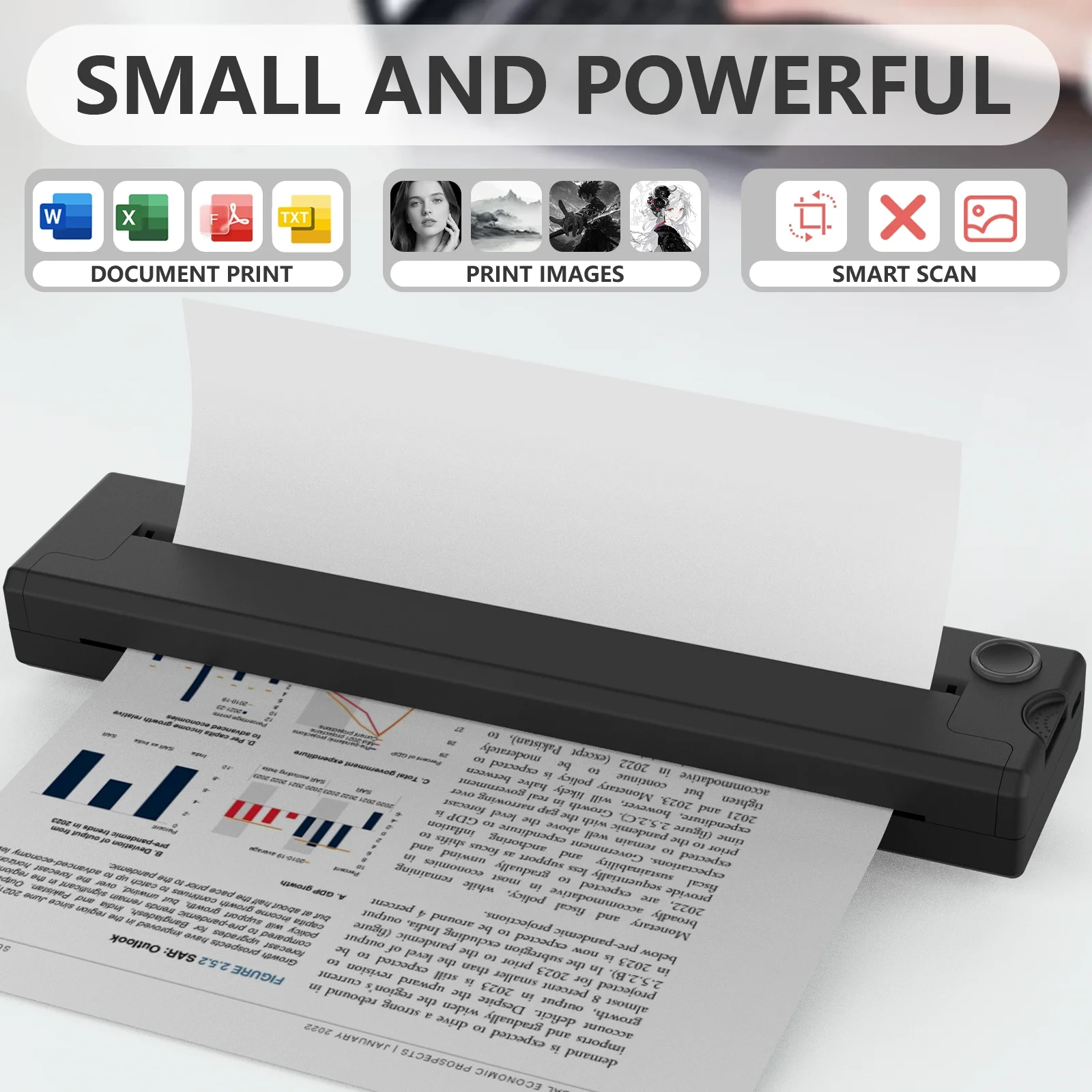
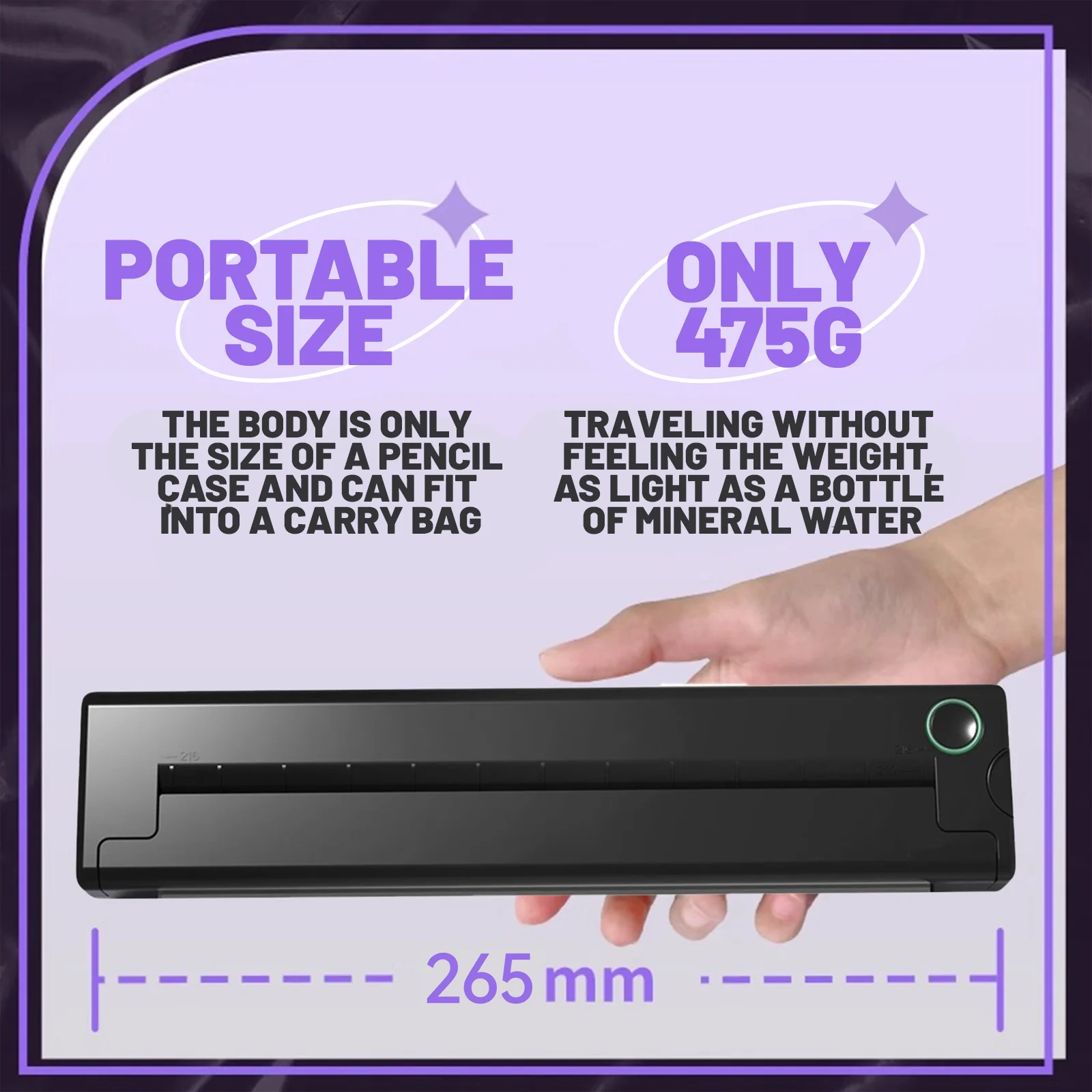
Portable A4 Thermal Printer Mini Tattoo Stencil Transfer Printer Multifunctional Tattoo Document Printer Wireless Bluetooth
Regular price
$166.24
$166.24
SPECIFICATIONS
After-sale Service: Shop's Three Guarantees
Application: Personal Work Management
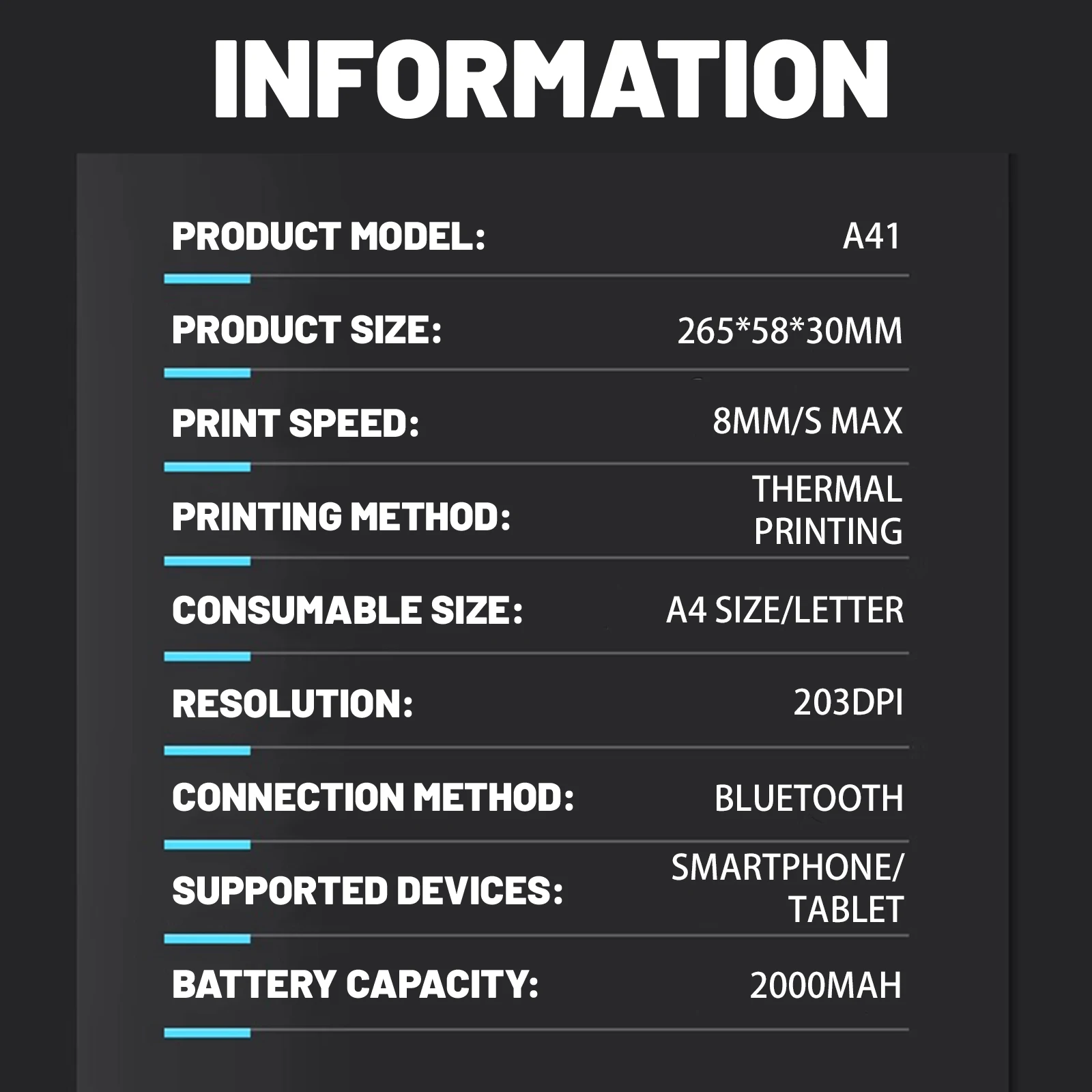
Battery Capacity: 2000mAh(7.4V)
Battery Included: Yes
Black Print Speed: 4ppm
Brand Name: MAPPING
Certification: CE,RoHS
Choice: yes
Connection Method: Bluetooth or USB
Connector: Type-C
Consumable Items: 210X297mm
Consumable Type: Thermal Paper
Double-sided Printing: No
High-concerned chemical: None
Interface Type: Bluetooth
Max Paper Size: A4
Max. Resolution: 203dpi
Origin: Mainland China
Paper Feed Mode: Manual
Print Speed: 4ppm
Printing Mode: Thermal Print
Printing Speed: 8mm/s MAX
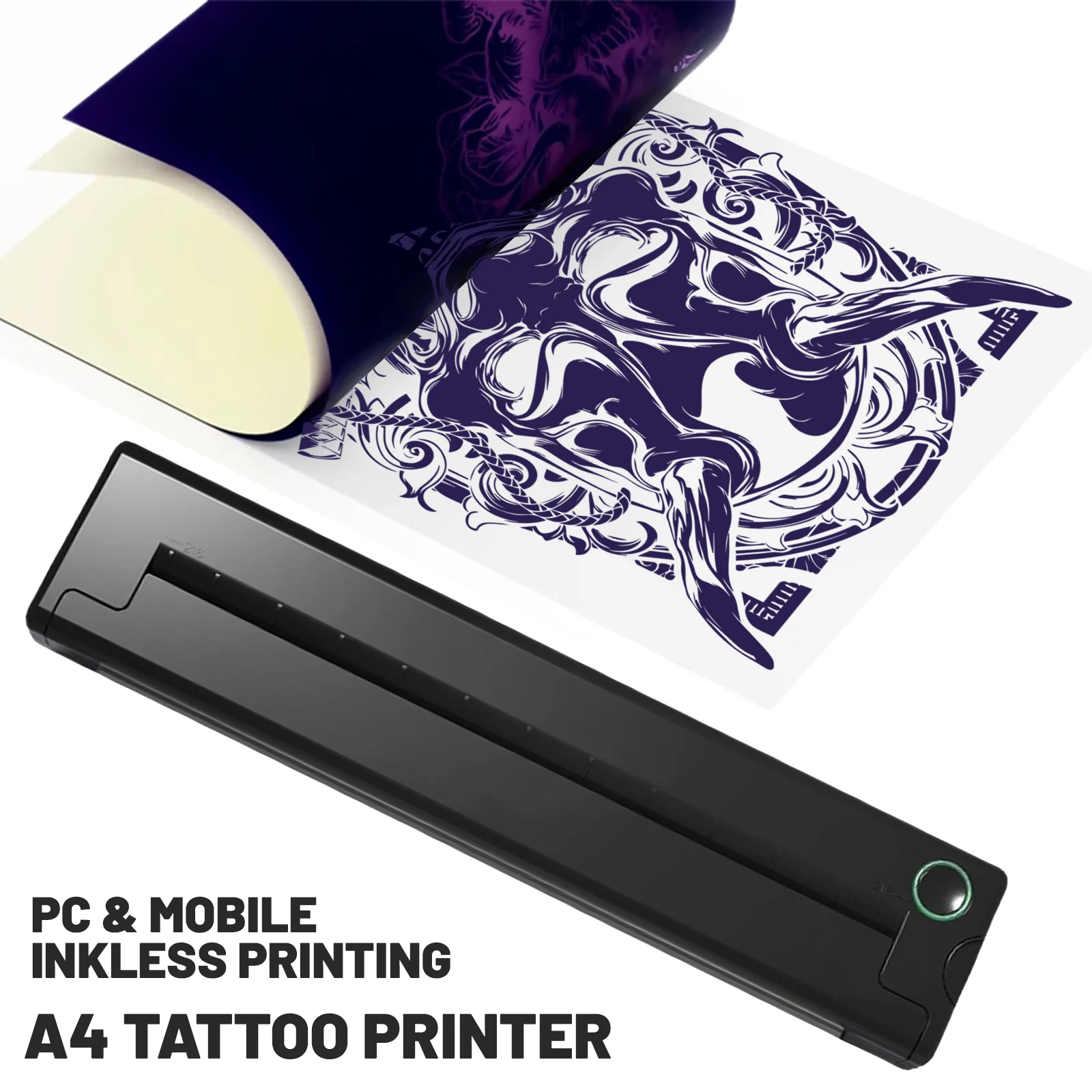
Product Name: Tattoo Thermal Printer
Signal Connection Type: Bluetooth
Size: A4
Supported Devices: Smartphones/Tablets
Supports Network Printing: Wired
Type: Thermal Printer,Thermal Printer
Use: Thermal Printer
Voltage: Below 50V AC / 75V DC
⚠️Note: Our product is not suitable for use with computers; it is only suitable for connecting to mobile Phone and Tablet.
🌟 Key Features
✅ Multi-size Thermal Paper Compatibility
Supports folded paper, roll paper, and tattoo paper – meets diverse printing needs.
✅ All-Scenario Printing
Ideal for PDFs, exam papers, web pages, contracts, photos & images. A must-have assistant for study, work, and daily use.
✅ Wireless Bluetooth Convenience
Bluetooth-enabled design allows easy printing anytime, anywhere – no tangled wires.
📱 Operation Guide
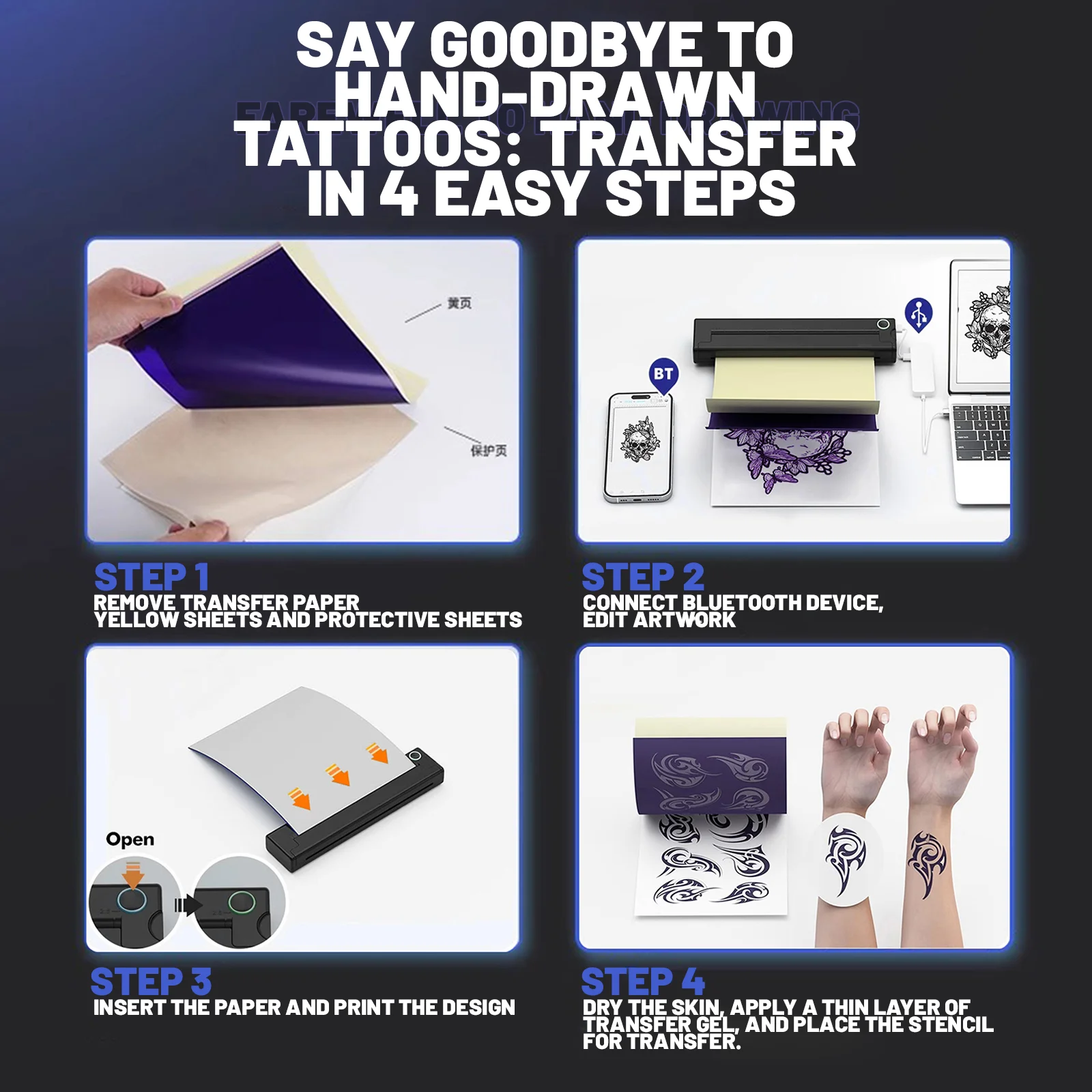
1. Read the User Guide carefully before use.
2. Power on the printer, open the matching app.
3. Click the "Not Connected" button (top right) to enter the "Add Device" list.
4. Select your device to connect via Bluetooth, then start printing.
💡 Tip: Ensure your phone’s Bluetooth is enabled and the printer is close to your phone during connection.
⚠️ Safety & Usage Notes
- Do not charge or use in high-temperature, humid, or dusty environments.
- Use a 5V 2A power adapter (mobile phone adapters are compatible) for charging.
- Never touch the print head directly after printing – risk of burns from high temperature.
- Insert/remove the charging cable gently to avoid damaging the interface.
- Improper charging may damage the print head. Unplug the cable promptly after full charge.
- Place the printer on a stable, flat surface to prevent slipping or damage.
- Turn off the power if not used for a long time.
- Keep foreign objects out of the printer to avoid malfunctions or safety hazards.
⚠️Note: When using the tattoo printing function, please ensure the tattoo paper is inserted correctly. Do not flip the tattoo paper, otherwise the printer will not be able to print properly.